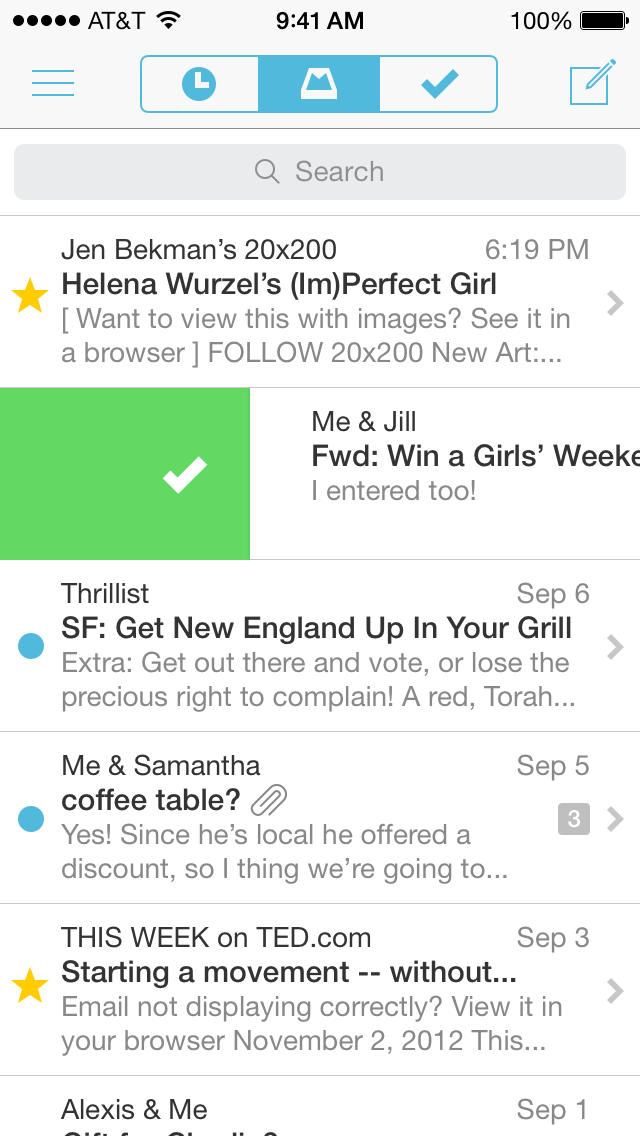
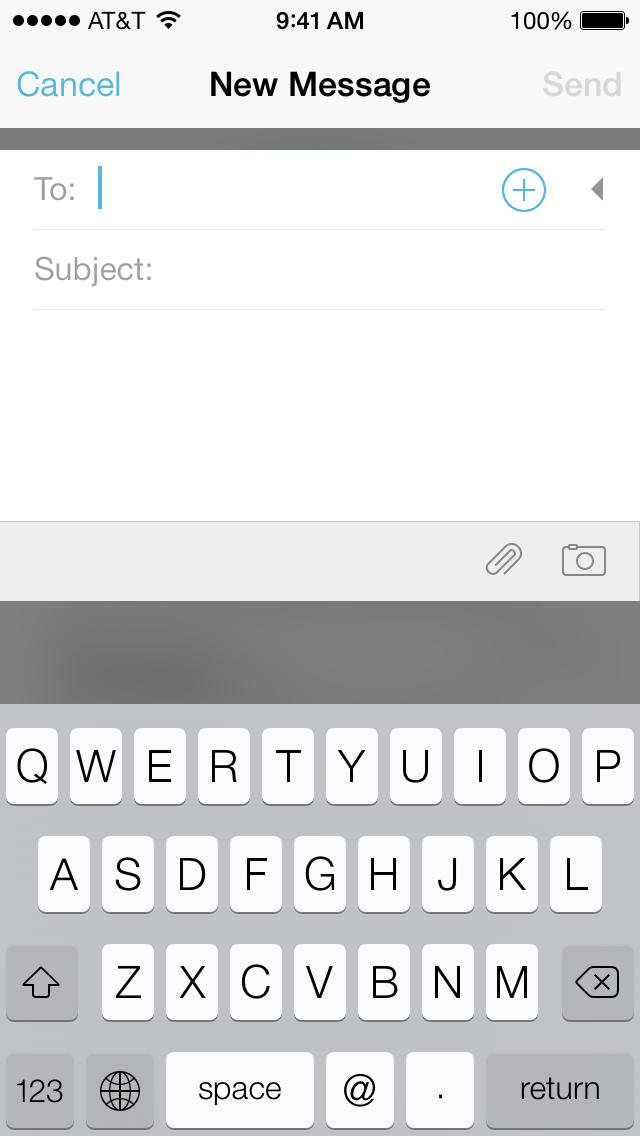
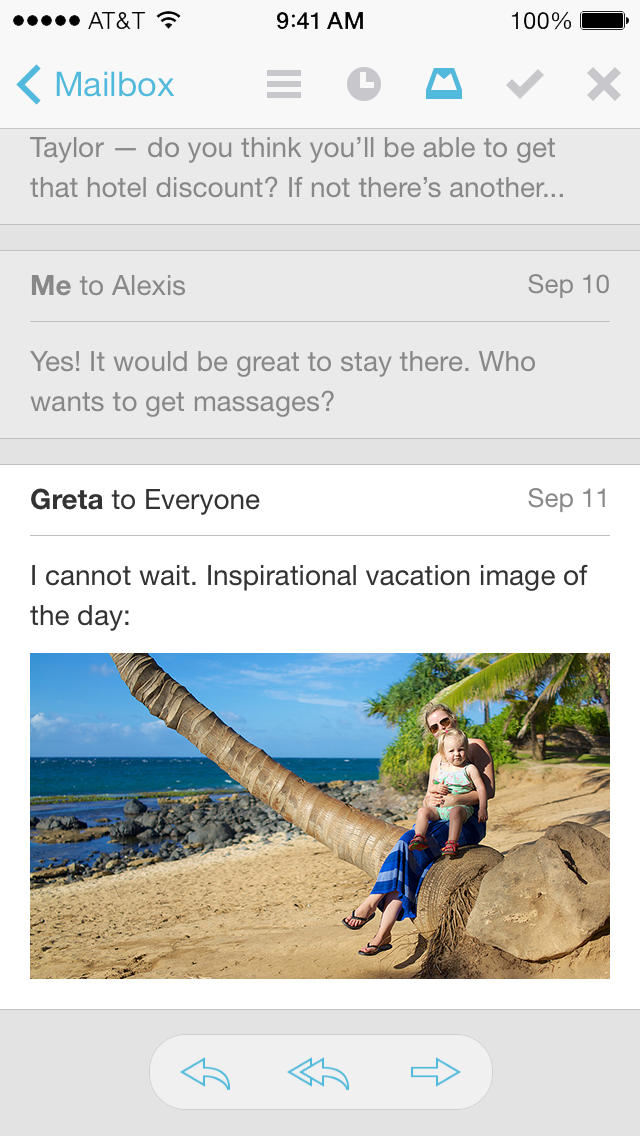
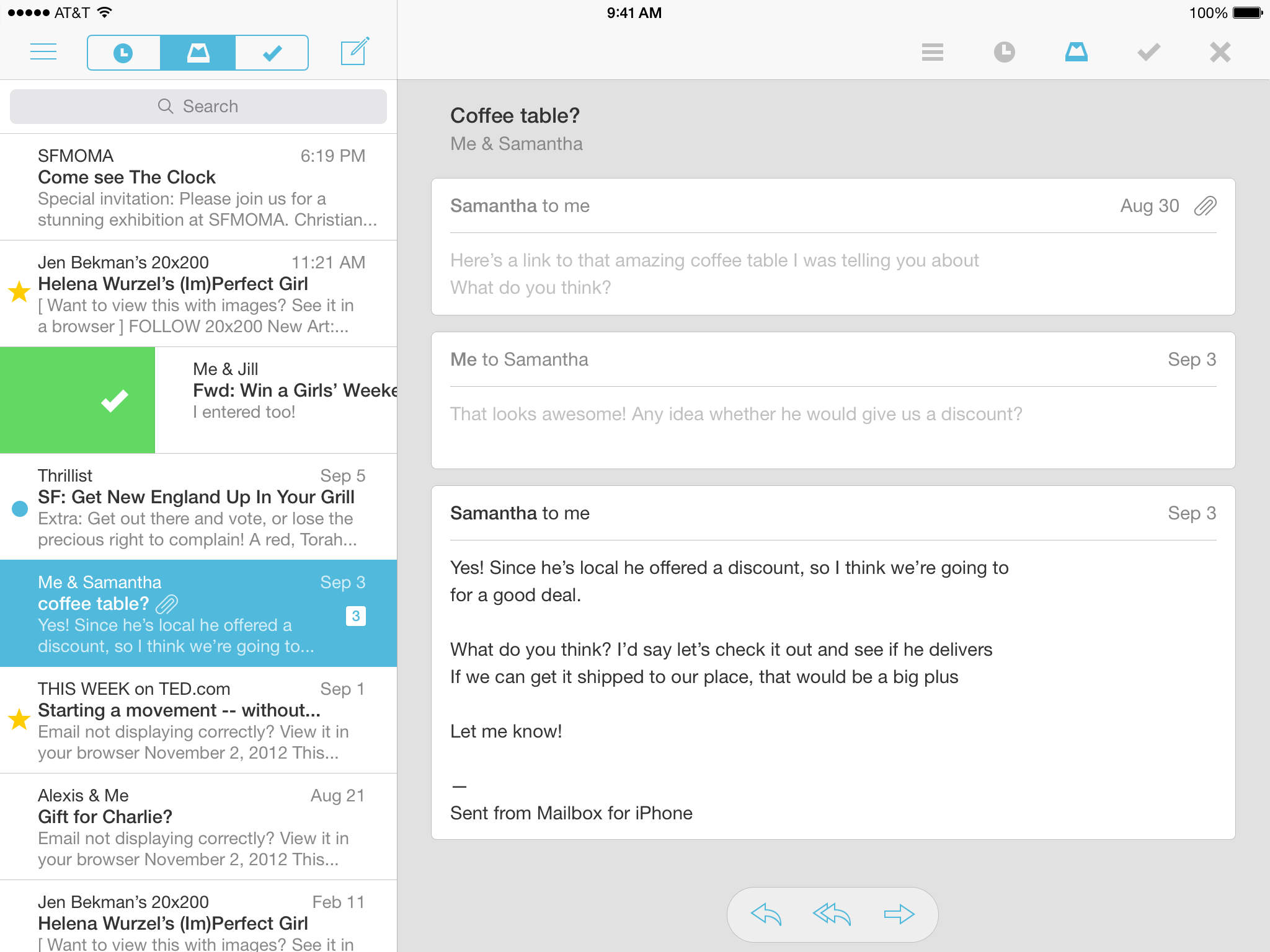
Mailbox has been update for iOS 7 and it is now, as the developers claim "lighter, faster and more focused." Mailbox already had a look and feel similar to iOS 7, so this update only brings minimal design changes.
The fast, fun mobile inbox that puts email in its place.
Note: Currently for Gmail only. Other email platforms coming soon.
Mailbox is a completely redesigned inbox that makes email light, fast, and mobile-friendly. Quickly swipe messages to your archive or trash. Scan an entire conversation at once with chat-like organization. Snooze emails until later with the tap of a button — they’ll return to your inbox automatically so you can focus on what's important now.
Mailbox checks your email from the cloud, then delivers it to your phone securely. You can even get push notifications for new messages. Add all your GMail accounts for speedy access on-the-go.
Mailbox makes getting to zero — and staying there — a breeze. After you experience a clean inbox, you’ll wonder how you ever lived without
What's New In This Version: - iOS7 update: lighter, faster and more focused
You can download Mailbox from the App Store for free.
Get the iClarified Daily Newsletter
Apple news, rumors, tutorials, price drop alerts, in your inbox every evening, free.
Unsubscribe at any time.
Success!
You have been subscribed.
Add Comment
Would you like to be notified when someone replies or adds a new comment?
Yes (All Threads)
Yes (This Thread Only)
No
Notifications
Would you like to be notified when we post a new Apple news article or tutorial?





![Pro Photographer Austin Mann Tests iPhone 18 Pro Camera [Video]](/images/news/102297/102297/102297-160.jpg "Pro Photographer Austin Mann Tests iPhone 18 Pro Camera [Video]")

![Apple Releases Xcode 27.1 Beta With iPhone Duo SDKs and Simulator [Download]](/images/news/102276/102276/102276-160.jpg "Apple Releases Xcode 27.1 Beta With iPhone Duo SDKs and Simulator [Download]")
![Apple Shares 'new trick' Shot on iPhone 18 Pro Ad Featuring ROSÉ [Video]](/images/news/102273/102273/102273-160.jpg "Apple Shares 'new trick' Shot on iPhone 18 Pro Ad Featuring ROSÉ [Video]")









![Apple Studio Display XDR Hits All-Time Low of $2,969.99 ($329 Off) [Deal]](/images/news/101976/101976/101976-160.jpg "Apple Studio Display XDR Hits All-Time Low of $2,969.99 ($329 Off) [Deal]")
