Evernote has released an update to its Skitch annotations app, bringing several improvements.
Skitch lets you communicate important ideas in an instant. Snap a photo, mark it up, and send it on. Make your message clear with arrows, stamps, text, shapes, and more. Getting your point across has never been easier.
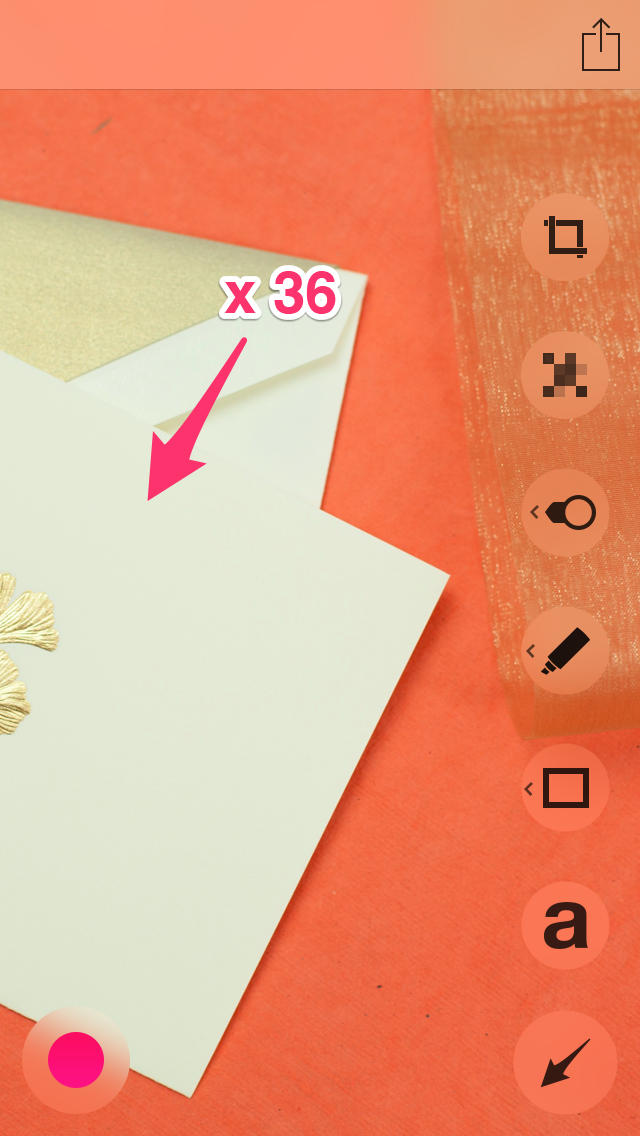
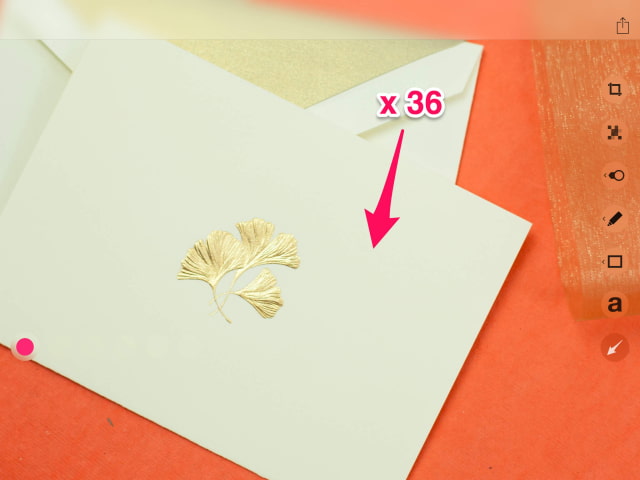
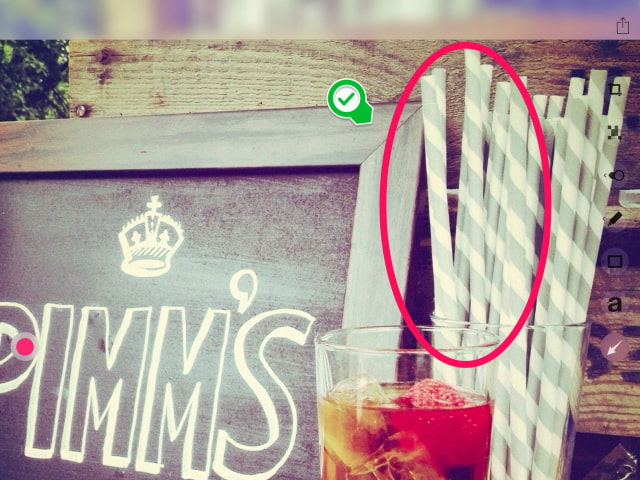
Your ideas. Fast. → Snap a photo and mark it up by pointing the arrow, then tapping the button → Use the predefined arrow, add text, and point out what is important → Send it to your coworkers, classmate, or friends instantly
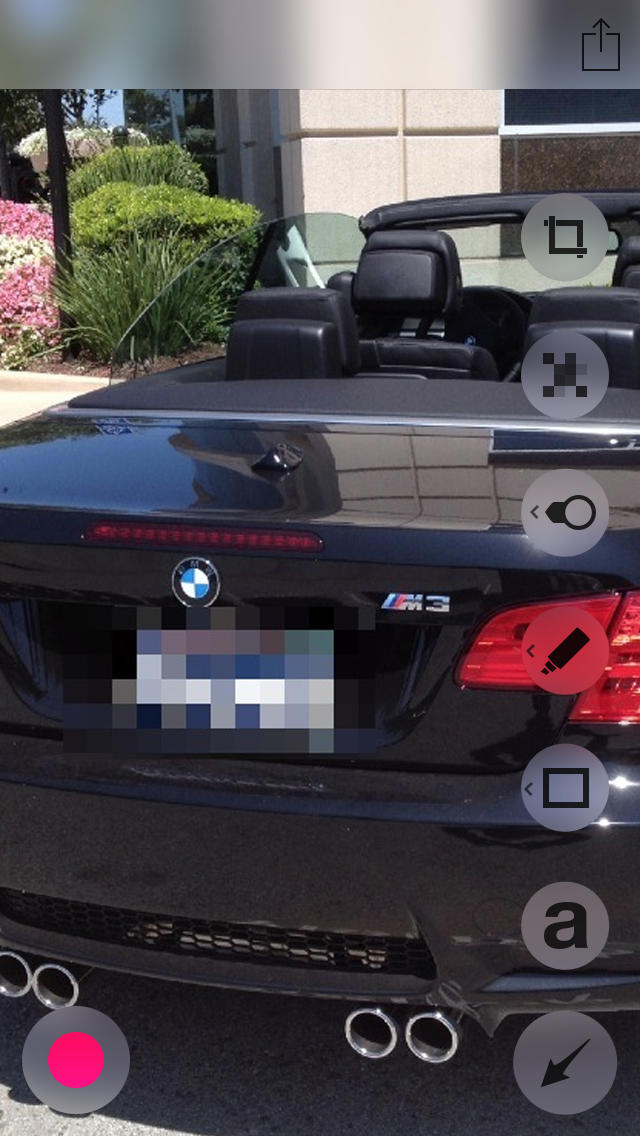
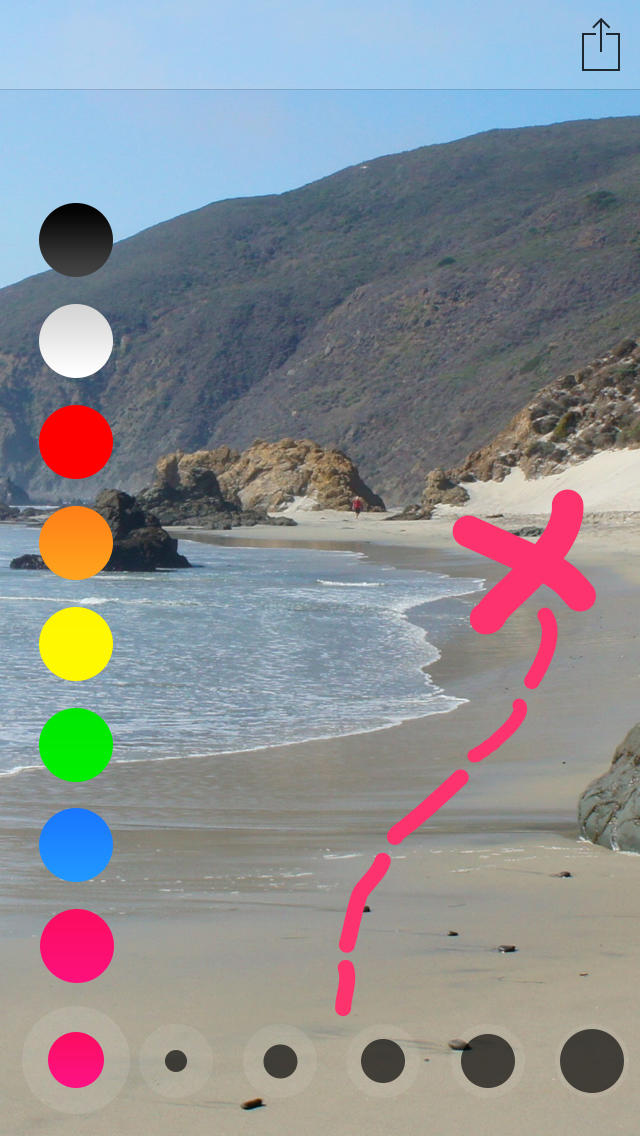
More Tools → Tap a picture to add arrows, stamps, shapes, text, highlights, and freehand pencil annotations → Crop or pixelate an image to show only the essential content → Add a quick caption to your image to provide context
Simple sharing → Send marked up snapshots via email, SMS, or AirDrop → Post to a social media stream for your friends and followers to see → Display your annotations with AirPlay → Create a unique link to your image and more with Evernote → Grab a picture of something at work and share with meeting attendees
Some ways to use Skitch: → At work: Snap a picture of a whiteboard and add your take to send to the team → At home: Need something repaired? Snap a photo, mark it up to identify the problem and send it off → For yourself: Take a snap of a bill or document, pixelate personal details and save it to Evernote
What's New In This Version: - Maps have been reintroduced to the picker view. - Evernote Settings are easier to find under a new Evernote heading. - Your default Evernote Notebook can be set while signing in to the app. - Your default Evernote Notebook can be changed in Evernote settings. - Crop has been added to a new overflow menu in More Tools. - Annotations can all be cleared at once using the “Clear Annotations” option under the overflow menu. - “Open in” has been added as a sharing option, which lets you send your annotated images directly to any installed apps that accept images.
You can download Skitch from the App Store for free.
Get the iClarified Daily Newsletter
Apple news, rumors, tutorials, price drop alerts, in your inbox every evening, free.
Unsubscribe at any time.
Success!
You have been subscribed.
Add Comment
Would you like to be notified when someone replies or adds a new comment?
Yes (All Threads)
Yes (This Thread Only)
No
Notifications
Would you like to be notified when we post a new Apple news article or tutorial?









![How To Change Wallpaper on Mac [Video]](/images/tutorials/90512/90512/90512-160.jpg "How To Change Wallpaper on Mac [Video]")
![How To Turn Off Always On Display on iPhone [Video]](/images/tutorials/87524/87524/87524-160.jpg "How To Turn Off Always On Display on iPhone [Video]")





![16-Inch M5 Max MacBook Pro Drops $900 to New Low of $3,499 [Deal]](/images/news/102438/102438/102438-160.jpg "16-Inch M5 Max MacBook Pro Drops $900 to New Low of $3,499 [Deal]")
![Magic Keyboard for iPad Air Drops to $200 on Amazon [Deal]](/images/news/102402/102402/102402-160.jpg "Magic Keyboard for iPad Air Drops to $200 on Amazon [Deal]")
