Apple has updated its AirPort Utility app for iOS with 64-bit support.
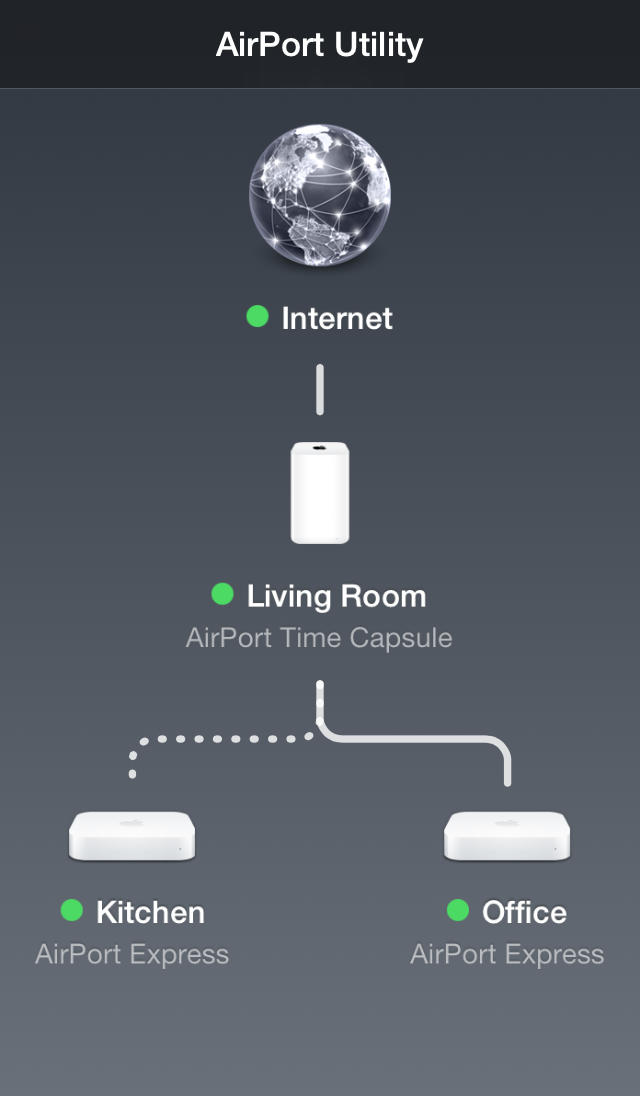
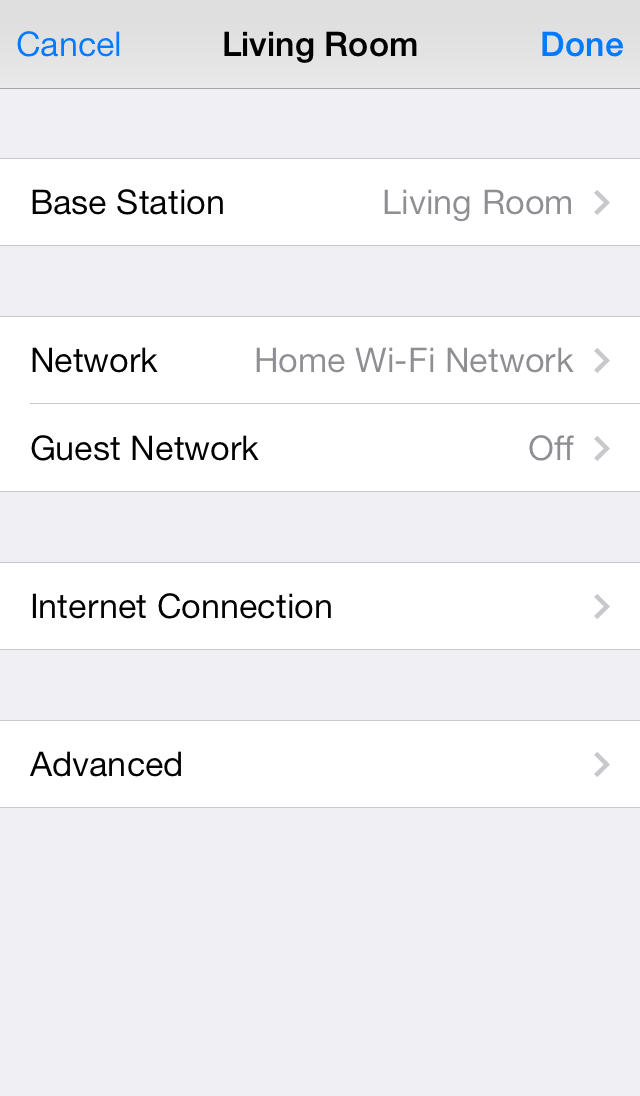
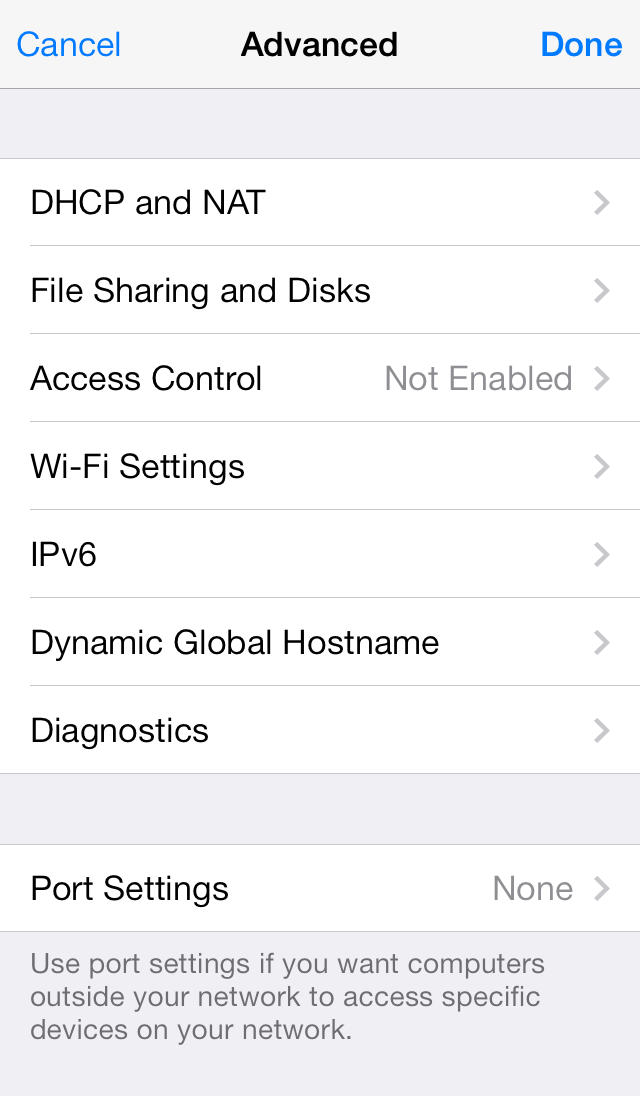
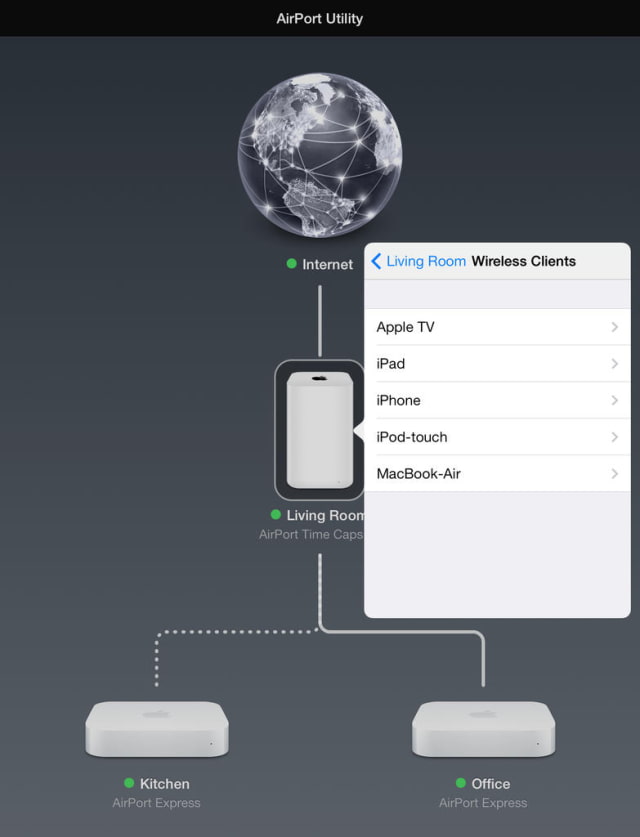
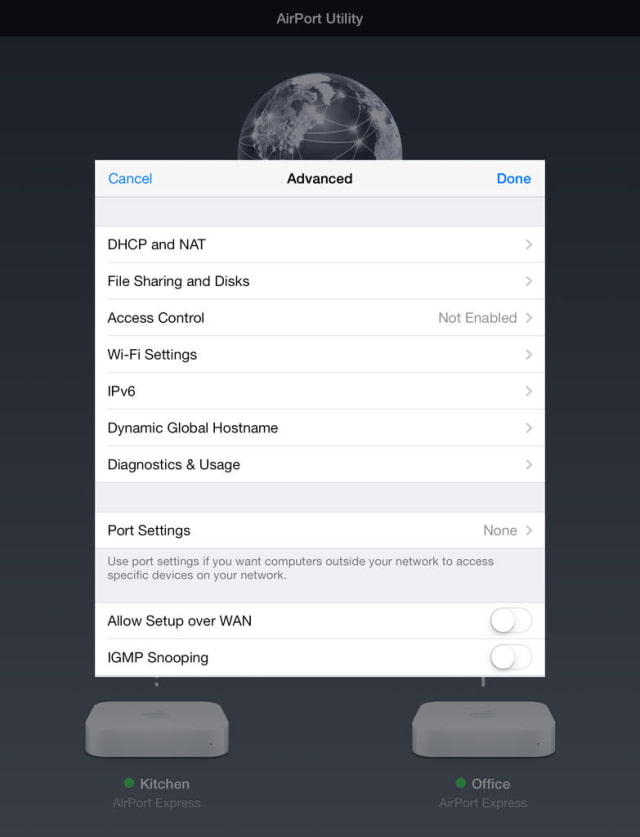
Use AirPort Utility to manage your Wi-Fi network and AirPort base stations, including AirPort Express, AirPort Extreme, and AirPort Time Capsule — right from your iPad, iPhone, or iPod touch. See a graphical overview of your Wi-Fi network and devices. Change base station and network settings, or manage advanced features such as security modes, wireless channels, IPv6 configuration, and more.
AirPort Utility works with all Apple 802.11n and 802.11ac Wi-Fi base stations, including AirPort Express, AirPort Extreme, and AirPort Time Capsule.
Features • See a graphical overview of your Wi-Fi network • Get information about your connected Wi-Fi devices • View and change network and Wi-Fi settings • Restart or restore a base station, or update the firmware on a base station when available • View or update passwords for your network, base stations, or disks • Easily access network information such as IP address, DNS servers, and router address • Manage DHCP reservations and port mappings • Configure base stations for IPv6 • View status or error messages • Archive Time Machine backups
What's New In This Version: • Adds 64-bit support
You can download AirPort Utility from the App Store for free.






![Mac mini With M6 and M5 Pro Review Roundup [Video]](/images/news/102318/102318/102318-160.jpg "Mac mini With M6 and M5 Pro Review Roundup [Video]")
![Apple Releases macOS 27.2 Golden Gate Beta 2 to Developers [Download]](/images/news/102327/102327/102327-160.jpg "Apple Releases macOS 27.2 Golden Gate Beta 2 to Developers [Download]")









![Apple Studio Display XDR Hits All-Time Low of $2,969.99 ($329 Off) [Deal]](/images/news/101976/101976/101976-160.jpg "Apple Studio Display XDR Hits All-Time Low of $2,969.99 ($329 Off) [Deal]")
