

Here's how you can get the redesigned Twitter' profile for your account.
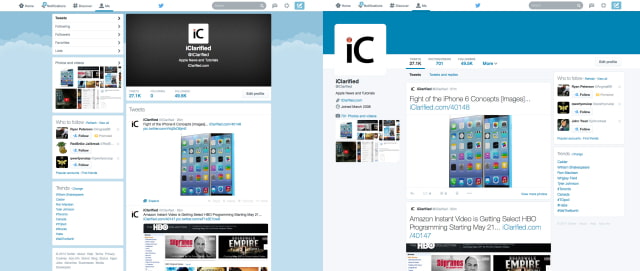
Step One
Log into your Twitter account and click here.
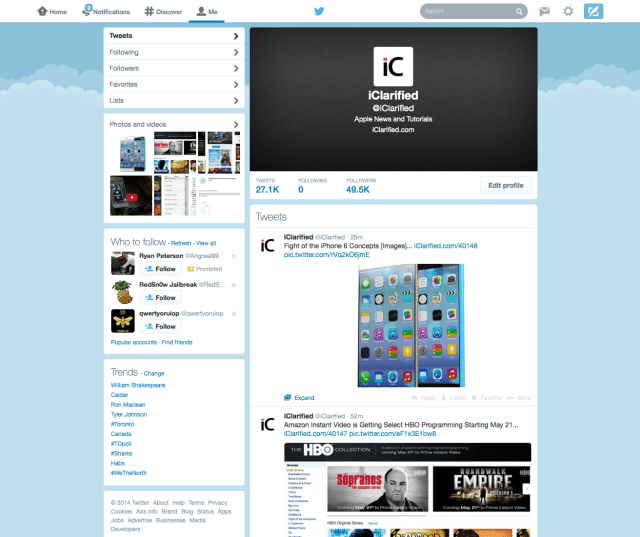
Step Two
At the bottom of the page click the Get it now button.
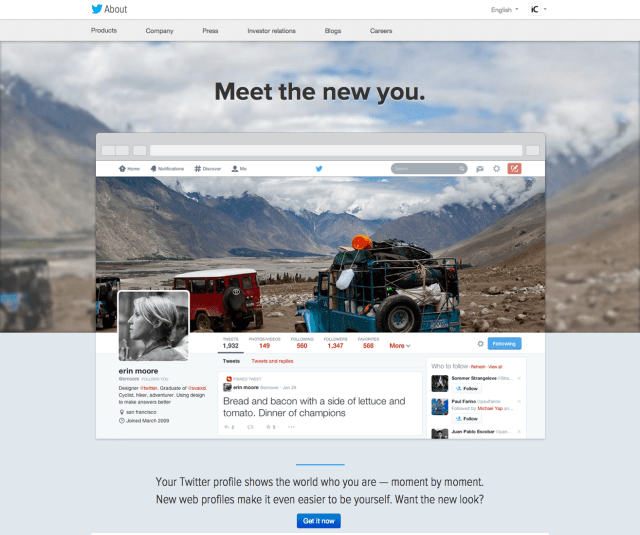
Step Three
You'll be shown a preview of your profile with the new design. If you like it, click the Turn it on! button at the top.
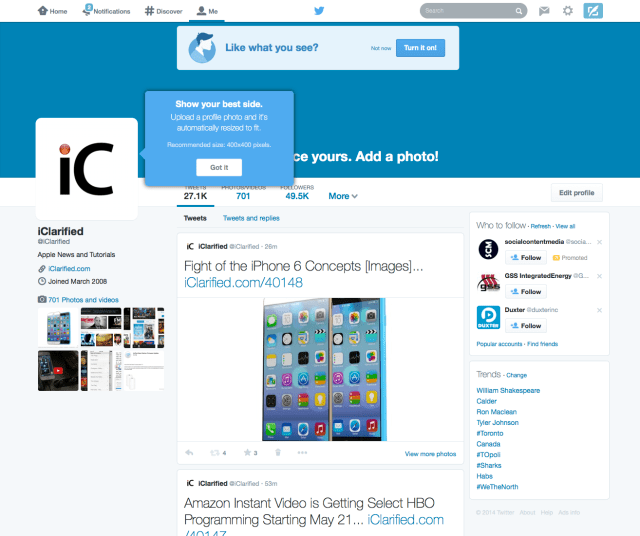
Step Four
Twitter will walk you through some of the new features. Keep clicking the Got it button to continue.
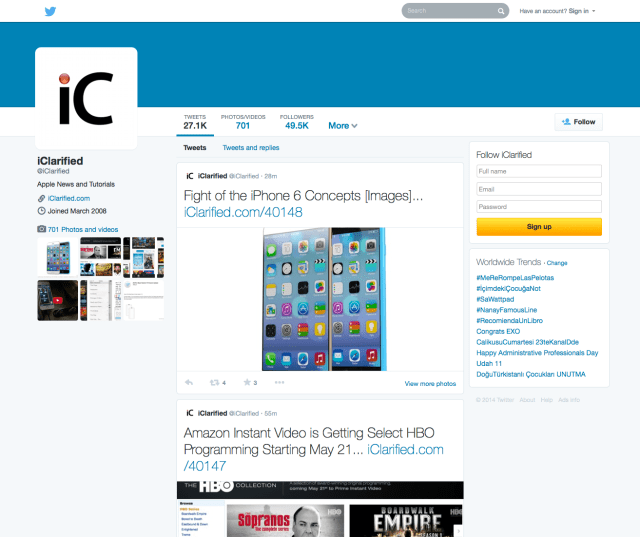
Here's how your profile will look to visitors...
***Don't forget to iClarified on X, Facebook, or RSS for more news and tutorials!
Step One
Log into your Twitter account and click here.
Step Two
At the bottom of the page click the Get it now button.
Step Three
You'll be shown a preview of your profile with the new design. If you like it, click the Turn it on! button at the top.
Step Four
Twitter will walk you through some of the new features. Keep clicking the Got it button to continue.
Here's how your profile will look to visitors...
***Don't forget to iClarified on X, Facebook, or RSS for more news and tutorials!


![Apple Cuts Fitness+ Jobs as It Rethinks the Service [Report]](/images/news/102306/102306/102306-160.jpg "Apple Cuts Fitness+ Jobs as It Rethinks the Service [Report]")

![Pro Photographer Austin Mann Tests iPhone 18 Pro Camera [Video]](/images/news/102297/102297/102297-160.jpg "Pro Photographer Austin Mann Tests iPhone 18 Pro Camera [Video]")

![Apple Releases Xcode 27.1 Beta With iPhone Duo SDKs and Simulator [Download]](/images/news/102276/102276/102276-160.jpg "Apple Releases Xcode 27.1 Beta With iPhone Duo SDKs and Simulator [Download]")









![Apple Studio Display XDR Hits All-Time Low of $2,969.99 ($329 Off) [Deal]](/images/news/101976/101976/101976-160.jpg "Apple Studio Display XDR Hits All-Time Low of $2,969.99 ($329 Off) [Deal]")
