Dropbox has released an update to the Mailbox app that brings improvements to Auto-Swipe. You can now swipe and hold to manually create an Auto-Swipe pattern. Auto-Swipe suggestions have also been added to the email view.
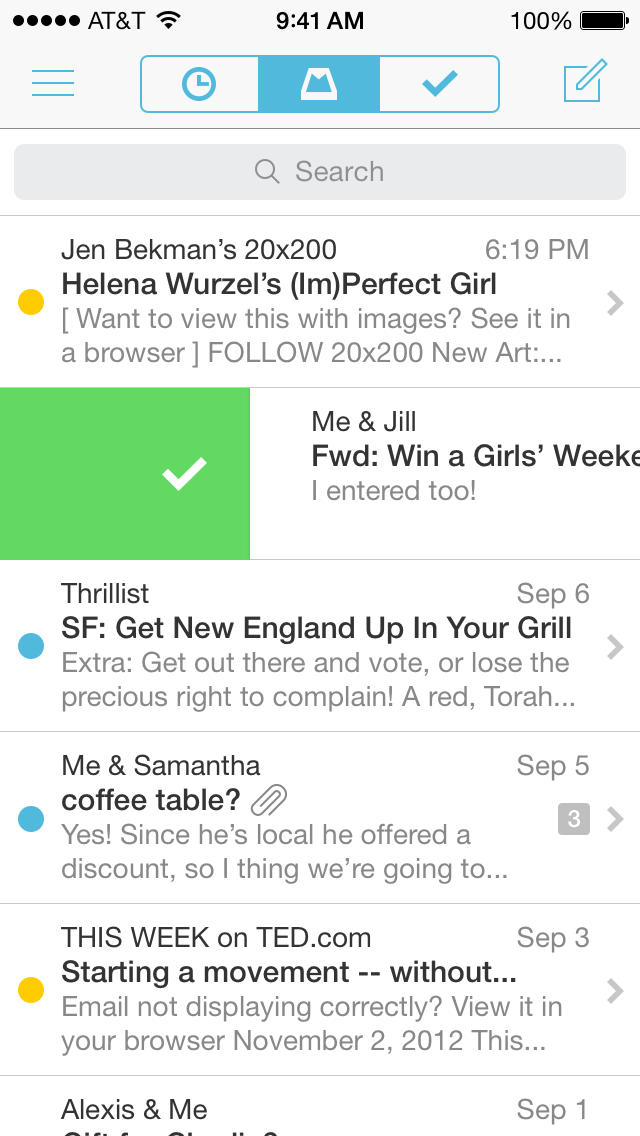
Mailbox is a completely redesigned inbox that makes email light, fast, and mobile-friendly.
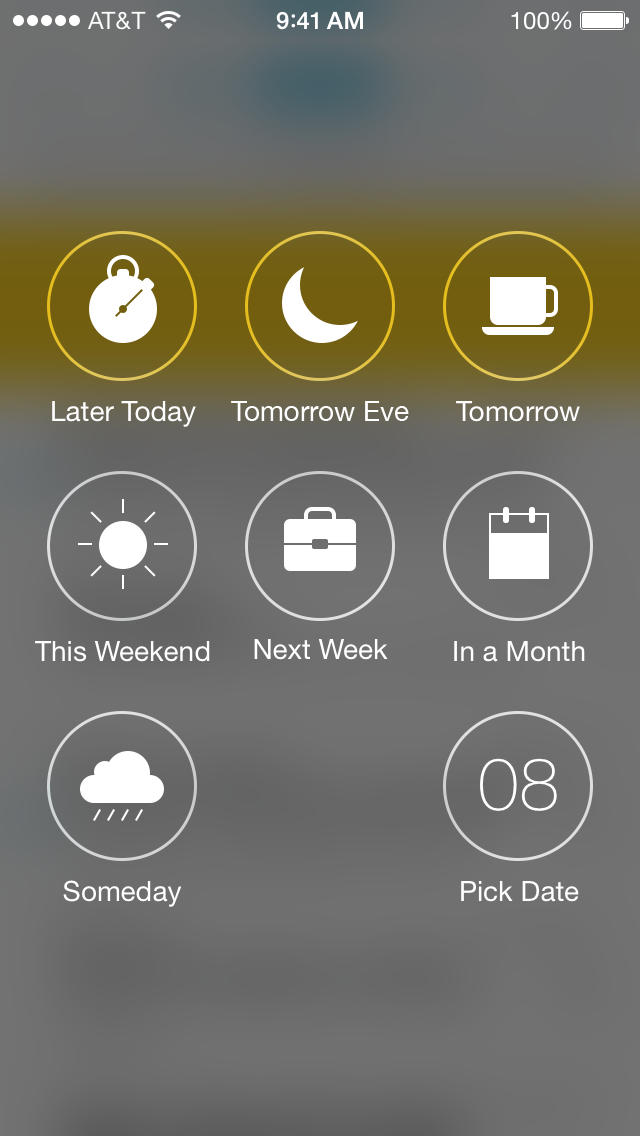
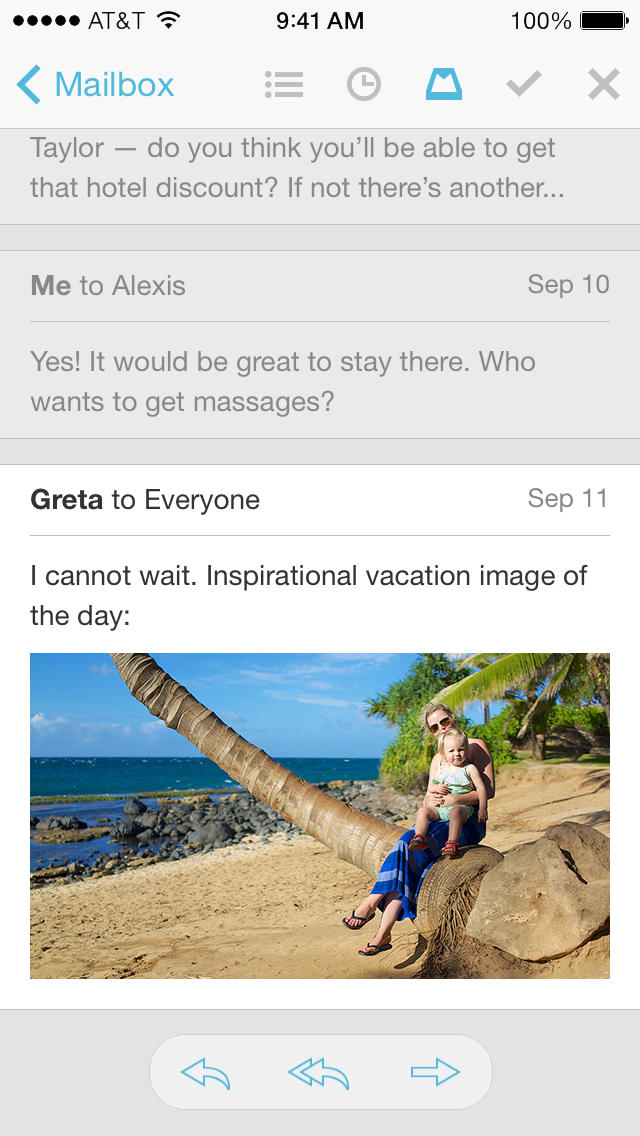
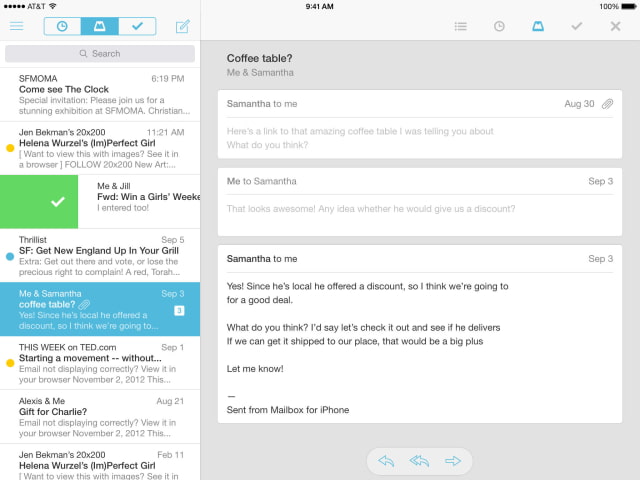
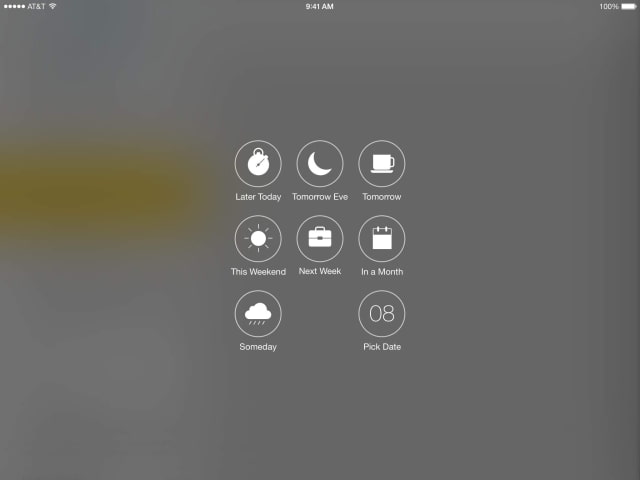
Features: Quickly swipe messages to your archive or trash. Scan an entire conversation at once with chat-like organization. Snooze emails until later with the tap of a button — they’ll return to your inbox automatically so you can focus on what's important now.
Mailbox checks your email from the cloud and delivers it to your phone securely. Now with Auto-swipe, Mailbox learns from your swipes and snoozes to automate common actions. Mute that conversation you don’t care about, snooze messages from your friend to this evening, or route all of your receipts to a list — automatically.
What's New In This Version: - swipe and hold to manually create an Auto-swipe pattern - Auto-swipe suggestions added to email view - other Auto-swipe improvements - attachment improvements - various bug fixes
You can download Mailbox from the App Store for free. You can get a free Dropbox account Dropbox file (no longer available).
Download
Get the iClarified Daily Newsletter
Apple news, rumors, tutorials, price drop alerts, in your inbox every evening, free.
Unsubscribe at any time.
Success!
You have been subscribed.
Add Comment
Would you like to be notified when someone replies or adds a new comment?
Yes (All Threads)
Yes (This Thread Only)
No
Notifications
Would you like to be notified when we post a new Apple news article or tutorial?



![Apple Highlights Fast Apple Card Approval in New Ad [Video]](/images/news/103347/103347/103347-160.jpg "Apple Highlights Fast Apple Card Approval in New Ad [Video]")
![Apple Could Merge iPhone Action Button Into Camera Control Next Year [Rumor]](/images/news/103344/103344/103344-160.jpg "Apple Could Merge iPhone Action Button Into Camera Control Next Year [Rumor]")


![How To Back Up Your iPhone to an External Drive on Mac [Video]](/images/tutorials/72786/72786/72786-160.jpg "How To Back Up Your iPhone to an External Drive on Mac [Video]")
![How To Sideload Apps Onto Your iPhone Using Xcode [Video]](/images/tutorials/52314/52314/52314-160.jpg "How To Sideload Apps Onto Your iPhone Using Xcode [Video]")
![How To Find Your IP Address on iPhone [Video]](/images/tutorials/496/496/496-160.jpg "How To Find Your IP Address on iPhone [Video]")


![Mac mini and Mac Studio Hit All-Time Lows, Up to $200 Off [Deal]](/images/news/103290/103290/103290-160.jpg "Mac mini and Mac Studio Hit All-Time Lows, Up to $200 Off [Deal]")
![M5 MacBook Air Up to $200 Off, 13-Inch From $1,099.99 [Deal]](/images/news/103233/103233/103233-160.jpg "M5 MacBook Air Up to $200 Off, 13-Inch From $1,099.99 [Deal]")
![Apple Watch Ultra 4 Drops Back to All-Time Low of $699.99 ($99 Off) [Deal]](/images/news/103218/103218/103218-160.jpg "Apple Watch Ultra 4 Drops Back to All-Time Low of $699.99 ($99 Off) [Deal]")
![AirTag 2 4-Pack Hits All-Time Low of $69.99 ($29 Off) [Deal]](/images/news/103203/103203/103203-160.jpg "AirTag 2 4-Pack Hits All-Time Low of $69.99 ($29 Off) [Deal]")

