These are instructions on how to install FaceTime on your first generation iPad. You must have a jailbroken iPad to continue.
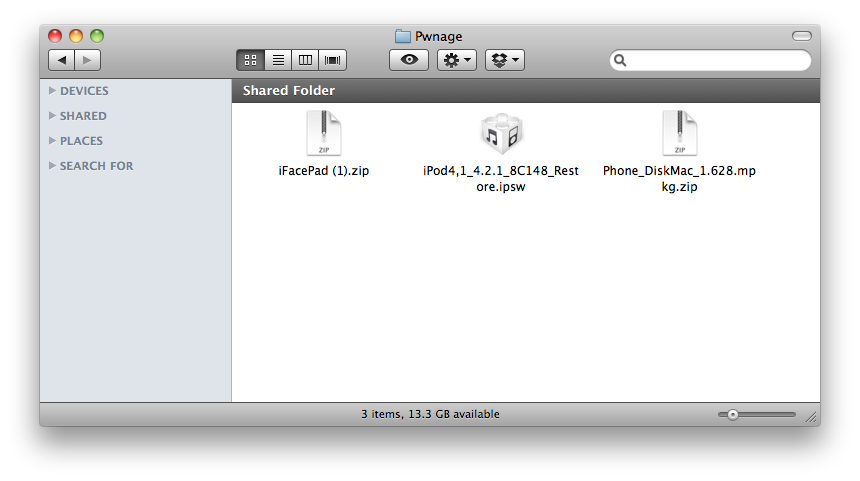
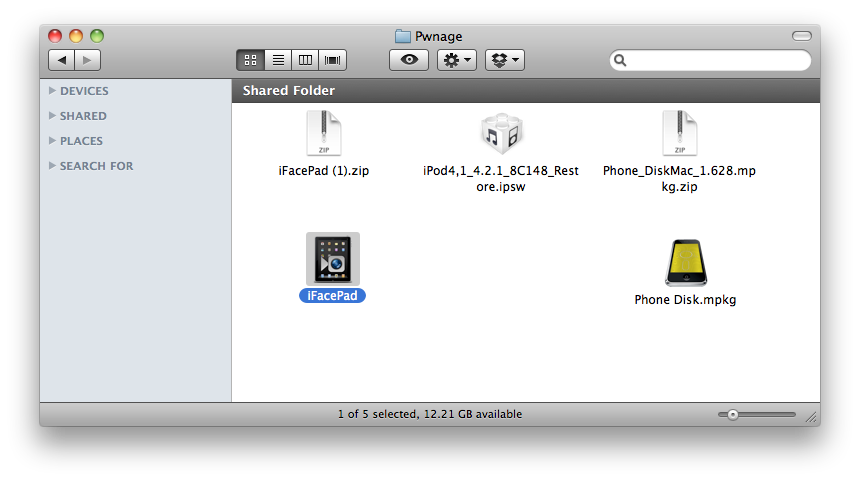
Step One Create a new folder on your desktop called Pwnage and place the following files in it. ● iFacePad ● iPod4,1_4.2.1_8C148_Restore.ipsw ● PhoneDisk
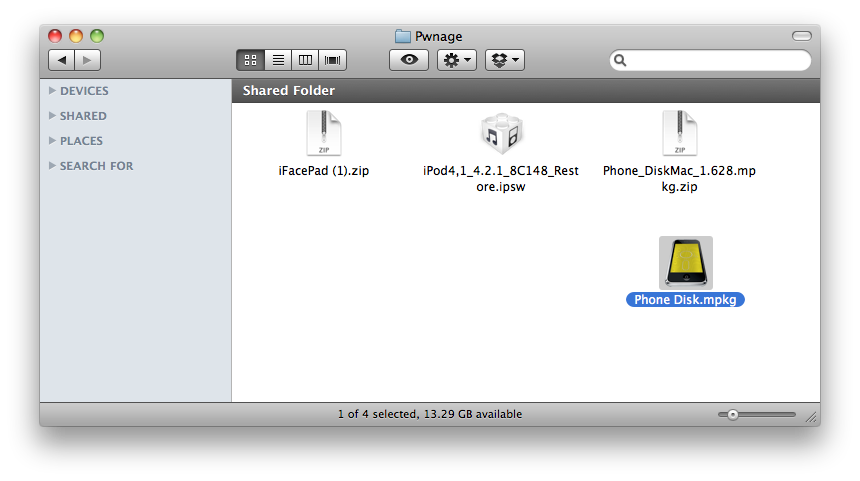
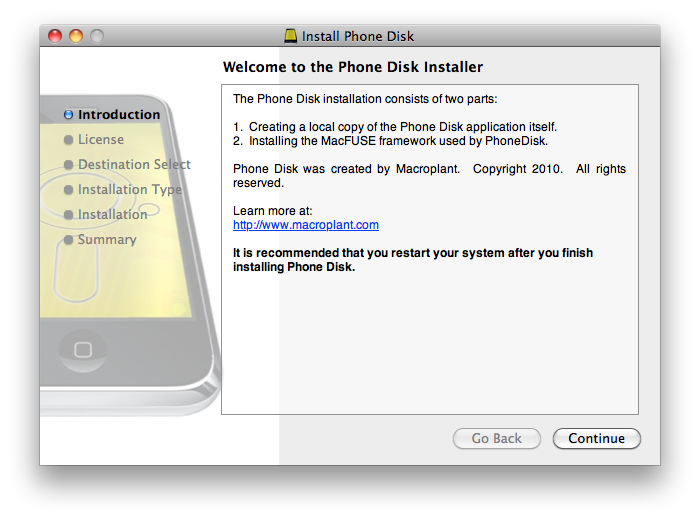
Step Two Double click to extract the PhoneDisk archive. Then double click the .mpkg file to install the application.
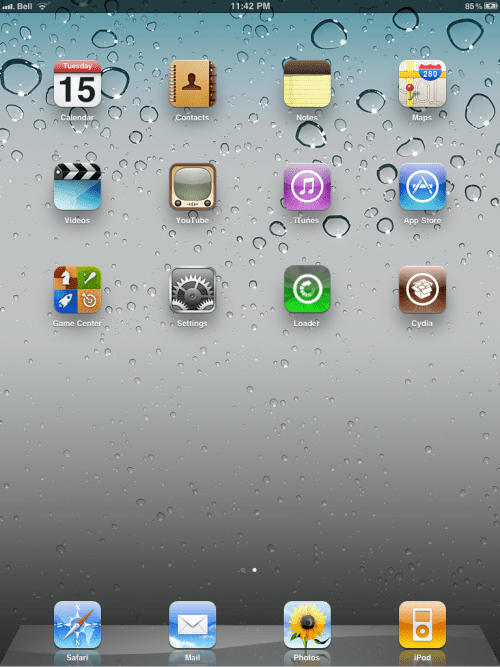
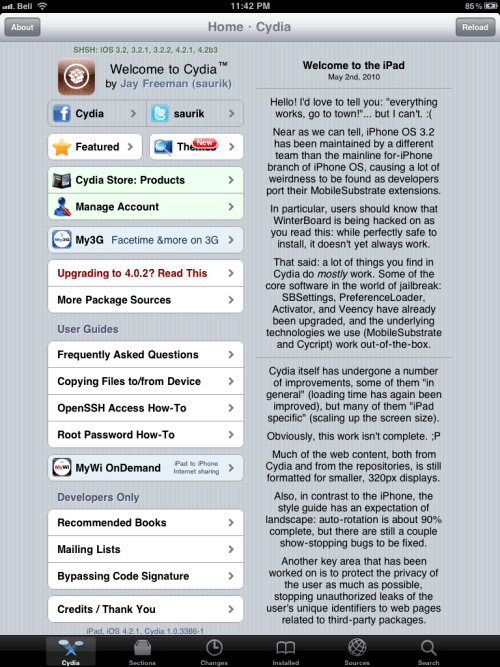
Step Three Press to launch Cydia from your iPad's Springboard.
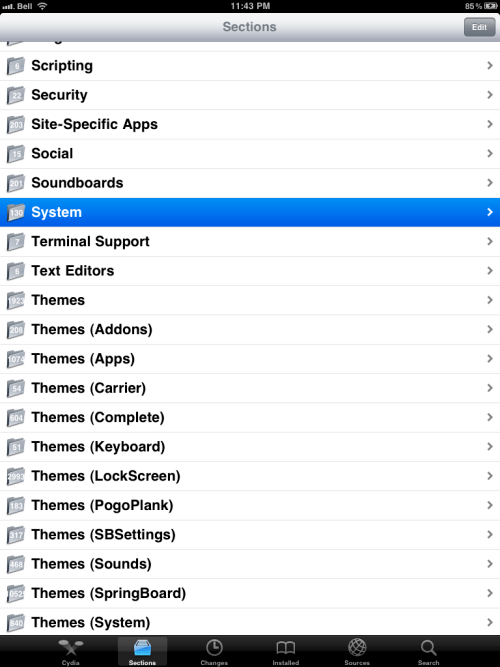
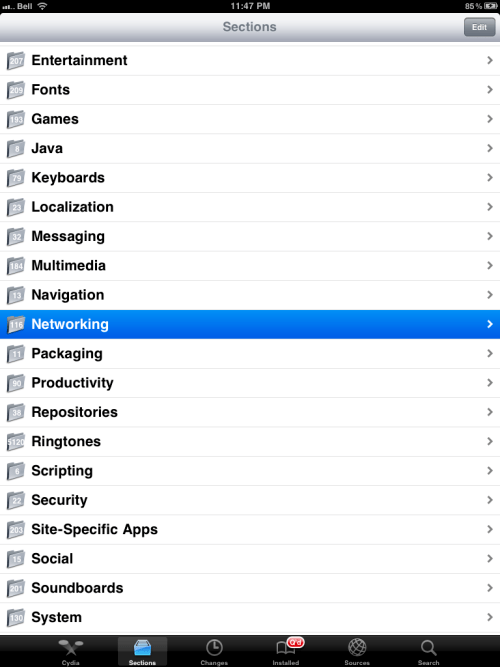
Press to select Sections from the tabs at the bottom of the screen.
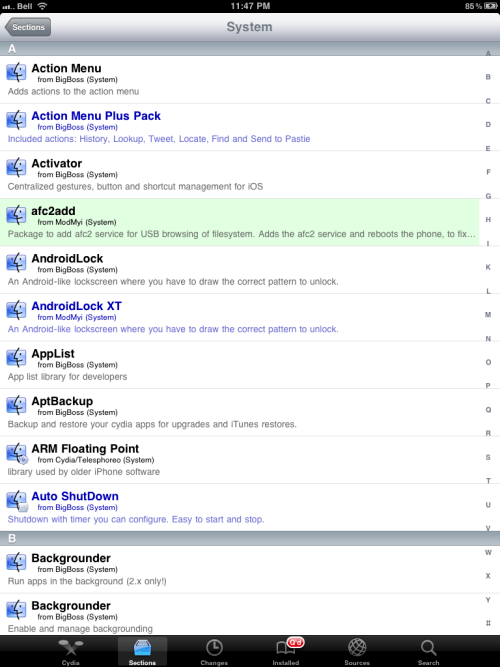
Press to select System from the list of Sections.
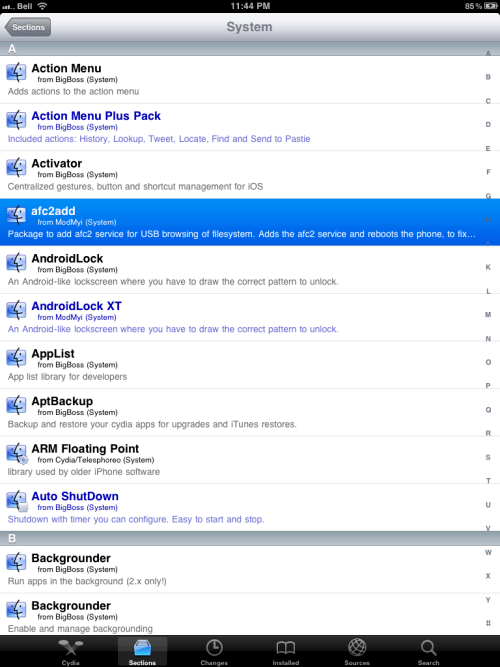
Press to choose afc2add from the list of Packages.
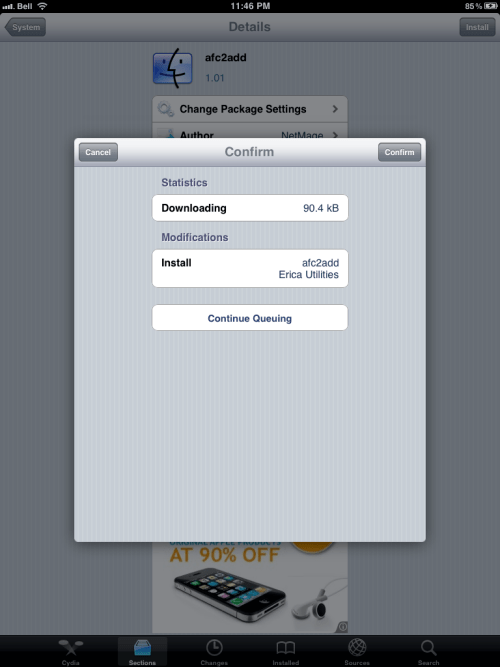
Press the Install button at the top right.
Press the Continue Queuing button from the window that appears.
Press the System button at the top left of the screen.
Press the Sections button at the top left of the screen.
Press to select Networking from the list of Sections.
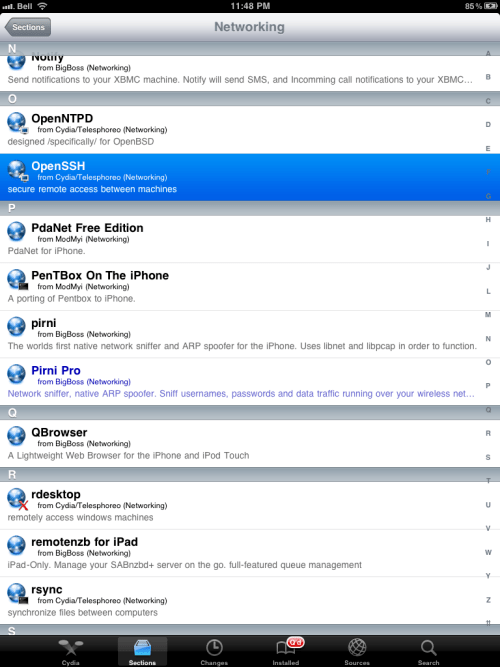
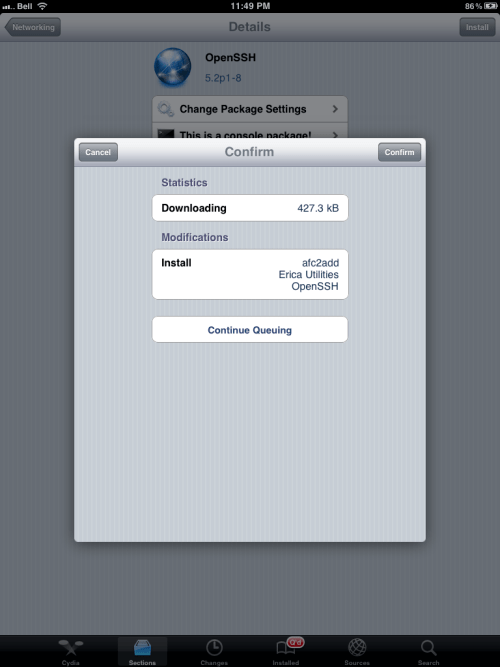
Press to select OpenSSH from the list of Packages.
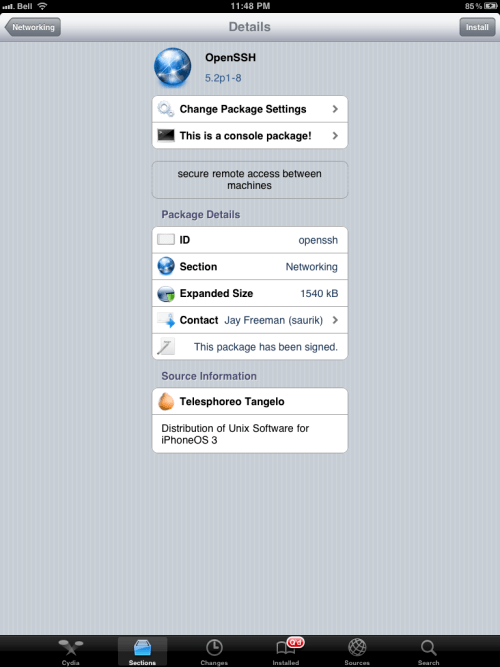
Press the Install button at the top right of the screen.
Press the Confirm button to begin installation.
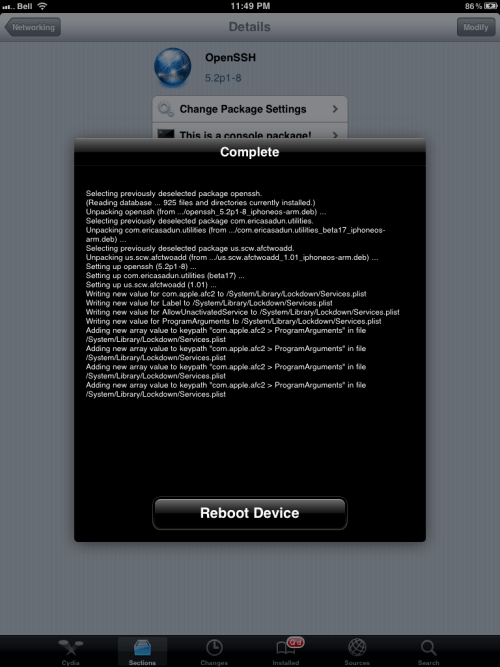
Once installation has completed successfully press the large Reboot Device button.
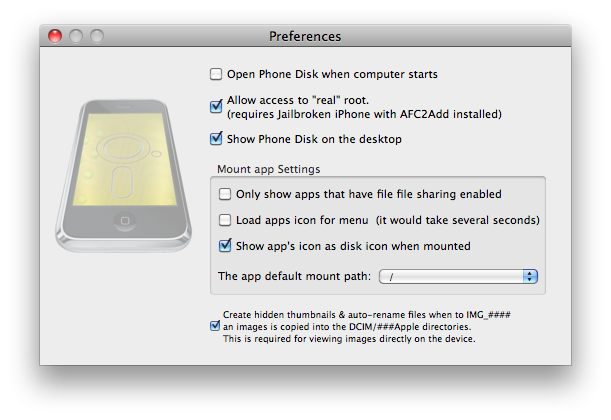
Step Four Once your iPad has rebooted launch PhoneDisk from your Applications folder and make sure it connects to your iPad as root.
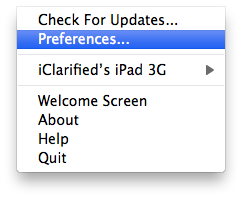
You can do this by clicking Preferences from the PhoneDisk menubar dropdown then change the app default mount path from /Documents to /.
Step Five Double click the iFacePad archive in your Pwnage folder to extract it. Then double click the extracted application to launch it.
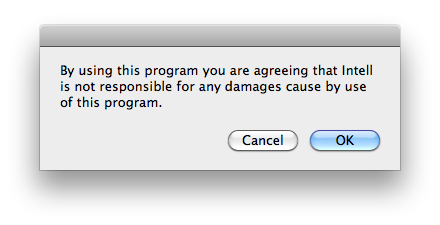
Click OK to confirm you won't hold the developer responsible for any damages.
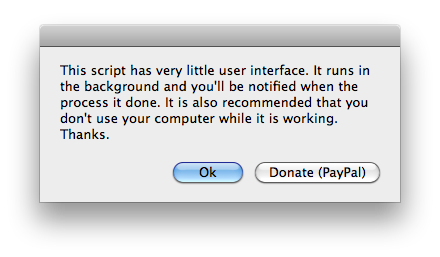
Click OK to begin. Make sure to not perform any tasks while it does its magic.
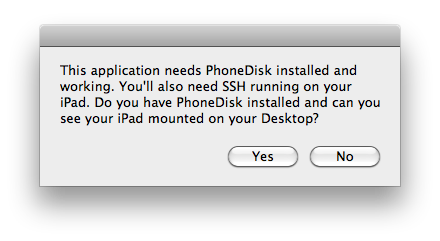
Click Yes to confirm you have PhoneDisk and SSH installed and your iPad mounted.
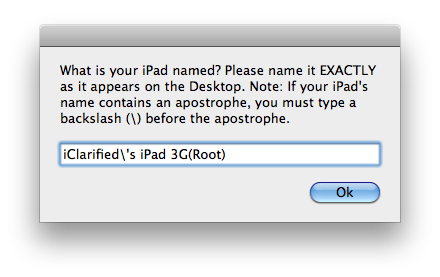
Enter the exact name of your iPad as it appears on your Desktop. Make sure to put a backslash before any apostrophes. ie iClarified's iPad 3G(Root)
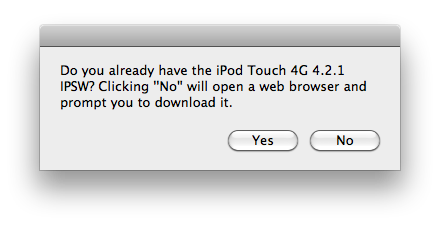
When asked if you have the iPod Touch 4G 4.2.1 firmware. Click Yes.
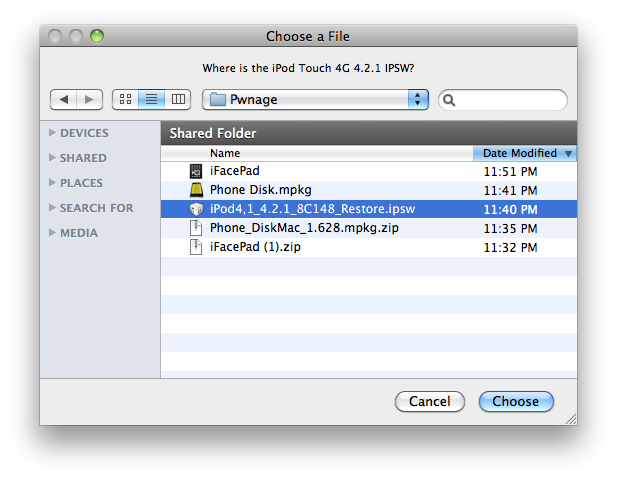
Select the iPod Touch 4G 4.2.1 ipsw using the window that appears and click Choose.
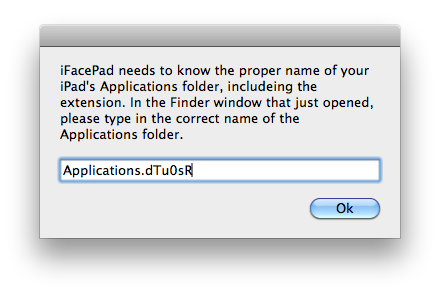
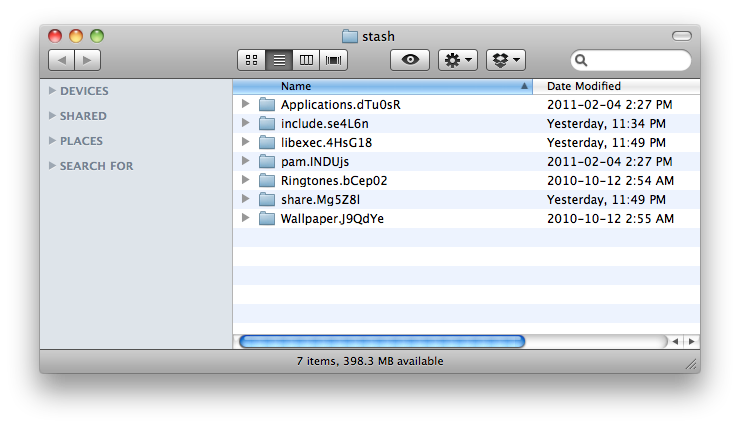
Two new windows will open. One will ask you to enter the exact name of the Applications folder in the other window. Do this then click OK.
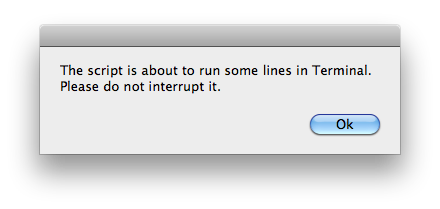
You will be warned that iFacePad needs to execute some Terminal commands. Click OK and make sure not to interrupt the script.
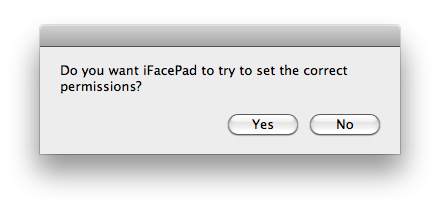
iFacePad will ask you if you want it to set the correct permissions. Click Yes.
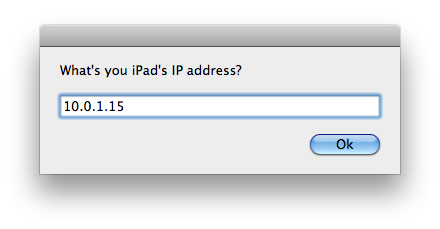
You will then be asked to input the IP address of your iPad. You can find this using the tutorial here. Click OK.
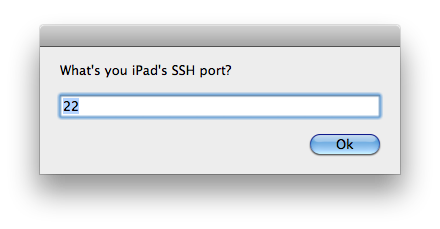
When asked your iPad's SSH port leave it at 22 and click OK.
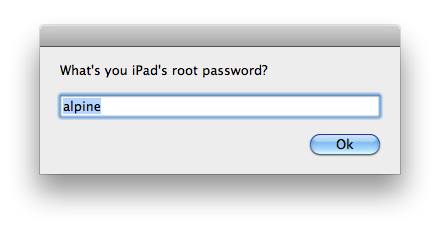
When asked your iPad's root password leave it as alpine unless you've changed it and click OK.
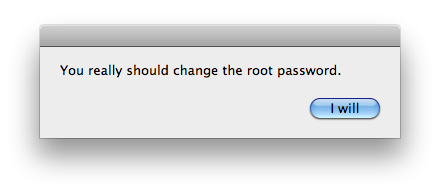
You will be reminded to change the password later. Click I will.
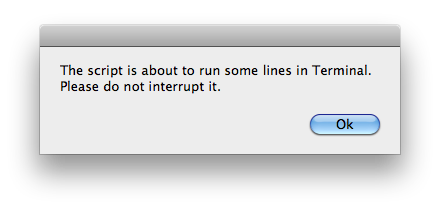
You will be warned that the script is about to run some lines in Terminal. Click OK and don't interrupt it.
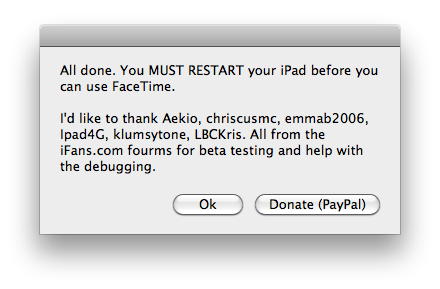
Finally, you're all done!
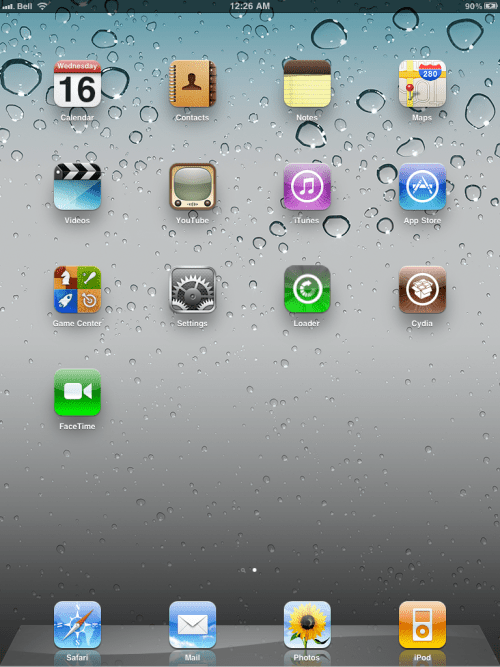
Reboot your iPad to begin using FaceTime.
*Thanks to IntellMR for making this possible!
Get the iClarified Daily Newsletter
Apple news, rumors, tutorials, price drop alerts, in your inbox every evening, free.
Unsubscribe at any time.
Success!
You have been subscribed.
Add Comment
Would you like to be notified when someone replies or adds a new comment?
Yes (All Threads)
Yes (This Thread Only)
No
Notifications
Would you like to be notified when we post a new Apple news article or tutorial?
Does this work for iPad1,1_4.3.2_8H7_Restore.ipsw file. I have jb my iPad can i follow the same process just use iPad1,1_4.3.2_8H7_Restore.ipsw file and keep the rest same. thanks in advance for any comments.
Your welcome ;)
The Camer Connection Kit has nothing to do with an Camera :/ (i thought the same as you) that just imports pictures and most non-compatibily videos.. So no it doesn't do anything.
So to follow up on my question, I found a Cydia source that enables FaceTime on iPad without ssh or any of the above steps on iclarifieds guidelines. cydia.iphonekickass.com
I bough an iPad three weeks ago. I would be delighted to jailbreak my iBook and install FaceTime on it but I have a question: How iPad may be able to use Face Time ? It doesn't have camera nor microphone...
Yeah it has a micro (at the top on the left side) and we can "call" the person with Facetime for iPad.You see & hear the person but the person can only hear you (on his iDevice will be a black screen)
Yes indeed, you're right. Anyway it's make FaceTime much less interesting: "he" only heard you and you can only call people using last generation of Apple iPhone/iPad/Mac...
I keep getting a error message saying iPad is not mounted correctly. I have on the Right Root Partition. But i Keep getting this error. Please help. Thanks.
Go ahead and set permissions. I had this issue too. Set permissions to 755 on MobilePhone.app and IMAgent. IMAgent can be found in: /System/Library/PrivateFrameworks/IMcore.framework/IMAgent.app
No, the reason that you can't is because technically, there is no separate FaceTime app. It's actually just the mobilephone.app and if you mess with that on your iPhone, it will send your iPhone into a boot loop since the baseband needs that app to stay unchanged for the phone to function properly.










![Apple-LG Home Accessories Could Offer Dynamic Island Proximity Controls [Leak]](/images/news/102711/102711/102711-160.jpg "Apple-LG Home Accessories Could Offer Dynamic Island Proximity Controls [Leak]")


![How To Force Restart iPhone [Video]](/images/tutorials/95012/95012/95012-160.jpg "How To Force Restart iPhone [Video]")
![How To Turn Off iPhone [Video]](/images/tutorials/94999/94999/94999-160.jpg "How To Turn Off iPhone [Video]")
![How To Back Up Your iPhone to an External Drive on Mac [Video]](/images/tutorials/72786/72786/72786-160.jpg "How To Back Up Your iPhone to an External Drive on Mac [Video]")






![Mac mini Drops to $779.99 for Prime Big Deal Days [Deal]](/images/news/102624/102624/102624-160.jpg "Mac mini Drops to $779.99 for Prime Big Deal Days [Deal]")
