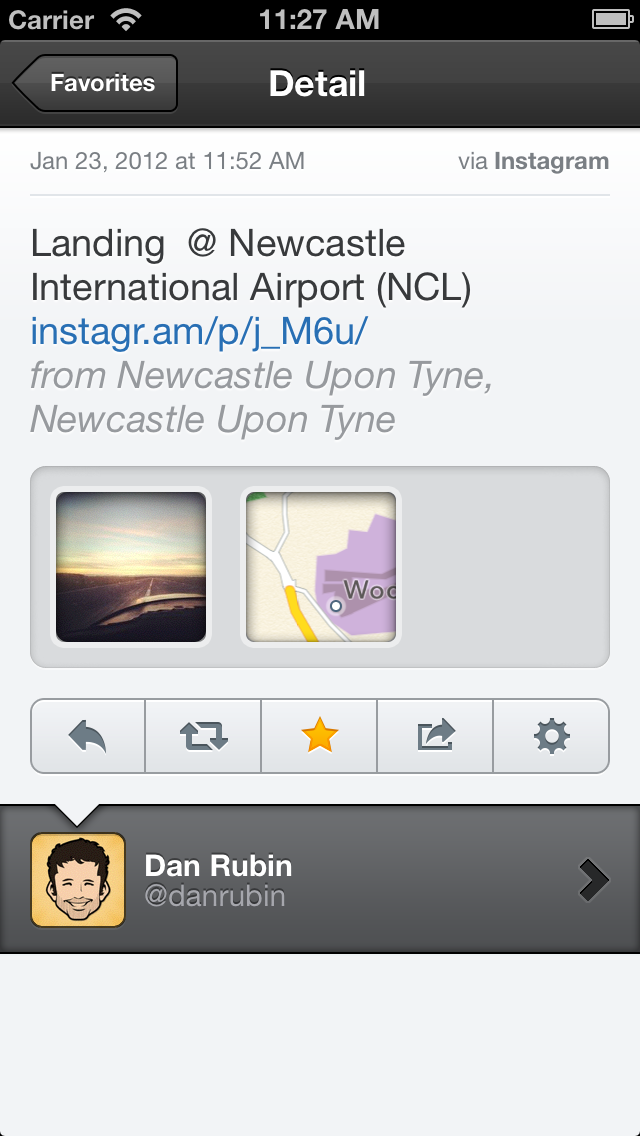
Tweetbot has been updated on the iPhone and iPad to bring support for Instagram video. In addition, bug fixes and other improvements were made.
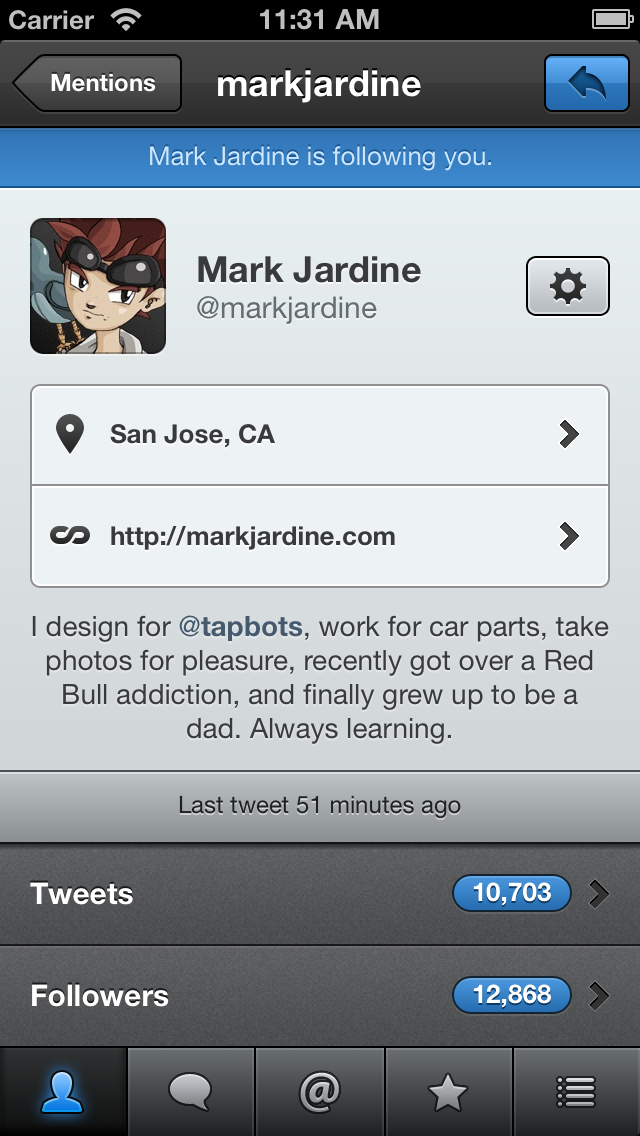
Tweetbot is a full-featured iPhone (and iPod touch) Twitter client with a lot of personality. Whether it’s the meticulously-crafted interface, sounds & animation, or features like multiple timelines & smart gestures, there’s a lot to love about Tweetbot.
What people are saying:
“I’ve tried every iPhone Twitter client in the App Store, and Tweetbot is my favorite, hands-down.” - John Gruber, Daring Fireball
“Tweetbot puts a lot of useful Twitter features at your fingertips with the high level of style and polish that only Tapbots can provide. It's my new favorite client.” - David Chartier, Macworld
Brief Highlights:
◆ Multiple Timelines. Quickly switch between your lists as your main timeline. ◆ Smart Gestures. Use Twitter more efficiently with time-saving and configurable gestures. ◆ Native Push Notifications. ◆ Mute filters lets you block messages from users without unfollowing them. ◆ Sync timeline position, direct message read statuses and mute filters between iPhone and iPad via iCloud. ◆ Customizable Navigation. The last 2 tabs are customizable and unused tabs are easily accessible. ◆ Support for multiple services like Pocket, Instapaper, Readability, CloudApp and Droplr. ◆ Save drafts, add locations and POI's, attach photos/videos/notes, manage your lists, and much more.
For complete details and a demo video on Tweetbot, visit tapbots.com/tweetbot/
What's New In This Version: - Support for Instagram video - Various bug fixes
You can purchase Tweetbot for Twitter (iPhone & iPod touch) from the App Store for $2.99.
Get the iClarified Daily Newsletter
Apple news, rumors, tutorials, price drop alerts, in your inbox every evening, free.
Unsubscribe at any time.
Success!
You have been subscribed.
Add Comment
Would you like to be notified when someone replies or adds a new comment?
Yes (All Threads)
Yes (This Thread Only)
No
Notifications
Would you like to be notified when we post a new Apple news article or tutorial?












![How To Back Up Your iPhone to an External Drive on Mac [Video]](/images/tutorials/72786/72786/72786-160.jpg "How To Back Up Your iPhone to an External Drive on Mac [Video]")


![How To Find Your IP Address on iPhone [Video]](/images/tutorials/496/496/496-160.jpg "How To Find Your IP Address on iPhone [Video]")

![16-Inch MacBook Pro With M5 Max Drops to $3,499 ($900 Off), Lowest Price We've Seen [Deal]](/images/news/102900/102900/102900-160.jpg "16-Inch MacBook Pro With M5 Max Drops to $3,499 ($900 Off), Lowest Price We've Seen [Deal]")
![Mac Studio With M5 Max Is $200 Off, Lowest Price We've Seen [Deal]](/images/news/102897/102897/102897-160.jpg "Mac Studio With M5 Max Is $200 Off, Lowest Price We've Seen [Deal]")
![14-Inch MacBook Pro With M5 Pro Drops to $2,069.10 ($429 Off) [Deal]](/images/news/102879/102879/102879-160.jpg "14-Inch MacBook Pro With M5 Pro Drops to $2,069.10 ($429 Off) [Deal]")
![Apple HomeView and New Apple TV 4K Get First Pre-Order Discount on Amazon [Deal]](/images/news/102867/102867/102867-160.jpg "Apple HomeView and New Apple TV 4K Get First Pre-Order Discount on Amazon [Deal]")
