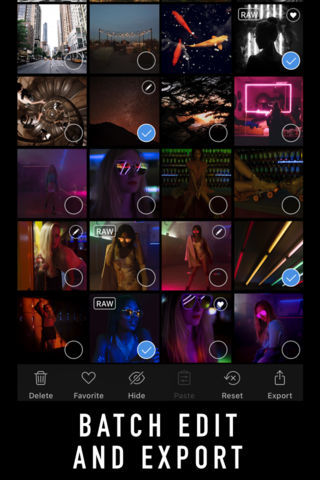
The Darkroom photo editor app for iPhone has been updated with support for RAW+JPEG images, the ability to disable Auto Horizon Align, and other bug fixes.
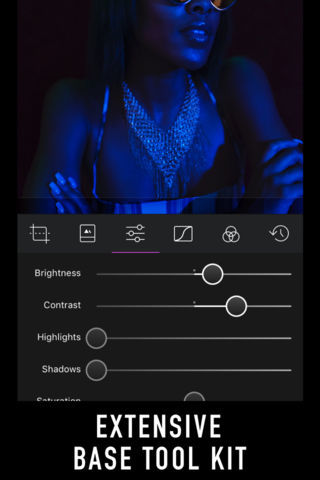
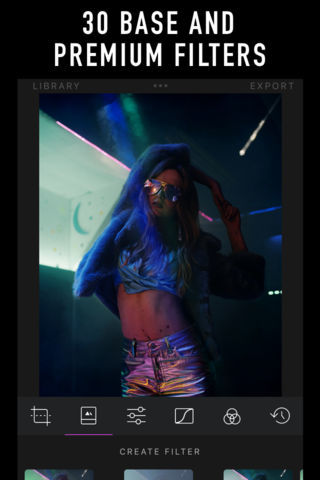
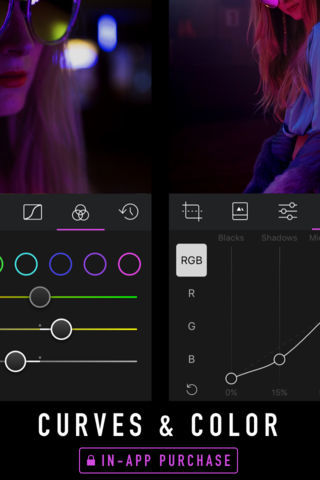
Save yourself from the multi-app workflow and discover the most well-designed, integrated, and powerful editing app for iOS. We skip fantasy and novelty and focus on what matters for photographers.
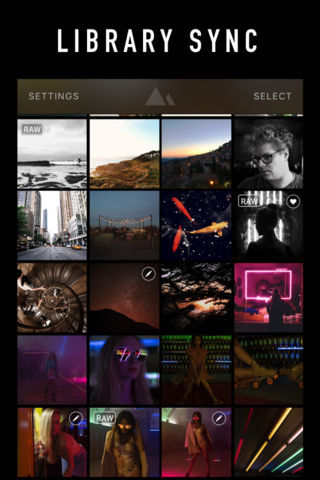
What's New In This Version: - RAW+JPEG images are now recognized as RAW and edited/exported as such. For now, they don't have a "RAW" batch in grid. We'll fix that soon. - Fixes behavior of Modify Original when using the feature on top of an edited photo (Portrait mode, externally-edited photo, etc). This improves behavior when using RAW files (edits were double-applied), Portrait mode images (depth effect was lost), and multi-app flows. - Fixes iPad app icon. - Added setting to disable Auto Horizon Align.
You can download Darkroom from the App Store for free.






![Apple AirTag 2 4-Pack Drops to New All-Time Low of $79 [Deal]](/images/news/101860/101860/101860-160.jpg "Apple AirTag 2 4-Pack Drops to New All-Time Low of $79 [Deal]")
![AirTag 2 (4-Pack) Hits All-Time Low of $85, Just $21.25 Each [Deal]](/images/news/101856/101856/101856-160.jpg "AirTag 2 (4-Pack) Hits All-Time Low of $85, Just $21.25 Each [Deal]")
![LG 27-Inch UltraGear OLED Monitor Hits All-Time Low of $467.97 [Deal]](/images/news/101851/101851/101851-160.jpg "LG 27-Inch UltraGear OLED Monitor Hits All-Time Low of $467.97 [Deal]")