Here's a look at what's new in the fifth beta of iOS 26, which Apple seeded to developers earlier today. The build number is 23A5308g.
What's New in iOS 26 Beta 5
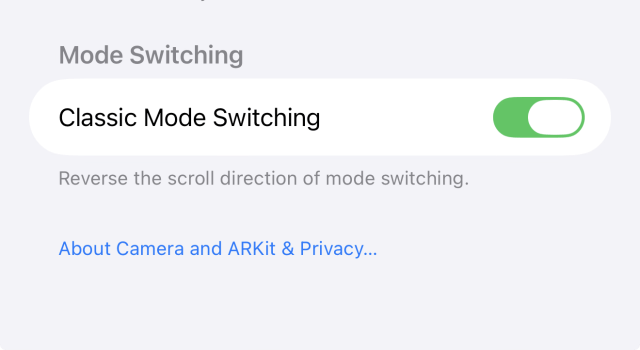
● The Camera app now includes a "Classic Mode Switching" toggle in Settings, which lets you revert to the older swipe-based navigation for changing camera modes.
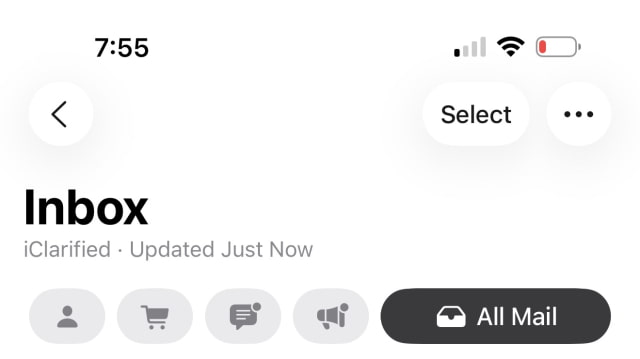
● In the Mail app, the "Select" button has been restored to a more prominent position, making it easier to manage multiple messages at once.
● A new, more responsive animation is present when entering a passcode on the Lock Screen. A similar bouncy effect can be seen when swiping between pages in Control Center.
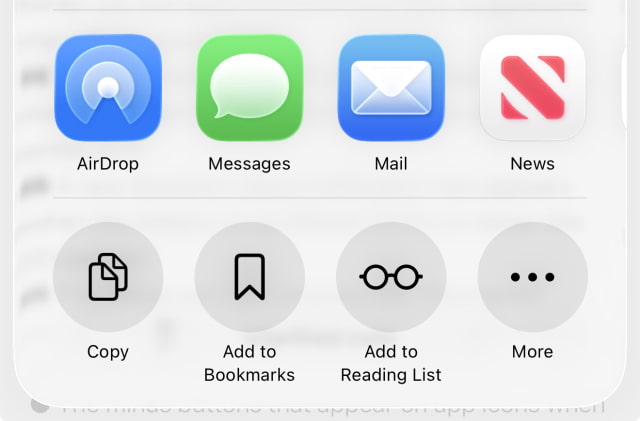
● The AirDrop icon in the Share Sheet has been updated to better align with the new Liquid Glass aesthetic.
● A new predictive Siri feature can now determine when you are about to travel and show suggestions for cellular connectivity.
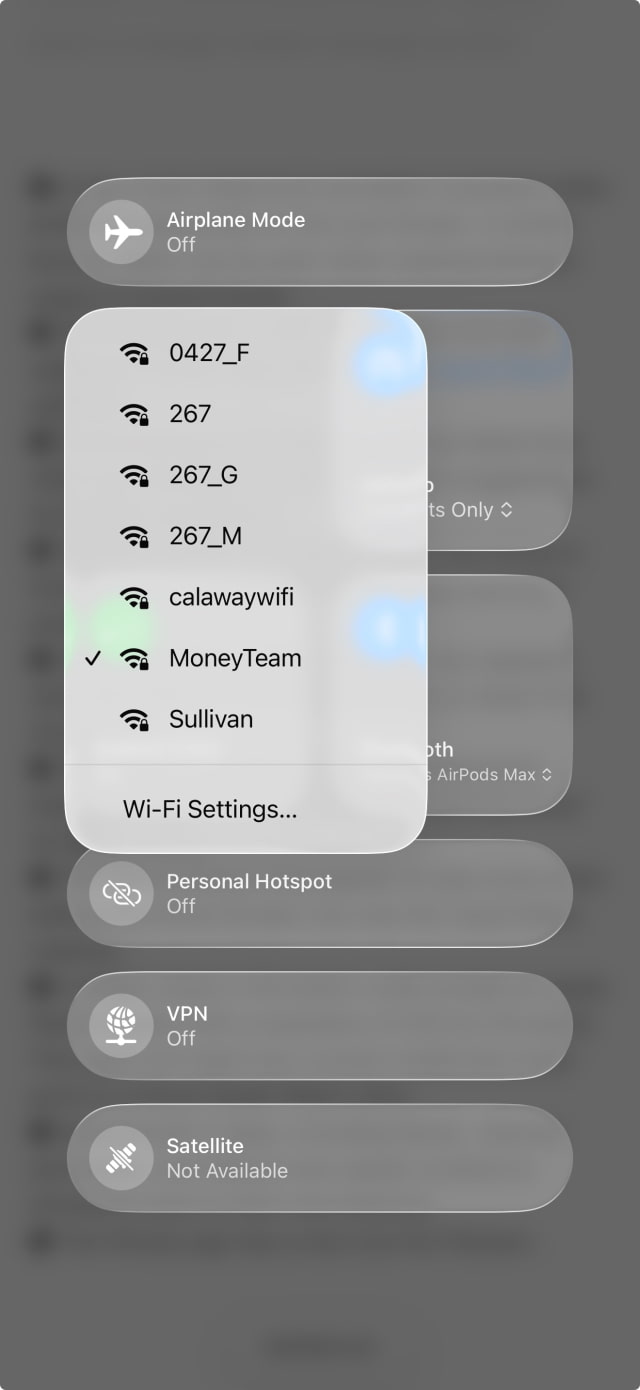
● The Wi-Fi button in Control Center now shows a lock icon next to private networks when you long-press on it.
● A new Dynamic Island notification now appears when the battery on an iPhone 15 Pro or newer hits 20 percent.
● The Wallet app has renamed the "Payments" button for Apple Card to "Preauthorized Payments" for better clarity.
● The minus buttons that appear on app icons when editing the Home Screen now use the Liquid Glass material.
● A hidden asset in the beta's code reveals an Apple Watch display with a resolution of 422 by 514 pixels. This does not match any current model and could point to a future Apple Watch Ultra.
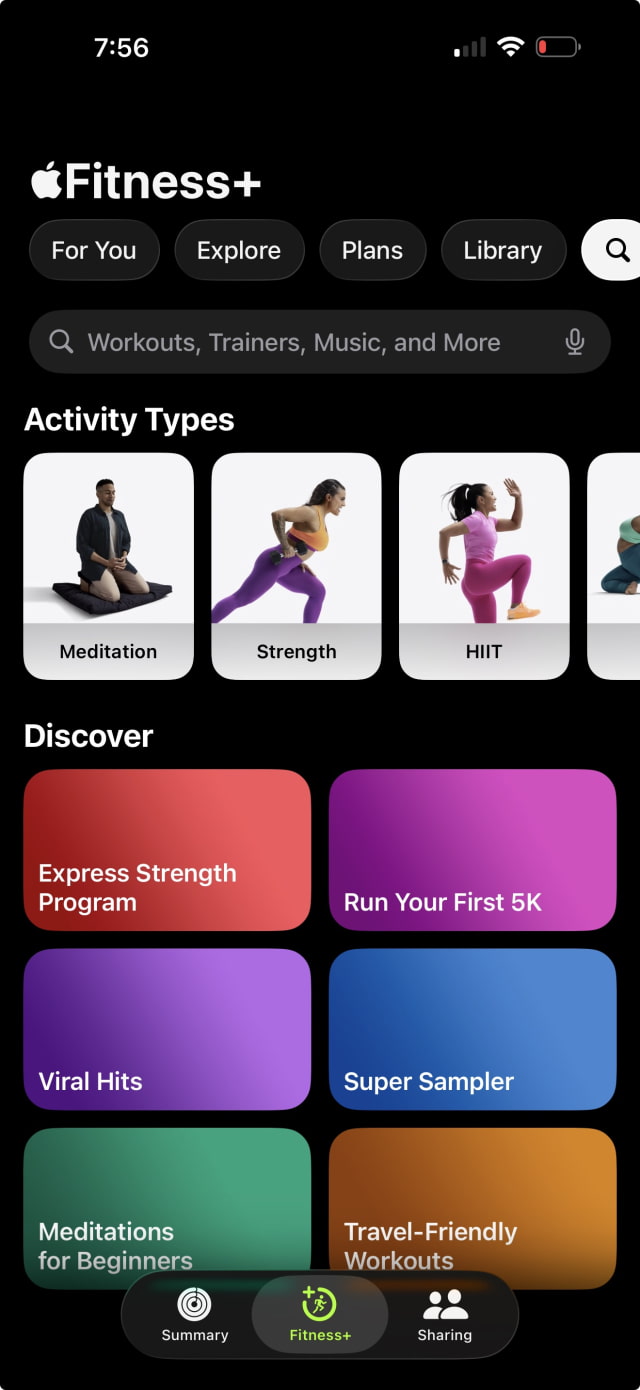
● Several built-in apps, including Music, Journal, and Notes, now feature new splash screens to introduce users to their new features.



![Tim Cook Expected at White House State Dinner for Xi Jinping [Report]](/images/news/102260/102260/102260-160.jpg "Tim Cook Expected at White House State Dinner for Xi Jinping [Report]")
![Apple Debuts Official Trailer for 'Knife Edge: Chasing Michelin Stars' Season 2 [Video]](/images/news/102258/102258/102258-160.jpg "Apple Debuts Official Trailer for 'Knife Edge: Chasing Michelin Stars' Season 2 [Video]")

![Apple Releases macOS 27.2 Golden Gate Beta to Developers [Download]](/images/news/102249/102249/102249-160.jpg "Apple Releases macOS 27.2 Golden Gate Beta to Developers [Download]")









![Apple Studio Display XDR Hits All-Time Low of $2,969.99 ($329 Off) [Deal]](/images/news/101976/101976/101976-160.jpg "Apple Studio Display XDR Hits All-Time Low of $2,969.99 ($329 Off) [Deal]")
