AgileBits has updated 1Password Pro with improved support the iPhone 5 and VoiceOver support on the iPad.
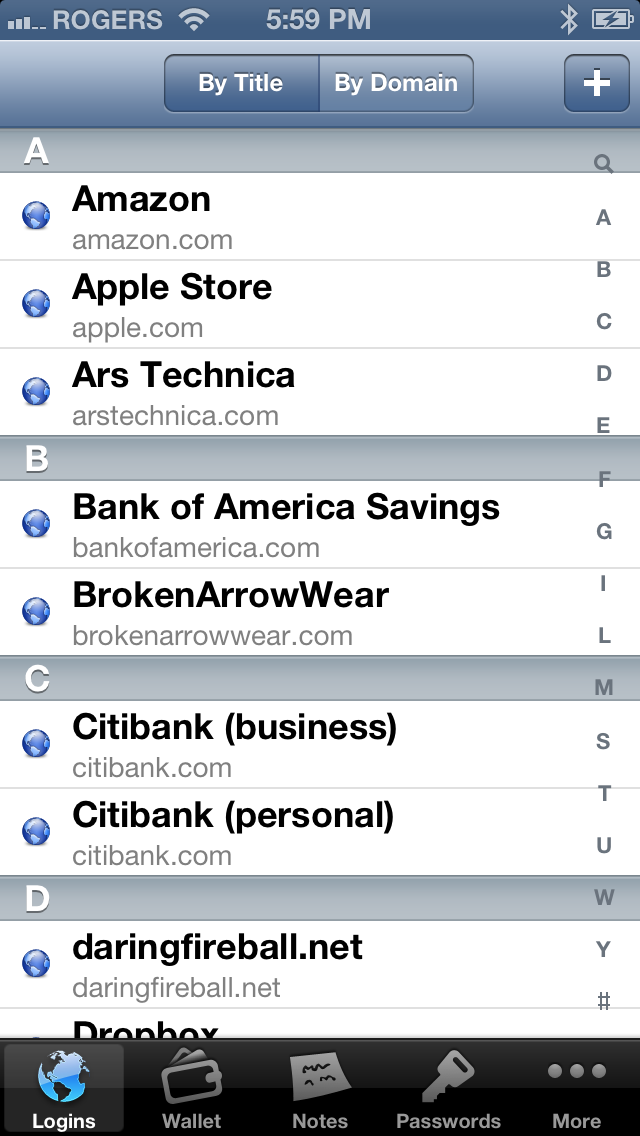
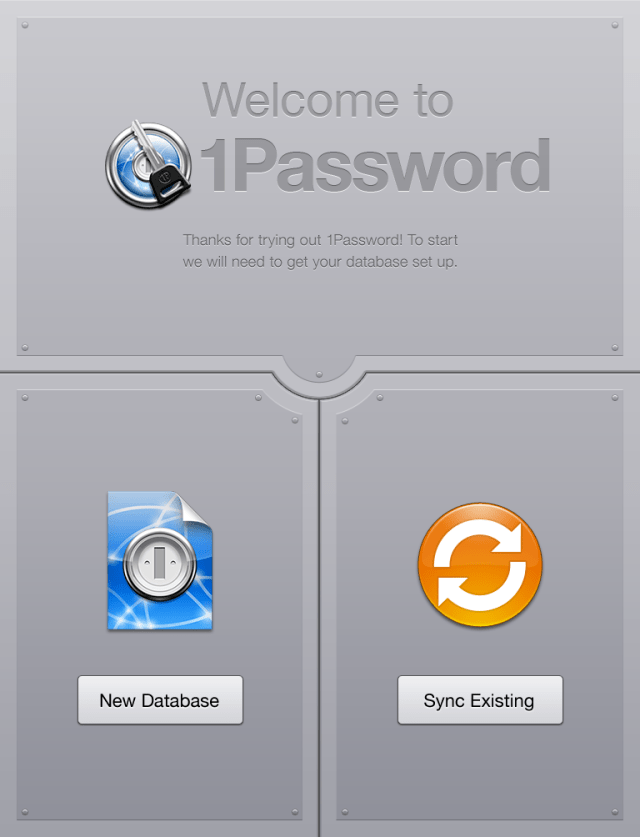
1Password will securely store your important information and can automatically log you into websites with a single tap. There's no need to remember the username, password, or even the website address.
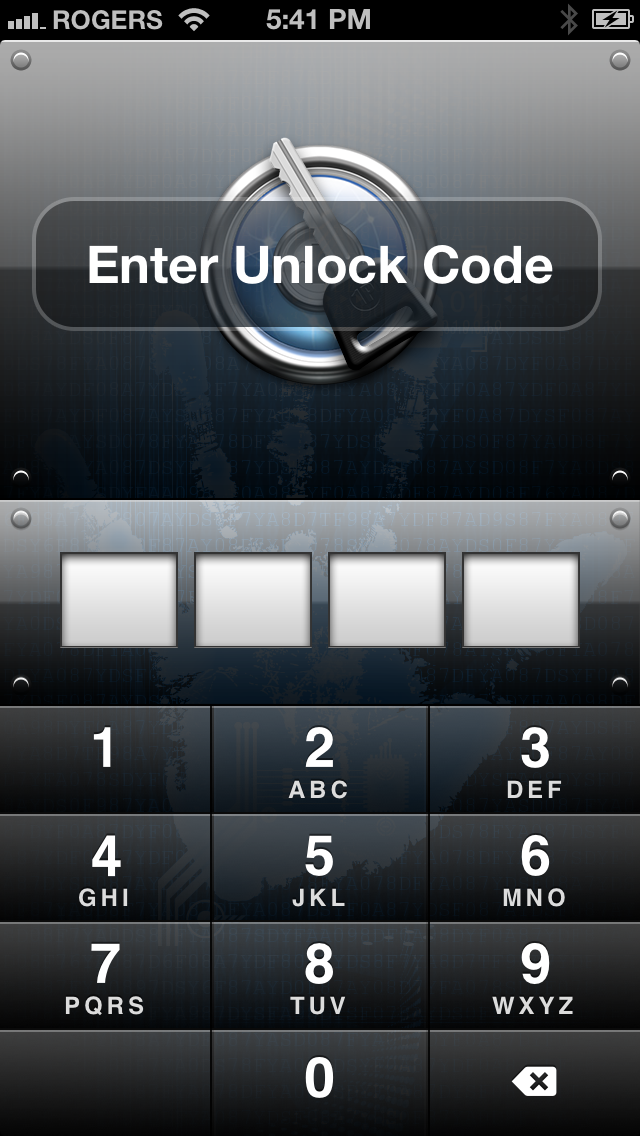
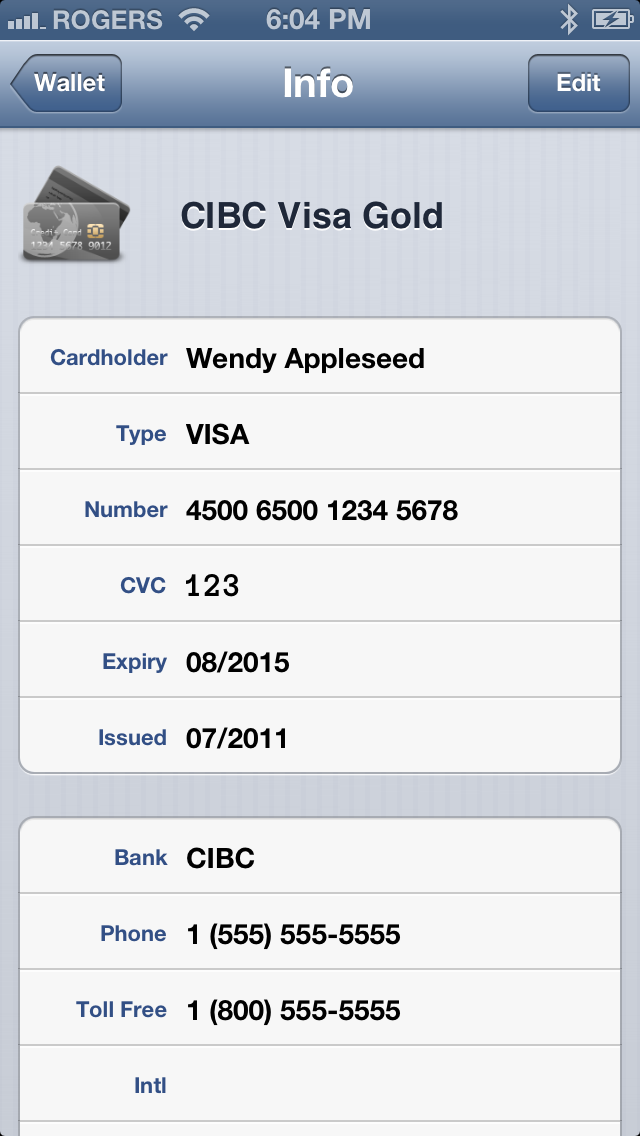
FEATURES: • Includes user interface for both iPhone and iPad. • Securely store your website names and passwords so you never forget them again • Save important information like credit cards and membership numbers • Jot down other notes too sensitive for stickies or bar napkins • Synchronize it all with 1Password for Mac via Wi-Fi (sold separately, available at http://1password.com) • Synchronize multiple devices and computers using Dropbox service (NOTE: Dropbox syncing has to be configured on a computer first, it can be done using a free trial version of 1Password for Mac or Windows available at http://1password.com) • Automatically log into Web sites on iPhone and iPod touch to avoid remembering and typing usernames and passwords • Hardware-accelerated AES encryption and Auto-Lock keep your data protected even if your iPhone is lost or stolen • All cryptographic operations are performed using standard iOS libraries to ensure there are no security gaps or backdoors • Two-layer defense with Unlock Code and Master Password to combine security and convenience (iPhone only, single Master Password protection on iPad). • Folders for better organization (currently iPhone only and requires the desktop application - sold separately) • Data Backup & Restore option available on Mac, Windows and Linux.
What's New In This Version: * Improved support for iPhone 5. * Improved VoiceOver support on iPad. * Added ability to browse generated passwords on iPad. * Bug fixes.
You can purchase 1Password Pro from the App Store for $14.99.
Get the iClarified Daily Newsletter
Apple news, rumors, tutorials, price drop alerts, in your inbox every evening, free.
Unsubscribe at any time.
Success!
You have been subscribed.
Add Comment
Would you like to be notified when someone replies or adds a new comment?
Yes (All Threads)
Yes (This Thread Only)
No
Notifications
Would you like to be notified when we post a new Apple news article or tutorial?
Yes
No
Comments (4)
Comments are closed for this article.
0
Devb123 - November 17, 2012 at 6:28am
SplashID is the best password manager tool as per my experience. user friendly, secure, browser integration capability , USB security.. all these feature make it the best in the industry
0
Aaron_011 - October 3, 2012 at 1:36am
For me, 1password is too expensive considering that it doesn't have a built-in password generation tool like Splash ID Safe. In fact, they released a new version for iPhone 5 just a day after the new iPhone was released. It works great with the larger screen size.
0
don - October 4, 2012 at 3:06pm
The main app has password generator. I am surprised that the iphone app would not include one. (I don't use password sites on iphone so don't have the app)
0
odedoo1 - October 2, 2012 at 11:35pm
one App that is a mandatory for me it kills all the competitions easily and there should be more then 5 stars for it.









![Apple Reveals First Look at '12 12 12' Heist Drama Starring Anthony Mackie and Jamie Dornan [Video]](/images/news/101904/101904/101904-160.jpg "Apple Reveals First Look at '12 12 12' Heist Drama Starring Anthony Mackie and Jamie Dornan [Video]")



![Apple AirTag 2 4-Pack Drops to New All-Time Low of $79 [Deal]](/images/news/101860/101860/101860-160.jpg "Apple AirTag 2 4-Pack Drops to New All-Time Low of $79 [Deal]")
![AirTag 2 (4-Pack) Hits All-Time Low of $85, Just $21.25 Each [Deal]](/images/news/101856/101856/101856-160.jpg "AirTag 2 (4-Pack) Hits All-Time Low of $85, Just $21.25 Each [Deal]")
![LG 27-Inch UltraGear OLED Monitor Hits All-Time Low of $467.97 [Deal]](/images/news/101851/101851/101851-160.jpg "LG 27-Inch UltraGear OLED Monitor Hits All-Time Low of $467.97 [Deal]")