Bump has updated their iPhone app to remove the ability to share iTunes audio files as required by Apple. If you used this feature you may want to stay away from the update.
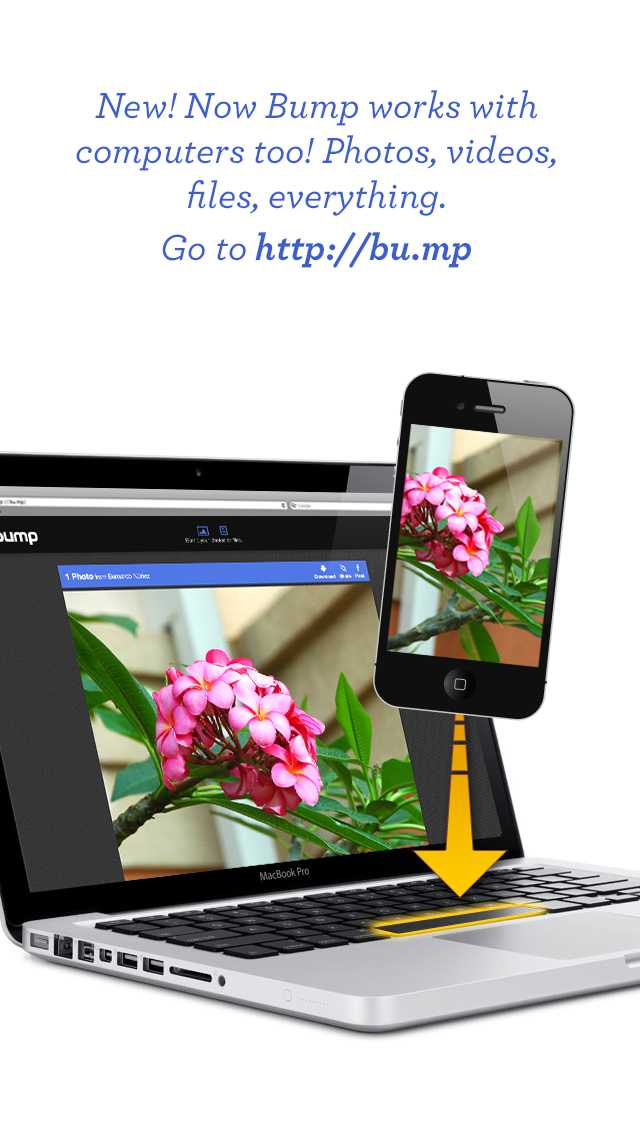
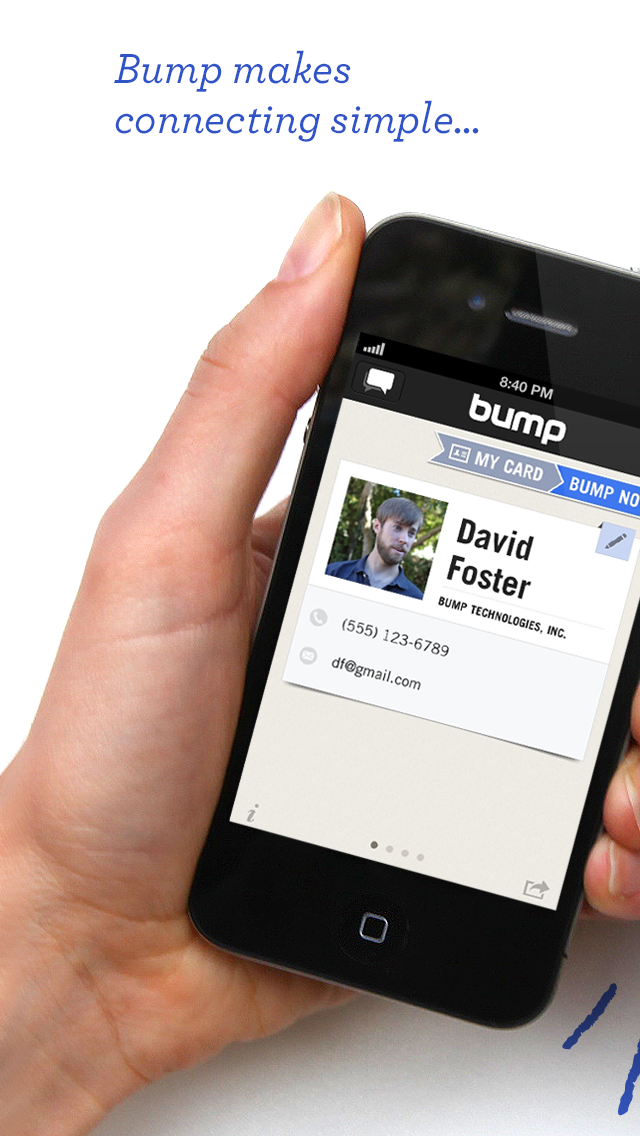
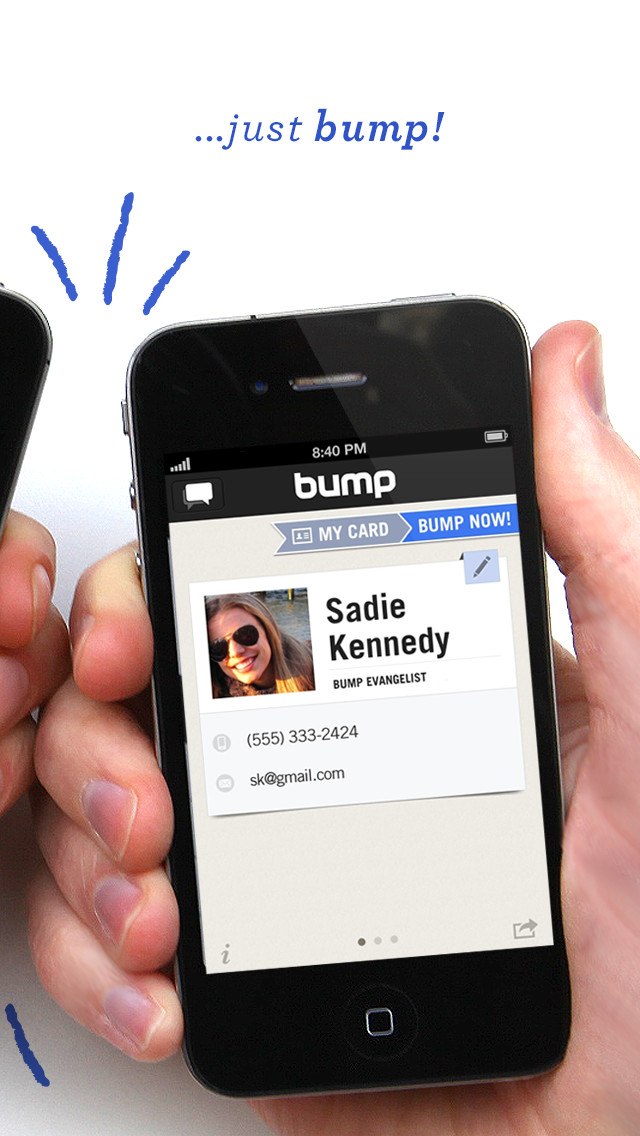
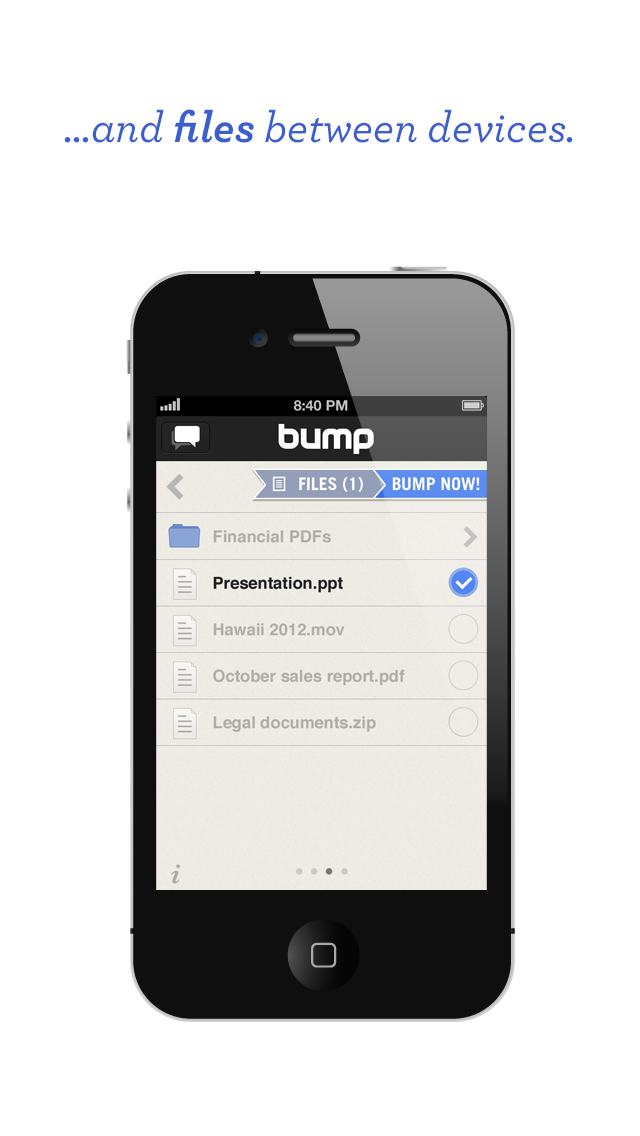
Use Bump to share contact information, photos, videos, and files by simply bumping two phones together. Just open Bump, hold your phones, and gently bump your hands together -- Bump will magically do all the rest.
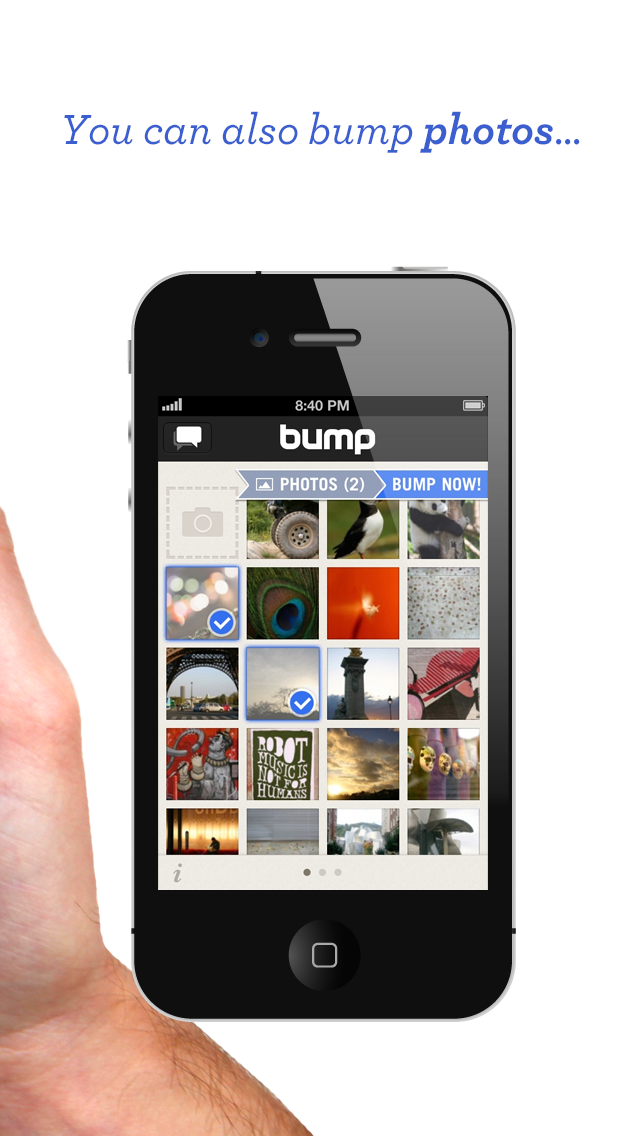
Features: • SYNC WITH YOUR COMPUTER: Visit http://bu.mp on your computer and bump your space bar to transfer photos, videos, and files • SHARE CONTACTS: Share your contact info; connect on Facebook, Twitter, and LinkedIn • SHARE PHOTOS: Share photos and videos with friends and family • SHARE FILES: Share files or documents stored on your device • SYNC DEVICES: Move contacts, photos, and files between your devices
What's New In This Version: New in 3.5.8: + Bug fixes and performance improvements. + We're sorry, but we are no longer permitted access to iTunes audio files on the device. Removing access to iTunes audio files in the file sharing section.
You can download Bump from the App Store for free.
Get the iClarified Daily Newsletter
Apple news, rumors, tutorials, price drop alerts, in your inbox every evening, free.
Unsubscribe at any time.
Success!
You have been subscribed.
Add Comment
Would you like to be notified when someone replies or adds a new comment?
Yes (All Threads)
Yes (This Thread Only)
No
Notifications
Would you like to be notified when we post a new Apple news article or tutorial?
Yes
No
Comments (2)
Comments are closed for this article.
0
bleedingme - April 11, 2013 at 10:35pm
Apple is just giving us more reasons to switch our phones
0
disgrntleBUMPER - April 11, 2013 at 9:00pm
wat's next?? apple OWN your device so sharing anything via BUMP is strictly prohibited without the consent of Itunes...





![Apple-LG Home Accessories Could Offer Dynamic Island Proximity Controls [Leak]](/images/news/102711/102711/102711-160.jpg "Apple-LG Home Accessories Could Offer Dynamic Island Proximity Controls [Leak]")


![How To Force Restart iPhone [Video]](/images/tutorials/95012/95012/95012-160.jpg "How To Force Restart iPhone [Video]")
![How To Turn Off iPhone [Video]](/images/tutorials/94999/94999/94999-160.jpg "How To Turn Off iPhone [Video]")
![How To Back Up Your iPhone to an External Drive on Mac [Video]](/images/tutorials/72786/72786/72786-160.jpg "How To Back Up Your iPhone to an External Drive on Mac [Video]")






![Mac mini Drops to $779.99 for Prime Big Deal Days [Deal]](/images/news/102624/102624/102624-160.jpg "Mac mini Drops to $779.99 for Prime Big Deal Days [Deal]")
