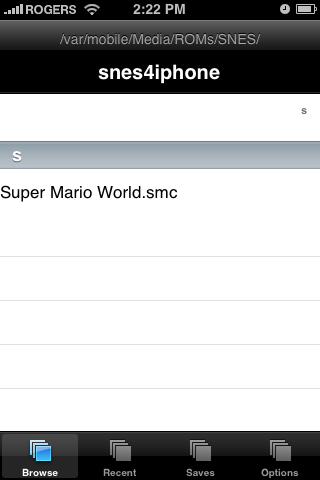
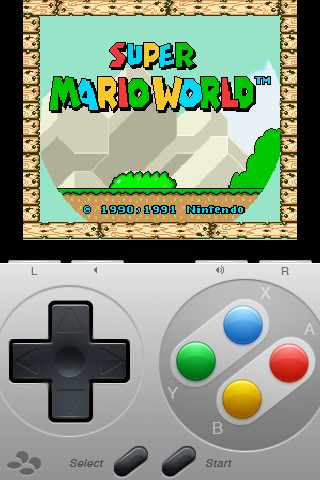
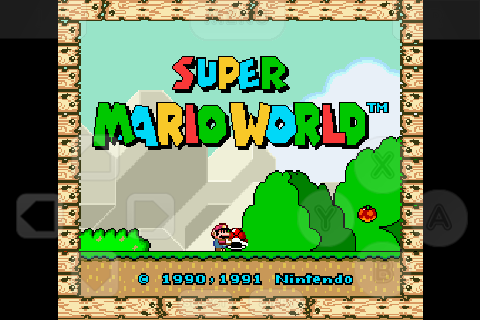
ZodTTD has released the first public version of snes4iphone that supports the iPhone 2.x.x firmwares.
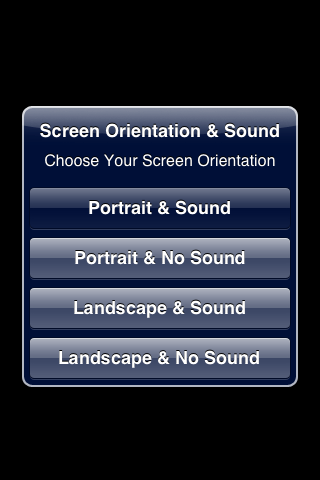
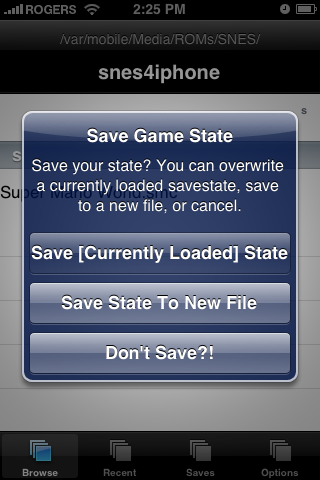
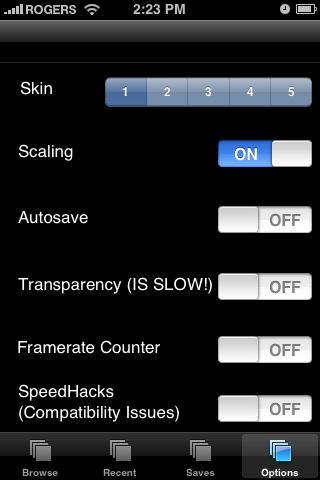
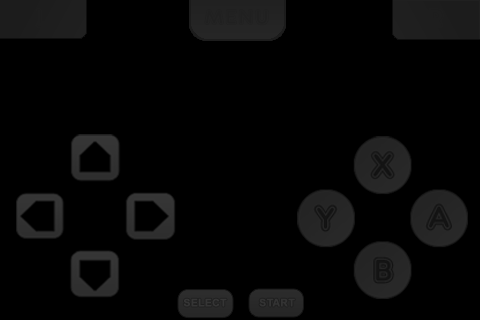
Whats New in v3.5: - Updated interface. Includes File Browser, Recents, Save States, and Options. - Loads more than 300 ROMs in a single directory without crashing due to timing out on program load. - Improved the options set for the C-based interpreters. More games now run, and some run better such as Super Mario RPG. - Better auto-frameskip. - Fixed a a few controller bugs. Should react better. - Worked on performance as much as I could. Still it's best to play games without sound, for a very large performance increase. - Added snesadvance SuperDAT speedhack support. It's off by default as it can disable sound in some games. I haven't seen much performance gain to warrant it being on default. It's been fixed since the beta release and it's an option now. - Added an option for turning on and off transparencies to gain performance. - Added a framerate counter option for debug purposes. - Skins are back to being supported! - More and more.
You can install snes4iphone using the ZodTTD Cydia Repository.
Get the iClarified Daily Newsletter
Apple news, rumors, tutorials, price drop alerts, in your inbox every evening, free.
Unsubscribe at any time.
Success!
You have been subscribed.
Add Comment
Would you like to be notified when someone replies or adds a new comment?
Yes (All Threads)
Yes (This Thread Only)
No
Notifications
Would you like to be notified when we post a new Apple news article or tutorial?
Yes
No
Comments (4)
Comments are closed for this article.
0
attnck - February 14, 2009 at 10:59pm
Now if we only had an iControlpad..... :P
I think my plan to build a SNES controller for the iPhone are back on.
I can't wait any longer.
0
RoyalFreshness - February 14, 2009 at 2:55pm
How do you install ROMs?
0
Airbase - February 14, 2009 at 9:14pm
I Believe you have to move them manually to the directory from which the application reads roms.









![How To Change Wallpaper on Mac [Video]](/images/tutorials/90512/90512/90512-160.jpg "How To Change Wallpaper on Mac [Video]")
![How To Turn Off Always On Display on iPhone [Video]](/images/tutorials/87524/87524/87524-160.jpg "How To Turn Off Always On Display on iPhone [Video]")





![16-Inch M5 Max MacBook Pro Drops $900 to New Low of $3,499 [Deal]](/images/news/102438/102438/102438-160.jpg "16-Inch M5 Max MacBook Pro Drops $900 to New Low of $3,499 [Deal]")
![Magic Keyboard for iPad Air Drops to $200 on Amazon [Deal]](/images/news/102402/102402/102402-160.jpg "Magic Keyboard for iPad Air Drops to $200 on Amazon [Deal]")
