Apple says its working closely with Microsoft to fix a problem with sending mail in iOS 11.
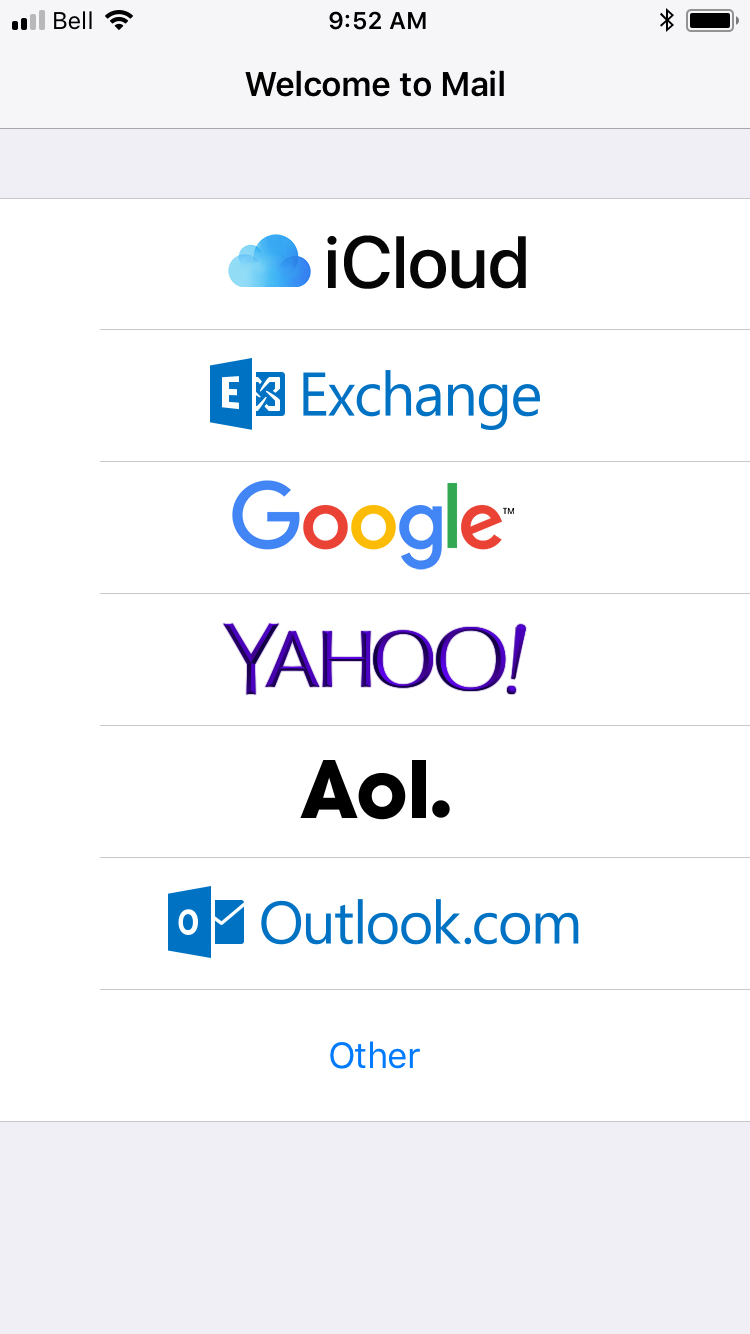
---- If your email account is hosted by Microsoft on Outlook.com or Office 365, or an Exchange Server 2016 running on Windows Server 2016, you might see this error message when you try to send an email with iOS 11: "Cannot Send Mail. The message was rejected by the server."
Apple is working closely with Microsoft to resolve the issue and will release a fix soon in an upcoming software update. -----
We'll let you know when a fix becomes available. Please follow iClarified on Twitter, Facebook, or RSS for updates.
Apple news, rumors, tutorials, price drop alerts, in your inbox every evening, free.
Unsubscribe at any time.
Success!
You have been subscribed.
Add Comment
Would you like to be notified when someone replies or adds a new comment?
Yes (All Threads)
Yes (This Thread Only)
No
Notifications
Would you like to be notified when we post a new Apple news article or tutorial?
Yes
No
Comments (3)
Comments are closed for this article.
0
Anthony L Tubbiolo - September 21, 2017 at 1:03am
How does something like this get past all the beta releases?
0
Baber - September 20, 2017 at 6:02pm
Issue get resolved by re-adding exchange account. Which is a pain
0
John Rankin - September 21, 2017 at 7:30am
Don't need to delete whole exchange account.
Go to Settings\Accounts & Passwords\Accounts\Hotmail (Outlook) account
There you will see a list: Mail, Contacts, Calendars, Reminders, Notes
Switch the Mail slider to off position. Come out of Settings. Turn Phone Off then back on. Go back to Mail and switch back on.
Mail now forwarded from Hotmail (Outlook) and can see in Apple Mail Inbox.
I tested it and I can Send mail OK to. Hope this helps.









![Apple Watch Ultra 3 Drops to $659.97 on Amazon, $10 Above Record Low [Deal]](/images/news/101419/101419/101419-160.jpg "Apple Watch Ultra 3 Drops to $659.97 on Amazon, $10 Above Record Low [Deal]")