These are instructions on how to set your Retina Display MacBook Pro to its full 2880x1800 resolution.
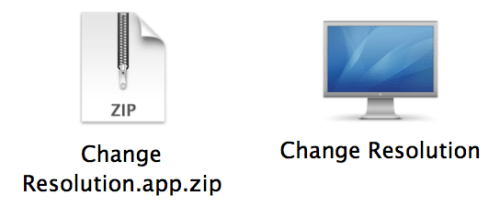
Step One Download Change Resolution by doh123 to your desktop from Change Resolution.app.zip (download no longer available) then double click the downloaded file to extract it.
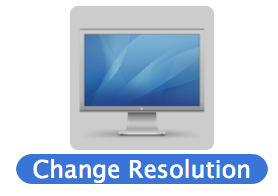
Step Two Double click the extracted application to launch it.
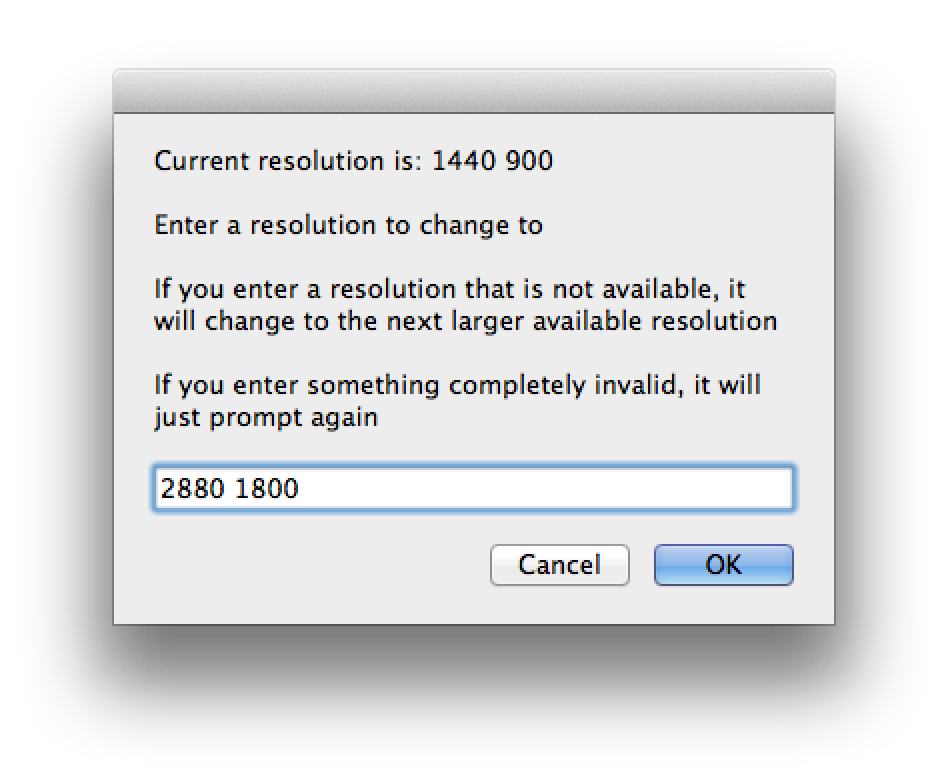
Step Three Input 2880 1800 into the entry field and click OK.
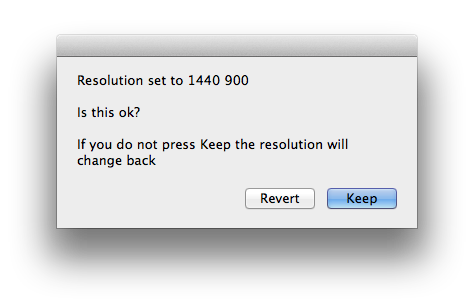
Step Four When prompted click the Keep button.
Step Five Your MacBook's display will now be set at an incredible 2880x1800 resolution. To revert these changes use the System Preferences:Display settings.
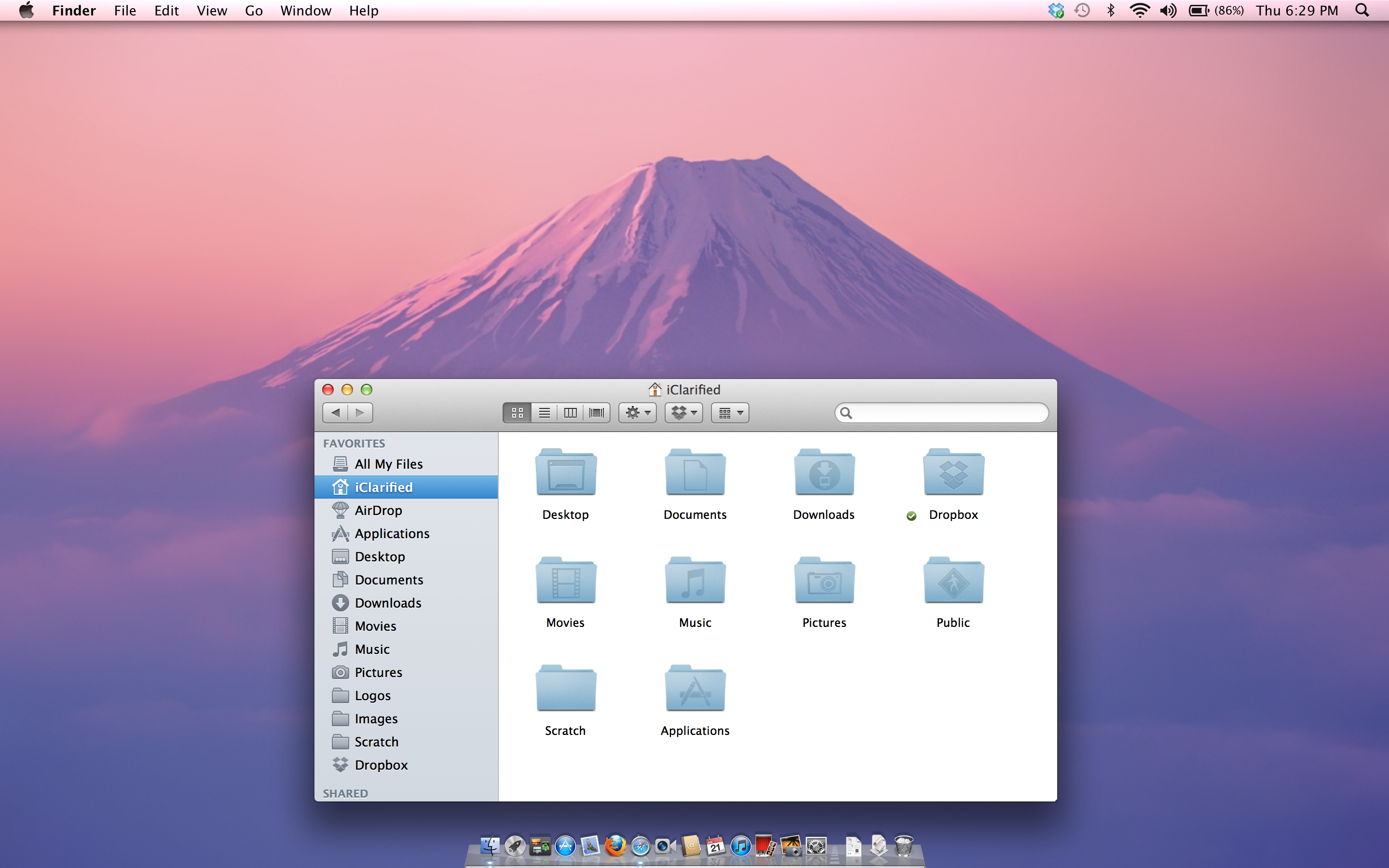
Before:
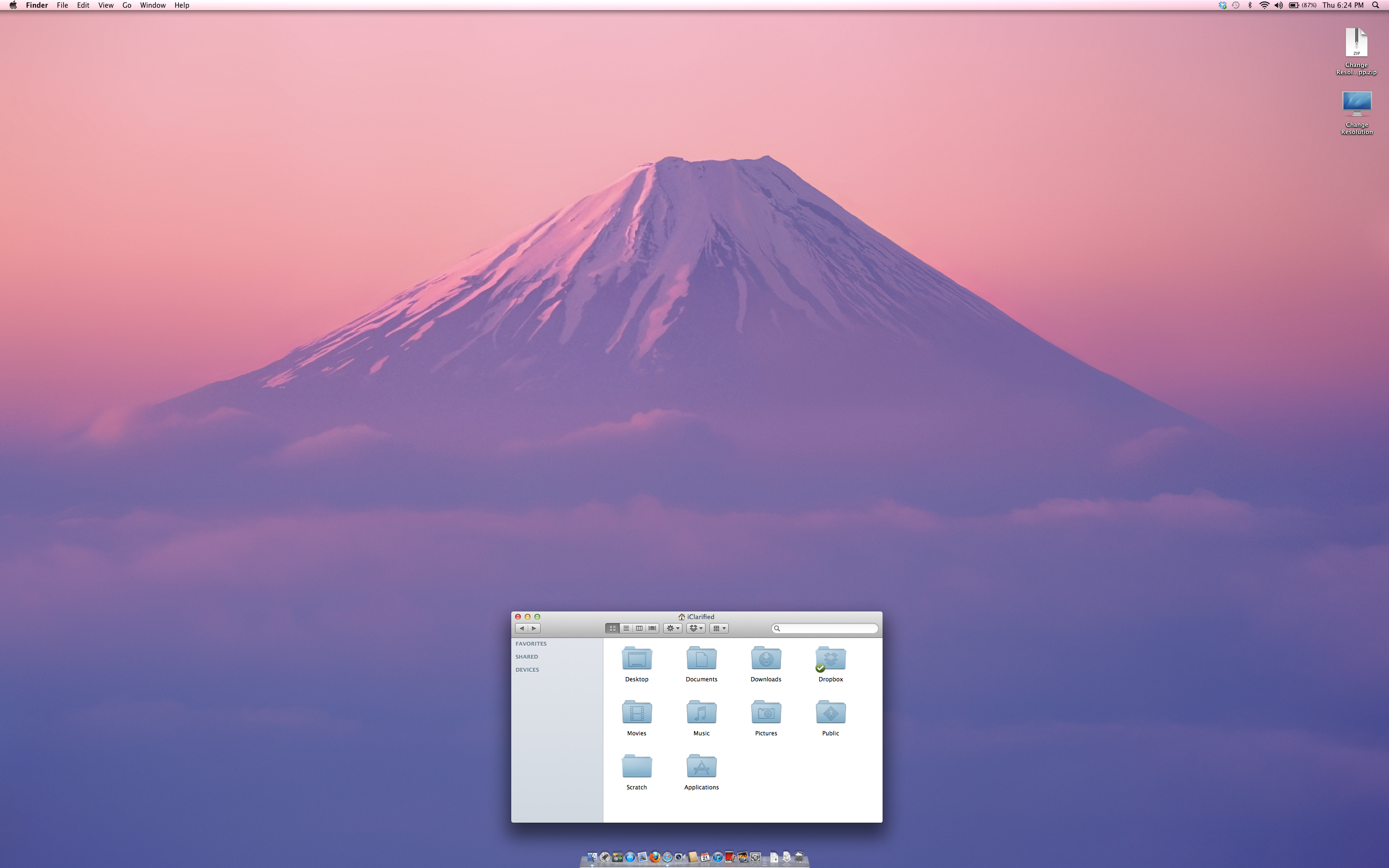
After:
Get the iClarified Daily Newsletter
Apple news, rumors, tutorials, price drop alerts, in your inbox every evening, free.
Unsubscribe at any time.
Success!
You have been subscribed.
Add Comment
Would you like to be notified when someone replies or adds a new comment?
Yes (All Threads)
Yes (This Thread Only)
No
Notifications
Would you like to be notified when we post a new Apple news article or tutorial?
wrong. when video editing, you can view full resolution HD video without even filling 1/2 of your screen real estate. furthermore, in fullscreen you can also playback 3K video at full resolution, as the Rentina Display is the equivalent of 3K.




![Calif Demonstrates iPhone Duo Jailbreak on Launch Day [Video]](/images/news/103008/103008/103008-160.jpg "Calif Demonstrates iPhone Duo Jailbreak on Launch Day [Video]")

![iPhone Duo Launches in Stores Worldwide [Photos]](/images/news/102993/102993/102993-160.jpg "iPhone Duo Launches in Stores Worldwide [Photos]")

![How To Back Up Your iPhone to an External Drive on Mac [Video]](/images/tutorials/72786/72786/72786-160.jpg "How To Back Up Your iPhone to an External Drive on Mac [Video]")

![How To Find Your IP Address on iPhone [Video]](/images/tutorials/496/496/496-160.jpg "How To Find Your IP Address on iPhone [Video]")

![New Fire TV Stick 4K Drops to $29.99 (50% Off) [Deal]](/images/news/102984/102984/102984-160.jpg "New Fire TV Stick 4K Drops to $29.99 (50% Off) [Deal]")
![Apple's iPhone 18 Pro and Pro Max Cases Are Up to 37% Off [Deal]](/images/news/102978/102978/102978-160.jpg "Apple's iPhone 18 Pro and Pro Max Cases Are Up to 37% Off [Deal]")
![16-Inch MacBook Pro With M5 Pro Drops to $2,429 ($570 Off), Lowest Price We've Seen [Deal]](/images/news/102957/102957/102957-160.jpg "16-Inch MacBook Pro With M5 Pro Drops to $2,429 ($570 Off), Lowest Price We've Seen [Deal]")
![16-Inch MacBook Pro With M5 Max Drops to $3,499 ($900 Off), Lowest Price We've Seen [Deal]](/images/news/102900/102900/102900-160.jpg "16-Inch MacBook Pro With M5 Max Drops to $3,499 ($900 Off), Lowest Price We've Seen [Deal]")
