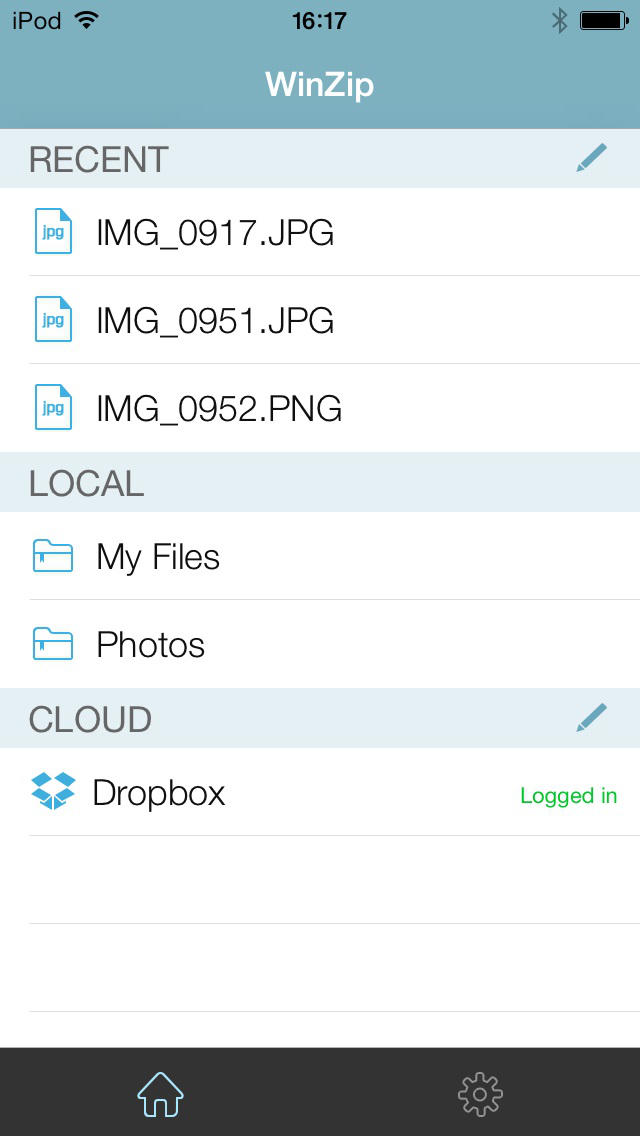
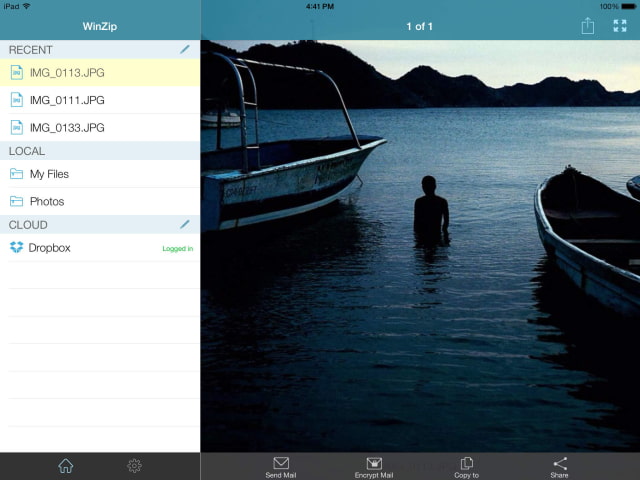
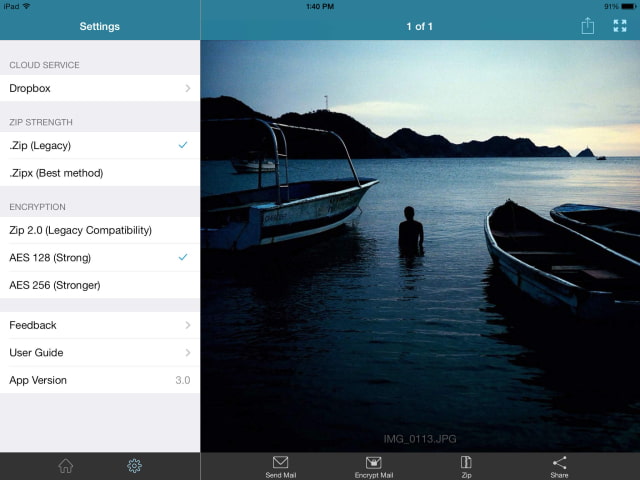
WinZip, a popular archive utility, has released an updated version of its app with an iOS 7 design.
WinZip makes it easy to handle Zip and RAR files on your iPhone, iPad or iPod Touch! Whether you received a Zip, Zipx, 7z or RAR file as an email attachment, or want to download and view the contents of a Zip, Zipx, 7z and RAR file from the web, just “Open with WinZip”. Sharing files is safe and simple too, with direct integration with Dropbox and support for AirDrop.
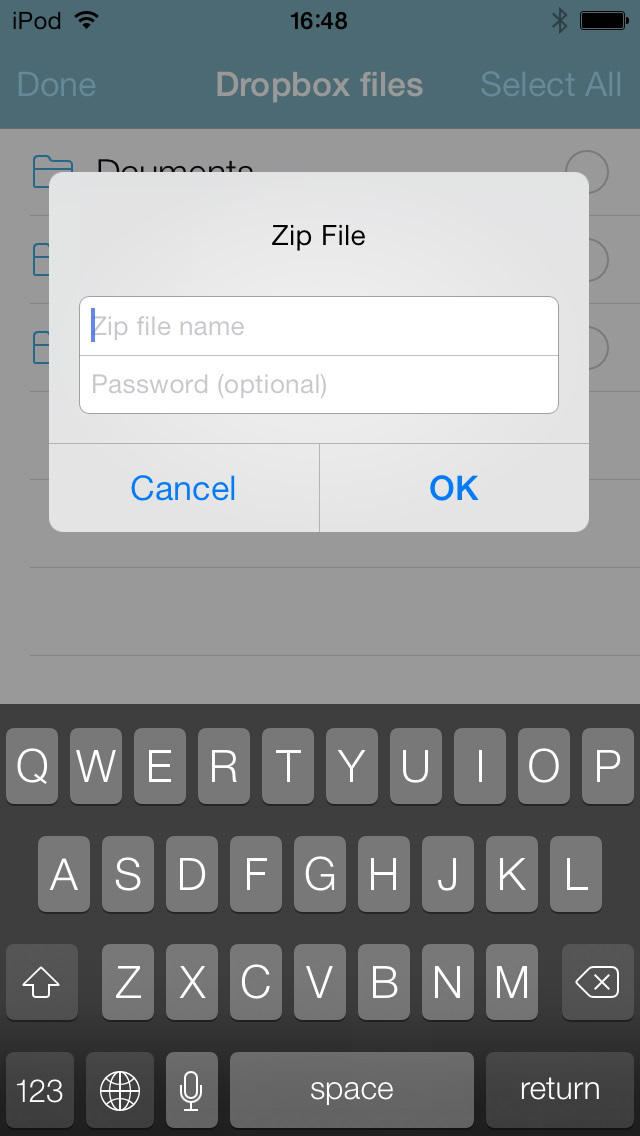
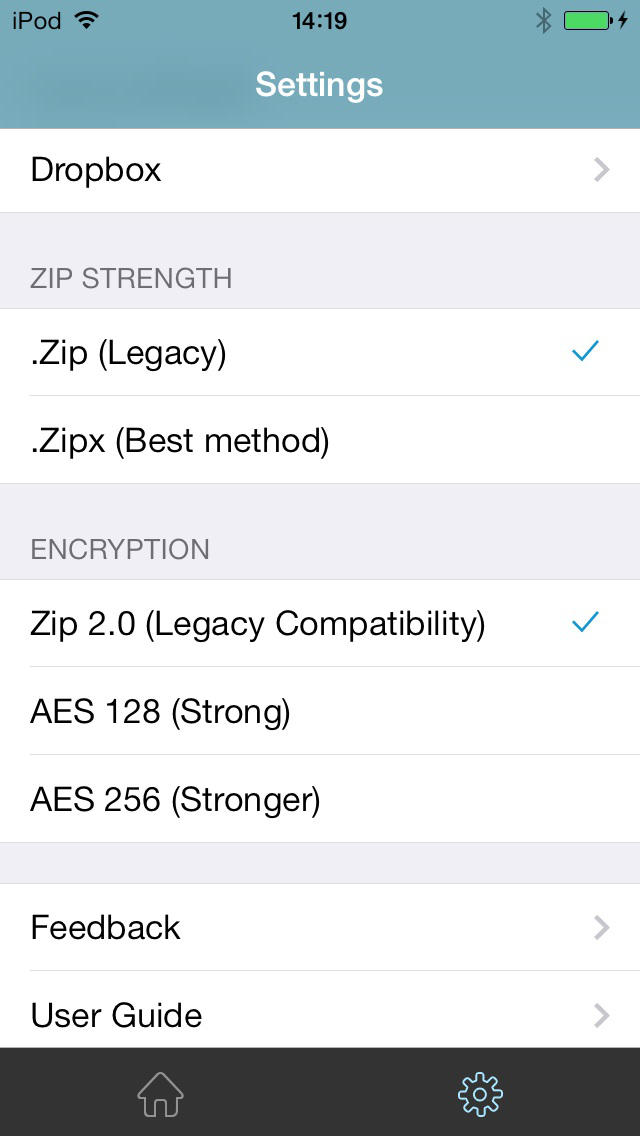
Features: • Choose Zip or Zipx to compress and email large files, photos and videos with ease • Unzip major compressed file types, including .ZIP, .Zipx, .RAR, .7z and LHA with just a tap • Protect your Zip/Zipx files from prying eyes with powerful 128- or 256-bit AES encryption • Easily view all images in a zip file with the enhanced image viewer • Browse your Photo Album and easily multi-select, zip and share photo collections • Open and save email attachments or Dropbox files in a My Documents folder locally on your iPhone or iPad • Share zip files to Facebook and Twitter • Unzip and view most common file types including: .doc, .docx, .xls, .xlsx, .ppt, .pptx, .pages, .numbers, .key, .rtf, .pdf, .jpg, .png, .bmp, .gif, .tif, and more • Easily upload files to Dropbox and manage Dropbox files
View any of the following types of files within your Zip or RAR file: • Word documents (.doc, .docx) • Excel spreadsheets (.xls, .xlsx) • PowerPoint presentations (.ppt, .pptx) • PDF files (.pdf) • Photos and images (.jpg, .jpeg, .png, .bmp, .gif, .tif, .tiff) • Text files (.txt, .ini, .inf, .bat, .js, .log, .xml, .css, .java, .cs, .h, .m, .cpp, .c, .sql) • Web documents (.htm, .html, .jsp, .asp) • Rich Text Format documents (.rtf) • Keynote presentations (.key) • Numbers spreadsheets (.numbers) • Pages documents (.pages) • Media files(.m4a, .mp3, .wav, .mp4, .mov)
What's New In This Version: 1. Designed for iOS 7 2. Support Dropbox cloud service: • Easily upload files to Dropbox •Download Dropbox files to local for easily view and mail • Copy or send sharable links of files in Dropbox • Able to add a new folder, zip, unzip and delete files in Dropbox 3. Enhanced workflow for better file management, such as deleting, copying, zipping, unzipping, adding new folder and listing 3 recent opened files. 4. Fully support AirDrop 5. Direct email access to helpdesk
You can purchase WinZip from the App Store for $4.99. A free version is also available.
Get the iClarified Daily Newsletter
Apple news, rumors, tutorials, price drop alerts, in your inbox every evening, free.
Unsubscribe at any time.
Success!
You have been subscribed.
Add Comment
Would you like to be notified when someone replies or adds a new comment?
Yes (All Threads)
Yes (This Thread Only)
No
Notifications
Would you like to be notified when we post a new Apple news article or tutorial?




![Apple-LG Home Accessories Could Offer Dynamic Island Proximity Controls [Leak]](/images/news/102711/102711/102711-160.jpg "Apple-LG Home Accessories Could Offer Dynamic Island Proximity Controls [Leak]")



![How To Force Restart iPhone [Video]](/images/tutorials/95012/95012/95012-160.jpg "How To Force Restart iPhone [Video]")
![How To Turn Off iPhone [Video]](/images/tutorials/94999/94999/94999-160.jpg "How To Turn Off iPhone [Video]")
![How To Back Up Your iPhone to an External Drive on Mac [Video]](/images/tutorials/72786/72786/72786-160.jpg "How To Back Up Your iPhone to an External Drive on Mac [Video]")





![Mac mini Drops to $779.99 for Prime Big Deal Days [Deal]](/images/news/102624/102624/102624-160.jpg "Mac mini Drops to $779.99 for Prime Big Deal Days [Deal]")