As we approach iOS 8’s Fall release, Apple has been hard at work on finishing up the next version of iOS. iOS 8 Beta 4 brings many welcomed changes and here’s a list of what we’ve found so far.
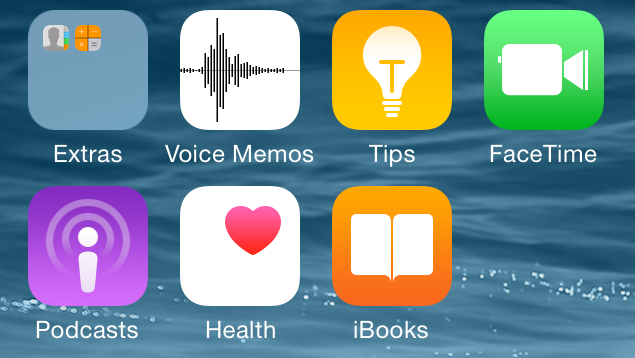
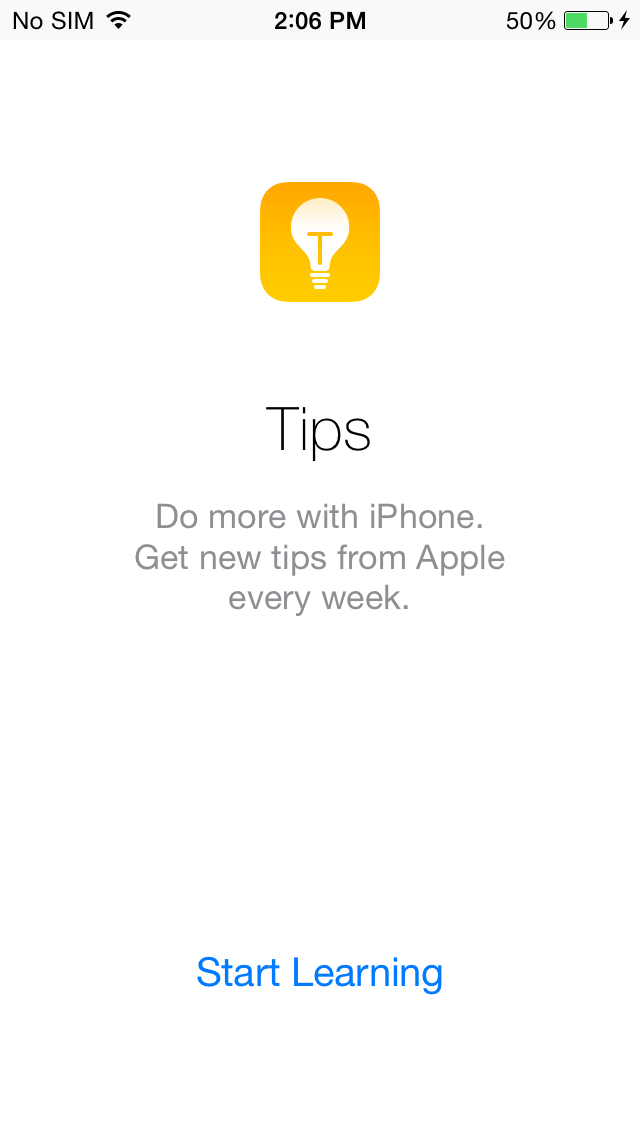
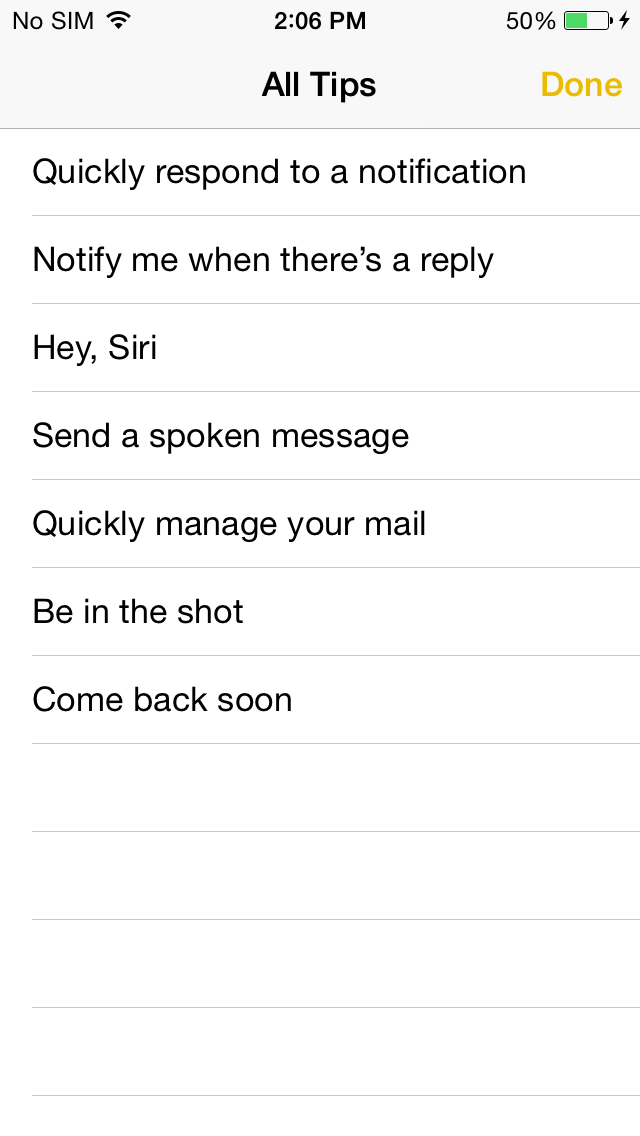
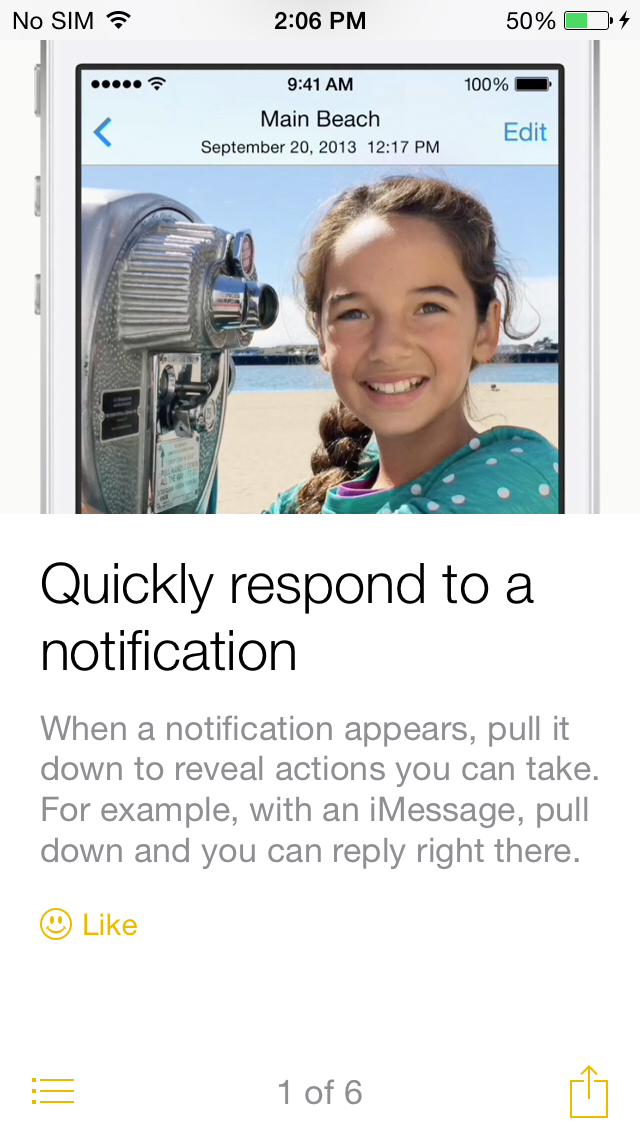
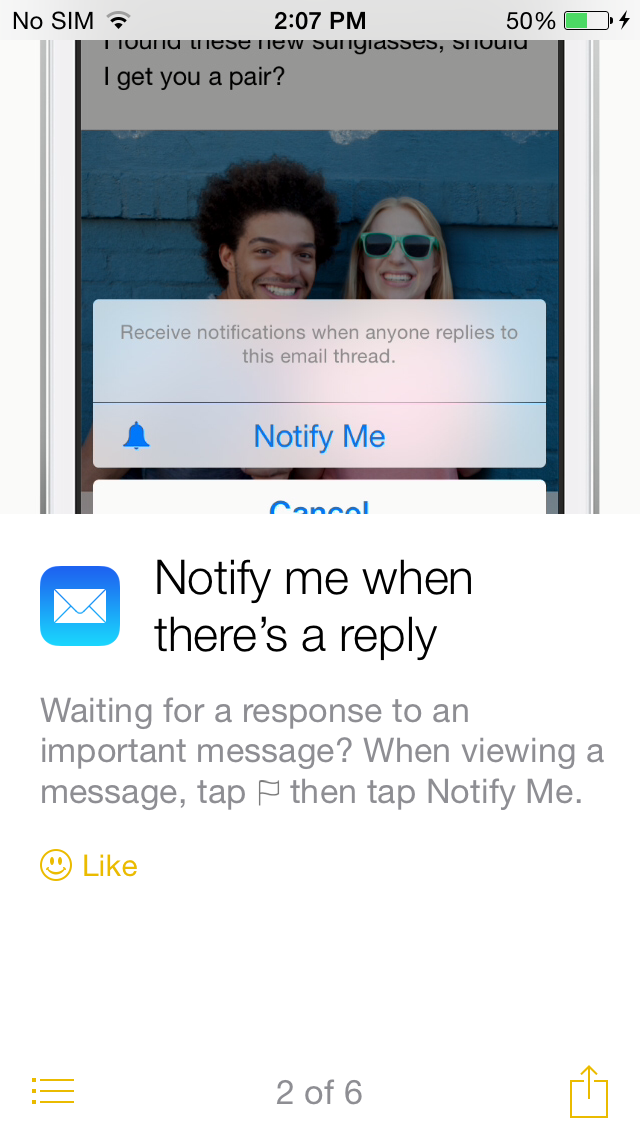
Tips App As we first saw in the leaked screenshots back in March, Beta 4 introduces a new Tips app that helps users learn about iOS 8. Apple plans to introduce new tips on a weekly basis. Tips include how to quickly respond to notifications, notification for mail responses, Siri, messages, and more.
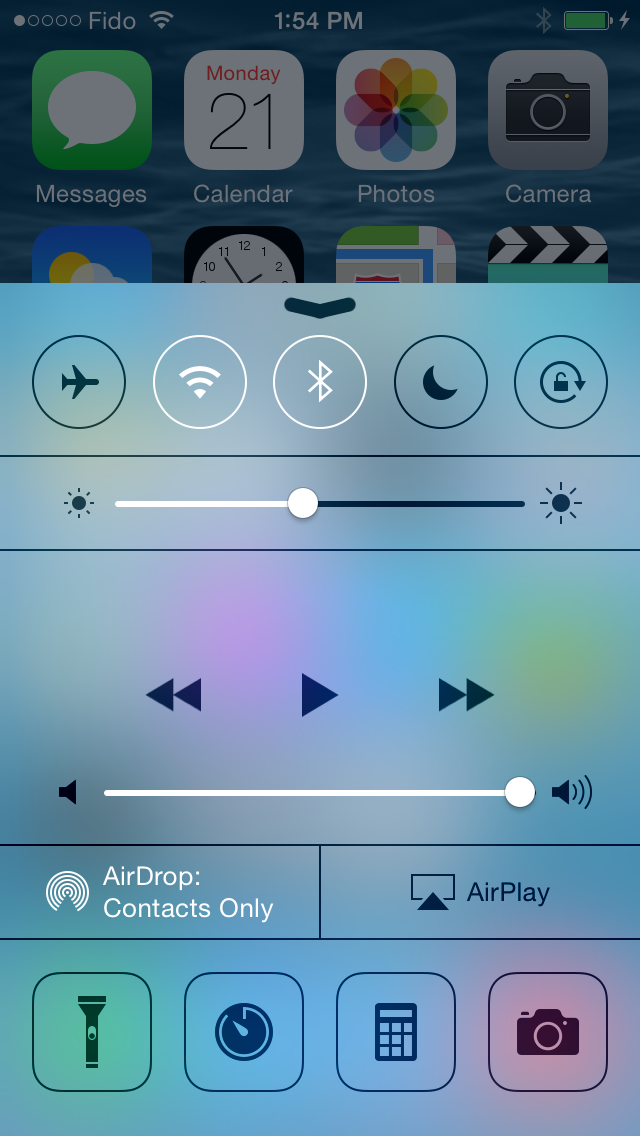
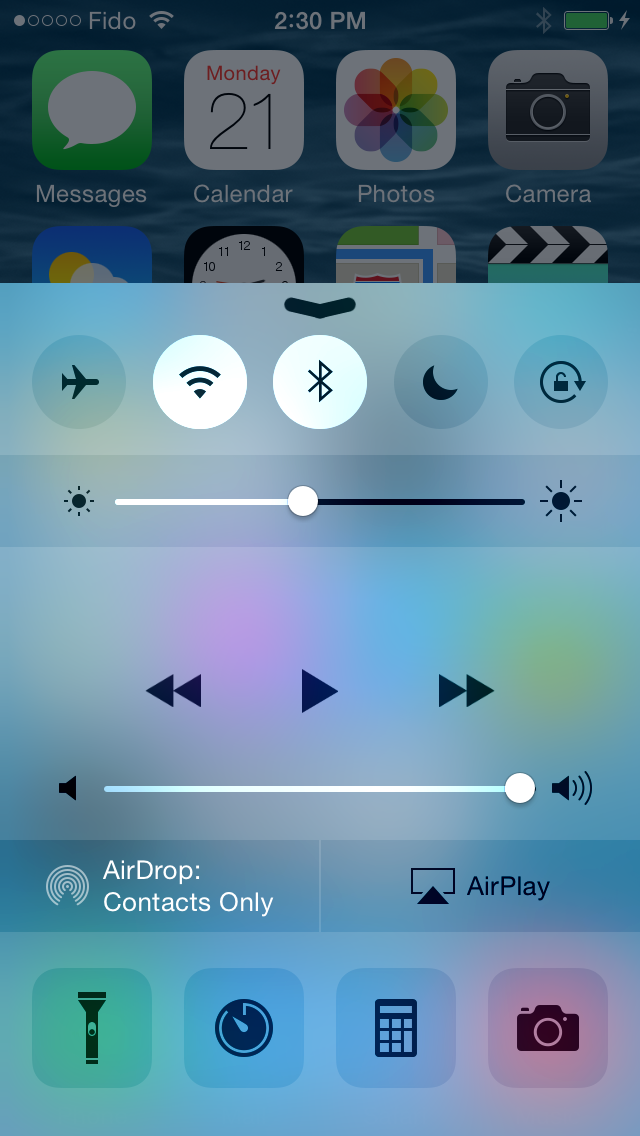
Control Center Redesign Control center has (finally) been redesign in iOS 8 to be much more cleaner. Border have been removed and icons turn white when they are activated.
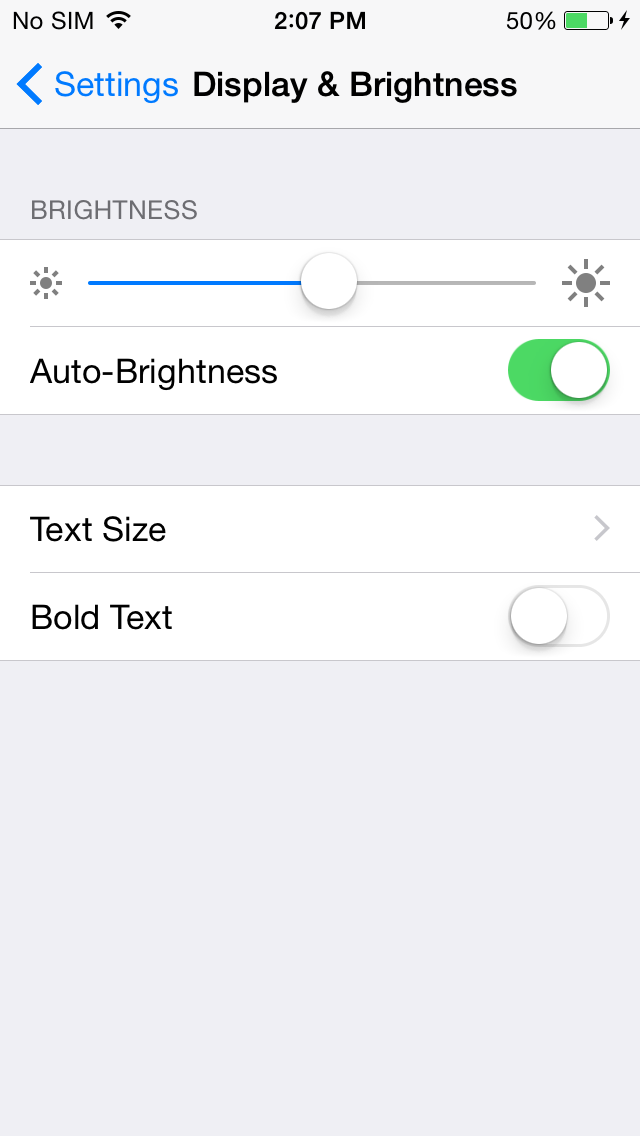
Display Settings Under settings there is a new Display and Brightness Section that features brightness settings as well as text size and the option for bold text.
Mail Swipe Options You can now assign swipes in the mail application to different actions.
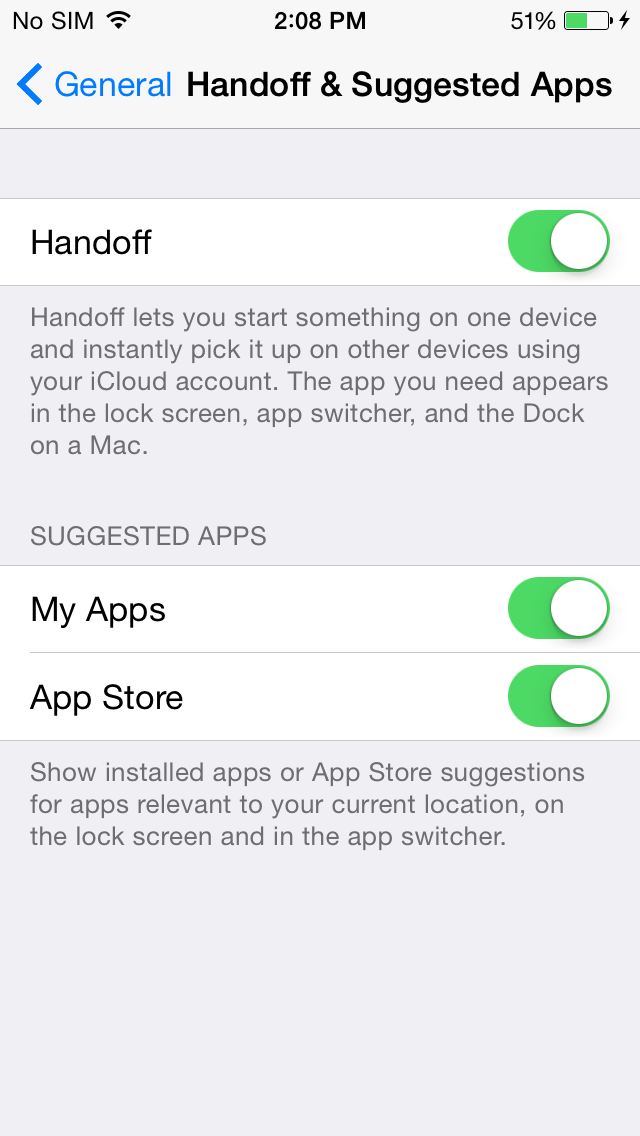
Lock Screen Suggested Apps There is new section in the Settings app that allows users to toggle whether or not they want suggests apps to appear on the lock screen and app switcher that are relevant to the user’s location. You can limit this feature to apps found in the App Store, on your device, or both.
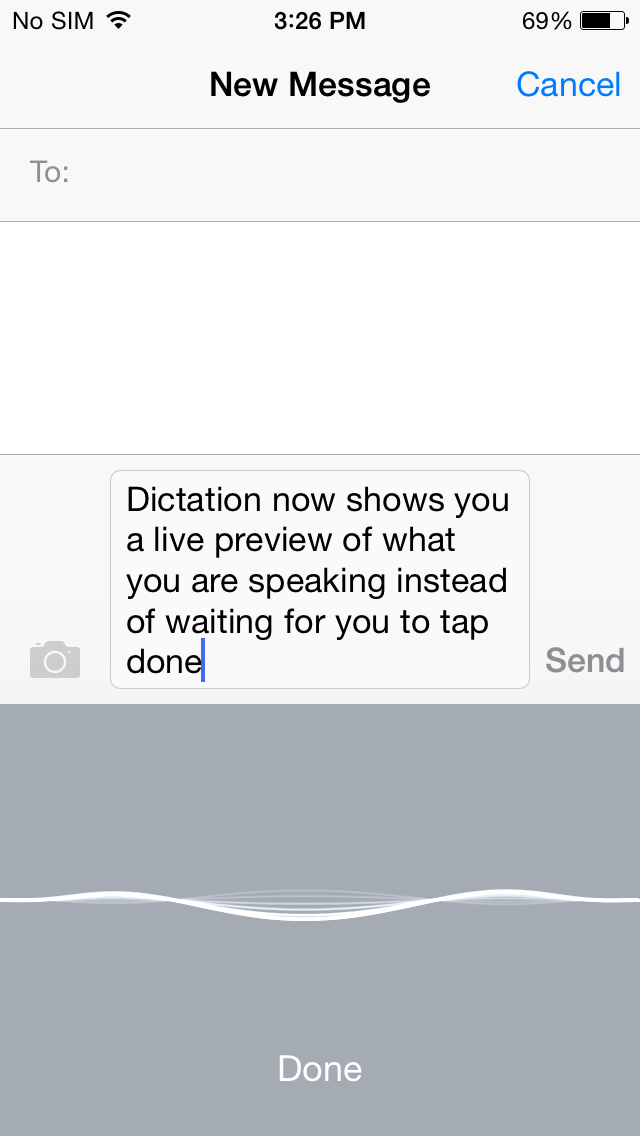
Dictation Speech-to-text (Dictation) now shows you a live preview of what you are speaking/typing instead of waiting for you to tap Done. Apple also made this change to Siri in iOS 8.
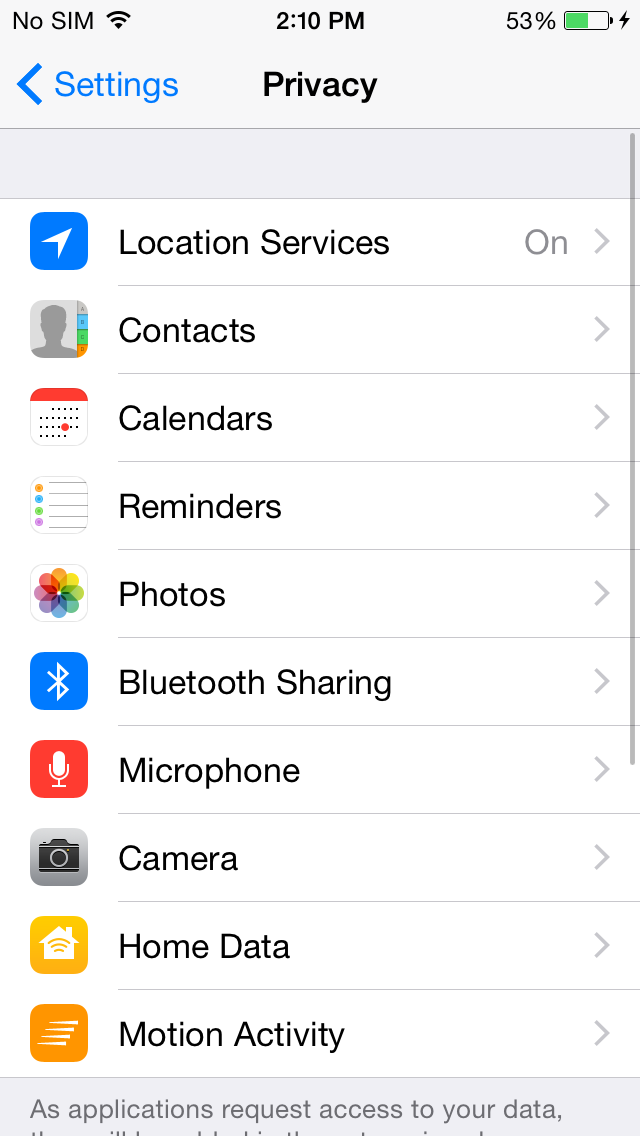
Home Data Under privacy settings, there is now an option to manage which apps have access to your home data (HomeKit).
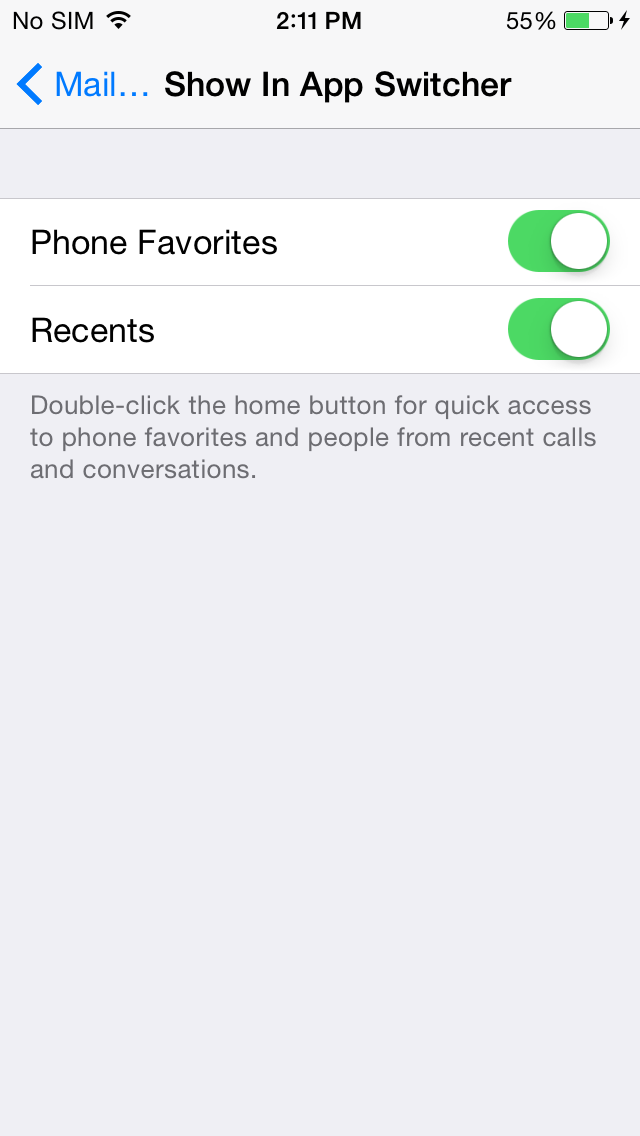
Favorites & Recents iOS 8 brings quick short cuts to favorites and recent contacts by double clicking the home button. Beta 4 lets you control whether or not to have that data preset in the switcher by letting you enable favorites or recents.
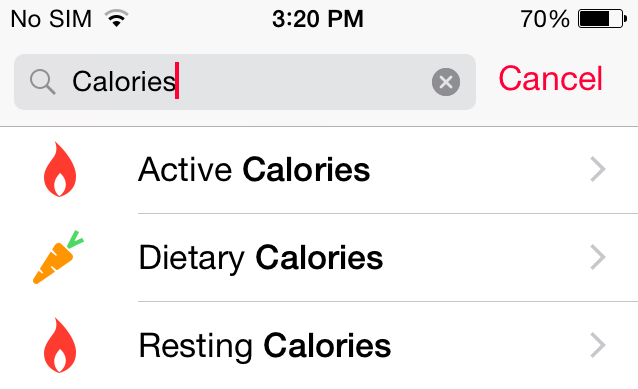
Health App Calories are now split between Active, Dietary and Resting.
Other changes include a tweaked Safari bookmarks icon, a remove Bug Reported app, new options for Message history,a happier emoji keyboard icon and other minor tweaks.
iOS 8 Beta 4 iOS 7, 8 Beta 3
Happier Emoji Icon
Get the iClarified Daily Newsletter
Apple news, rumors, tutorials, price drop alerts, in your inbox every evening, free.
Unsubscribe at any time.
Success!
You have been subscribed.
Add Comment
Would you like to be notified when someone replies or adds a new comment?
Yes (All Threads)
Yes (This Thread Only)
No
Notifications
Would you like to be notified when we post a new Apple news article or tutorial?
Yes
No
Comments (13)
Comments are closed for this article.
0
shah - July 22, 2014 at 4:06pm
Can someone let me know if the current release supports region Malaysia with preferred language as English. In the past only Malay and Chinese supported.
Weird as majority prefers English
0
David - July 22, 2014 at 2:26pm
Handoff removed for 4s. Why? Till worked on beta3
0
Pwn5c - July 22, 2014 at 1:21am
I like the ios 8 beta 4 improvements.But,it's better add widgets to spingboard and get new icons so it will be more attractive for apple users and android users
0
Pwn5c - July 22, 2014 at 1:23am
I like the ios 8 beta 4 improvements.But,it's better add widgets to spingboard and redesign icons so it will be more attractive for apple users and android users
0
Abdo - July 22, 2014 at 12:12am
Apple you seem u always forget to update the basic phone dial app, please work more on it. It is fast and convenient, but we need better , smarter , faster search in phone contacts.
0
Robert L - July 22, 2014 at 12:08am
am I the only one that's experiencing more bugs as the betas go on rather than less bugs? Phone doesn't reboot as often but now I can't hit the emoji button or the symbol button in quick reply without it thinking I'm touching one of the characters above it. Little things just seem to be getting worse or one thing is fixed and more get broken. Just me?
0
Pwn5c - July 22, 2014 at 1:25am
Me too i hate when people says there's improvements but actually there are no improvements
0
Robert L - July 22, 2014 at 6:34pm
Are you having the same issue with the keyboard in quick reply from the notification center? I even did a restore and it didn't help.
0
Leonardo Araujo - July 22, 2014 at 9:51pm
I am. Same thing happens to me. More bugs than fixes on beta 4. Does Whatsapp work for you?
0
Robert L - July 23, 2014 at 12:54am
Sucks! Yes, my WhatsApp is working for me. When I use the swipe left function to go "back" on Instagram, I get a blackscreen and have to exit out of the app. That's the only app glitch I am noticing so far.
0
simos - July 21, 2014 at 11:42pm
Please, make Control Center customizable, I want to jailbreak my phone just for this reason.
0
Ruthless - July 21, 2014 at 9:44pm
Nice new updates in beta 4. Finally control center redesign but they forgot to add new toggles like 3G Edge Hotspot like toggles. Wish they do include in next beta. Apple please give what people wants.
0
John - July 21, 2014 at 8:35pm
I didnt really like the new control centre in ios 7 but now I quite like it








![Apple Releases Xcode 27.1 Beta With iPhone Duo SDKs and Simulator [Download]](/images/news/102276/102276/102276-160.jpg "Apple Releases Xcode 27.1 Beta With iPhone Duo SDKs and Simulator [Download]")
![Apple Shares 'new trick' Shot on iPhone 18 Pro Ad Featuring ROSÉ [Video]](/images/news/102273/102273/102273-160.jpg "Apple Shares 'new trick' Shot on iPhone 18 Pro Ad Featuring ROSÉ [Video]")
![iPhone 18 Pro Teardown Shows Under-Display Face ID Camera and Larger Vapor Chamber [Video]](/images/news/102270/102270/102270-160.jpg "iPhone 18 Pro Teardown Shows Under-Display Face ID Camera and Larger Vapor Chamber [Video]")











![Apple Studio Display XDR Hits All-Time Low of $2,969.99 ($329 Off) [Deal]](/images/news/101976/101976/101976-160.jpg "Apple Studio Display XDR Hits All-Time Low of $2,969.99 ($329 Off) [Deal]")
