Covert, a new tweak by chpwn, brings private browsing to MobileSafari
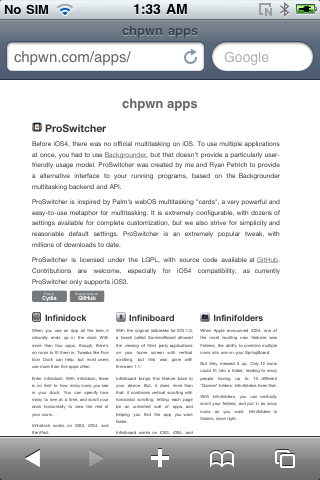
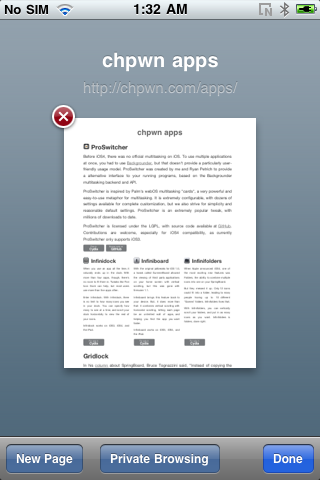
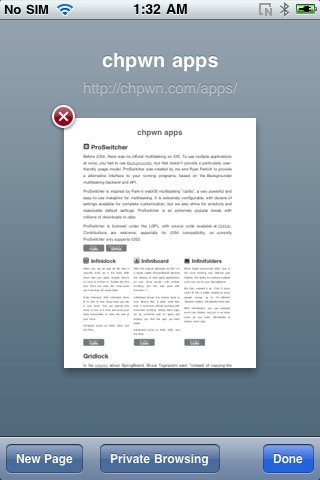
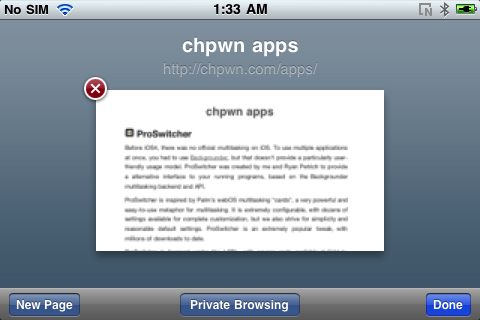
Enable by tapping the Tabs button on Safari and then tap the button, 'Private Browsing'. The UI will change color to indicate private browsing is enabled.
This modification will not add any icons to your home screen.
You can download Covert free from the BigBoss Cydia repository.
Get the iClarified Daily Newsletter
Apple news, rumors, tutorials, price drop alerts, in your inbox every evening, free.
Unsubscribe at any time.
Success!
You have been subscribed.
Add Comment
Would you like to be notified when someone replies or adds a new comment?
Yes (All Threads)
Yes (This Thread Only)
No
Notifications
Would you like to be notified when we post a new Apple news article or tutorial?
Yes
No
Comments (2)
Comments are closed for this article.
0
NoGoodNick - September 20, 2010 at 8:36pm
What is "Private Browsing"? Does it hide the website address as you type it?
0
Me2010 - September 20, 2010 at 8:45pm
I'm guessing its much like Firefox's or Chrome's private browsing. Meaning no cookies or history is saved when using it. aka porn mode





![Apple Releases iOS 26.4.1 and iPadOS 26.4.1 With Bug Fixes [Download]](/images/news/100492/100492/100492-160.jpg "Apple Releases iOS 26.4.1 and iPadOS 26.4.1 With Bug Fixes [Download]")

![Apple TV Debuts 'Criminal Record' Season 2 Trailer [Video]](/images/news/100488/100488/100488-160.jpg "Apple TV Debuts 'Criminal Record' Season 2 Trailer [Video]")






![13-inch MacBook Air M5 Drops to $949 in New All-Time Low [Deal]](/images/news/100466/100466/100466-160.jpg "13-inch MacBook Air M5 Drops to $949 in New All-Time Low [Deal]")




