Apple seeded the first beta of iOS 26.4 to developers today, introducing a major upgrade to its audio apps, expanding security testing for messaging, and adding several system refinements. The update, build 23E5207q, arrives just days after the public release of iOS 26.3.
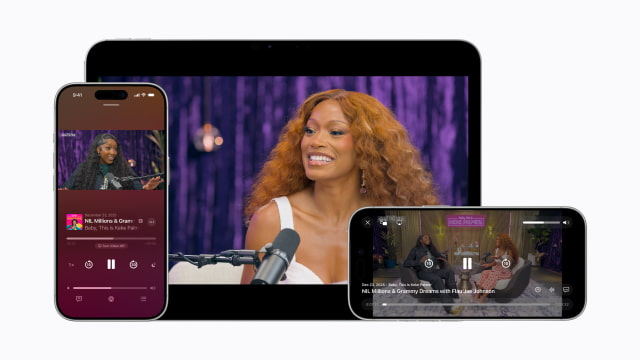
Apple Podcasts The Podcasts app is getting a significant backend upgrade. As we reported earlier, Apple is shifting video episodes to HTTP Live Streaming (HLS). That change makes it easier to move between watching and listening without losing your place, while playback quality adjusts automatically based on your connection. It also supports dynamic video ad insertion for creators.
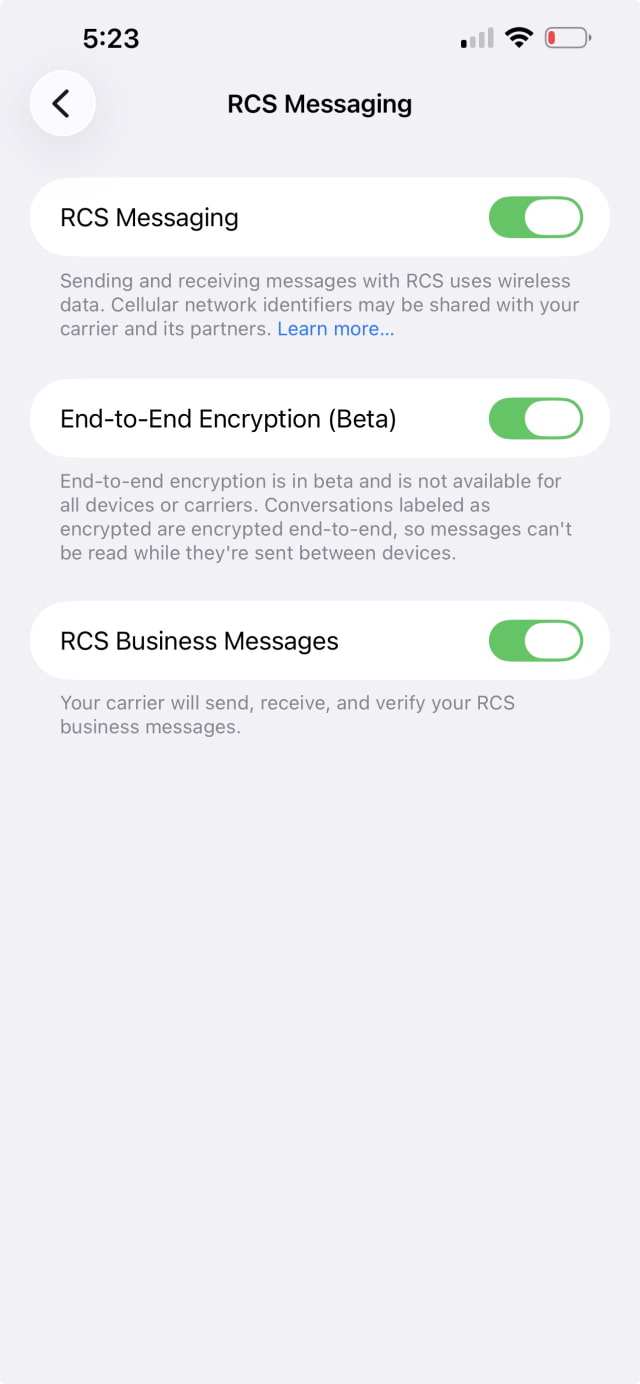
Messages Apple is beginning to test end-to-end encryption for RCS. In this beta, the feature is available for testing between Apple devices as the company validates the protocol before expanding it more broadly. The release notes clarify that this remains in active development and will not be available to the general public until a later update.
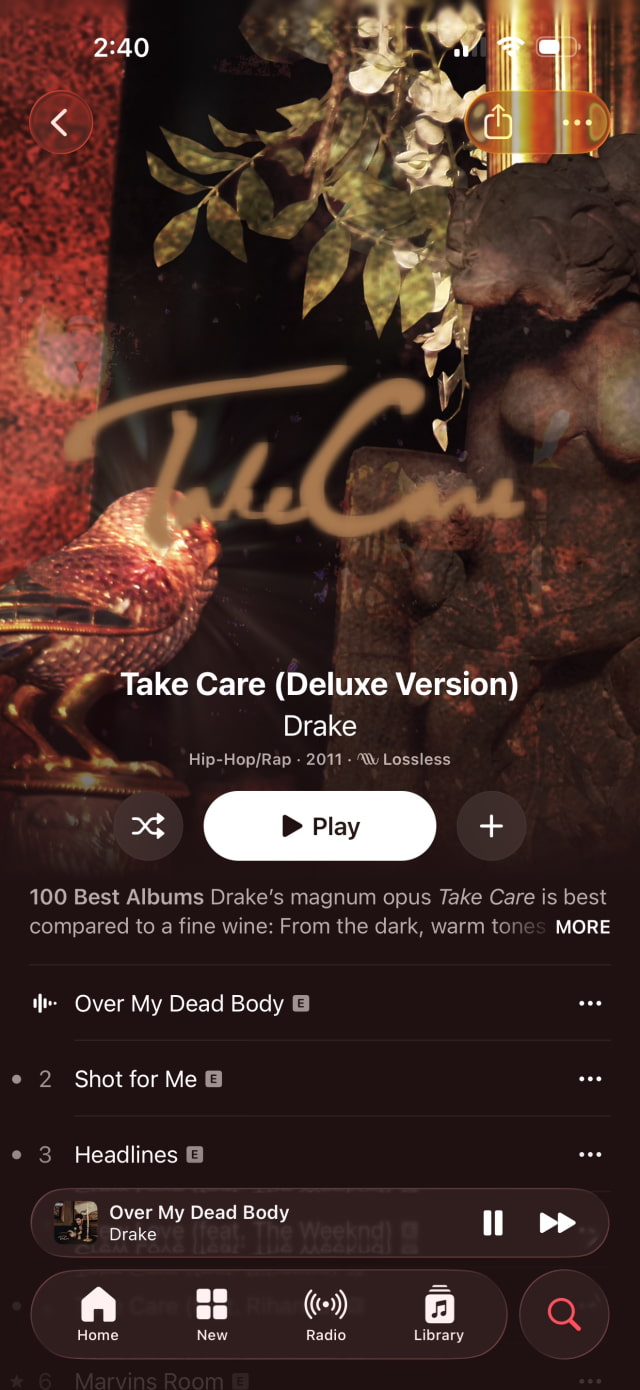
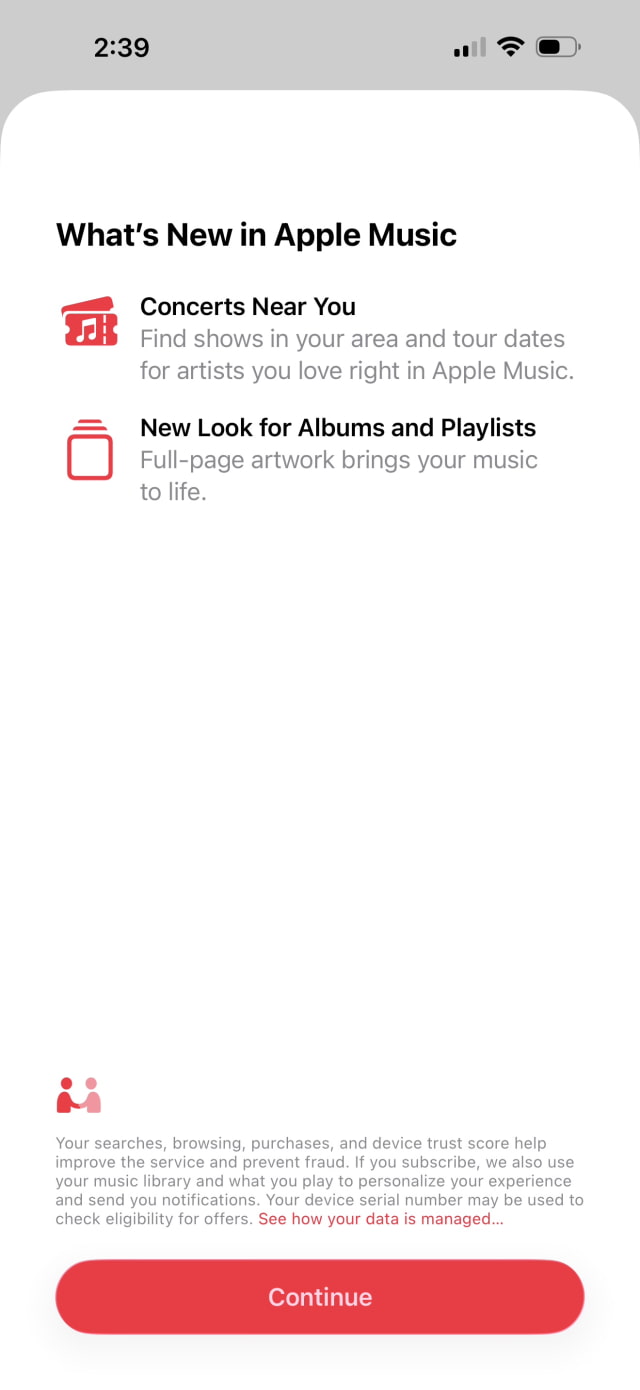
Apple Music Music gets a visual refresh, with albums and playlists now using full-screen artwork that fills the display and dynamically matches background colors to the cover art. A new "Concerts Near You" section helps you track tour dates for artists in your library, and the Profile view has been redesigned for easier access. Apple is also testing "Playlist Playground," an Apple Intelligence tool that builds playlists from text prompts, along with a new Home Screen widget for ambient music.
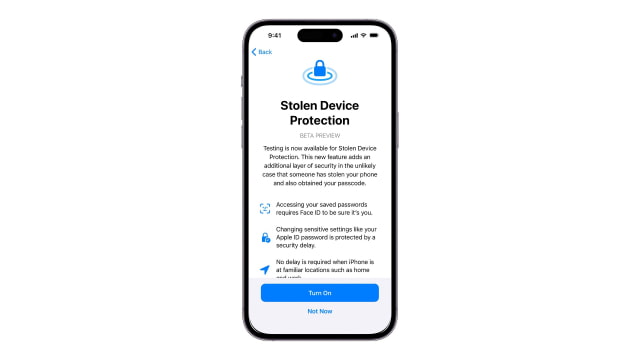
Stolen Device Protection Apple is tightening security by enabling Stolen Device Protection by default. Previously an opt-in feature, it now requires biometric authentication for sensitive account changes when the device detects it is away from familiar locations such as home or work.
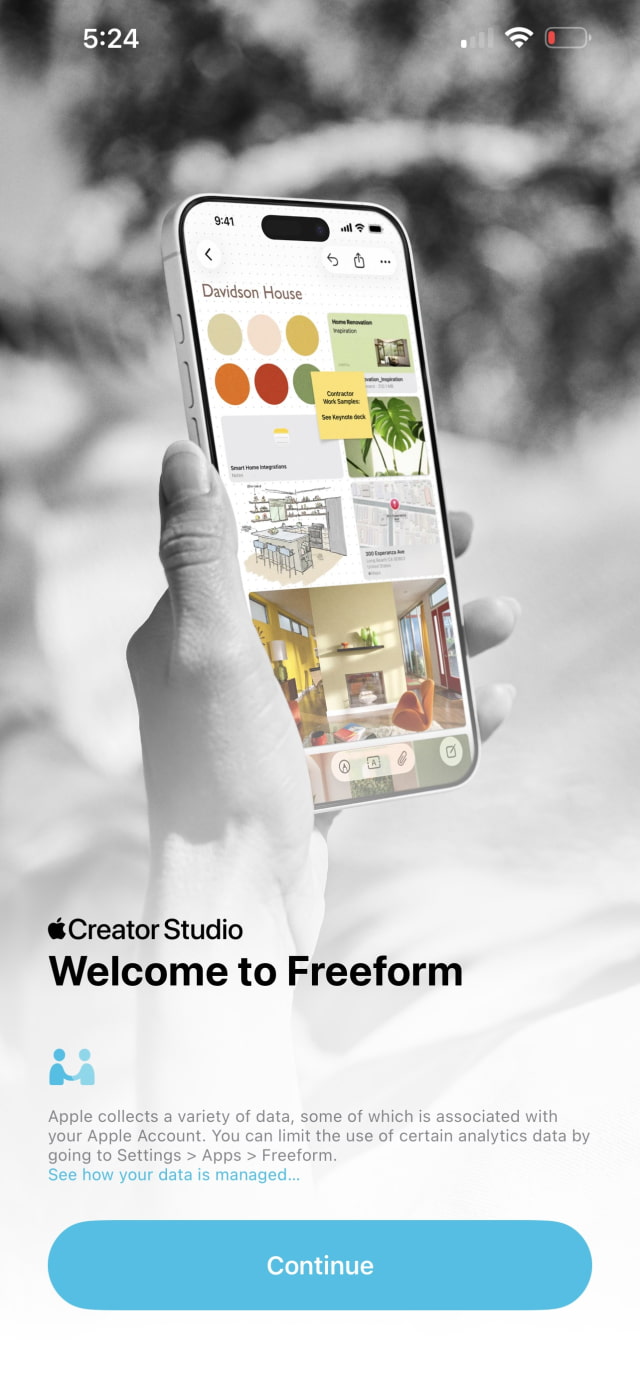
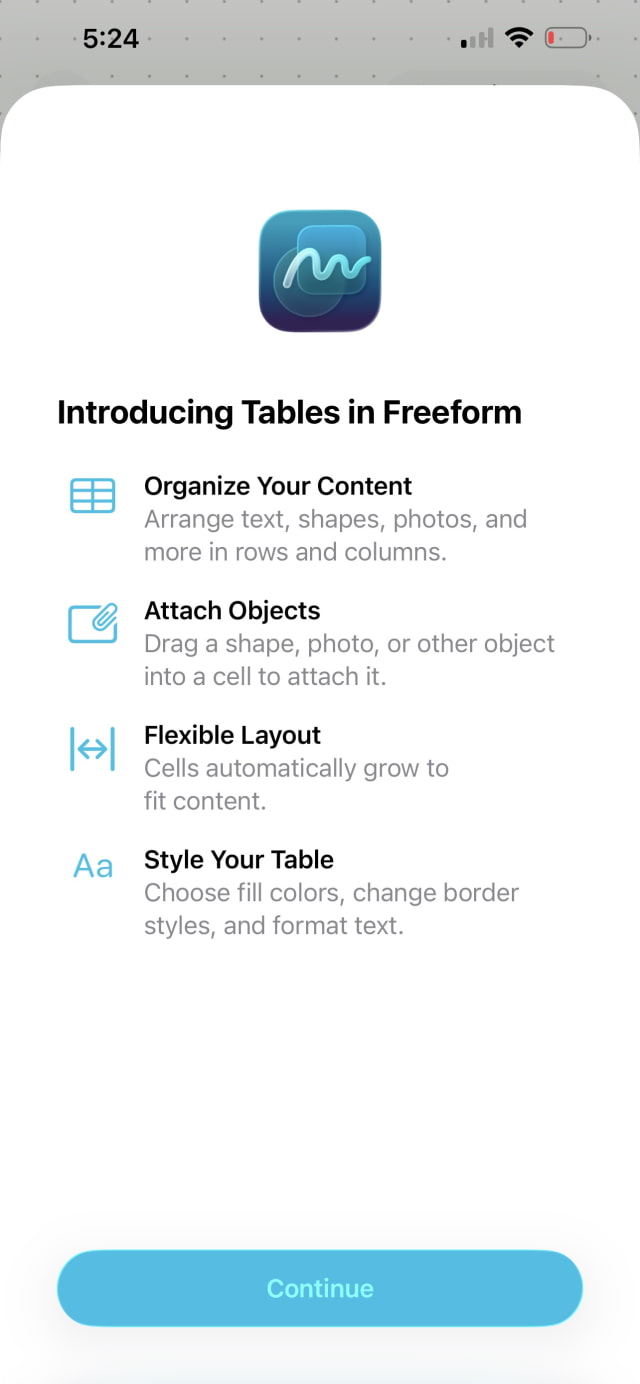
Freeform Freeform gets updates in this beta, including a new app icon and support for Creator Studio features tied to Apple's Creator Studio subscription. Subscribers can access a Content Hub with additional assets and creation tools directly in the app.
EU-Specific Features The beta also reintroduces Europe-only options Apple has been testing for third-party wearables, including Notification Forwarding and Proximity Pairing, which are designed to improve compatibility with non-Apple accessories in the EU.
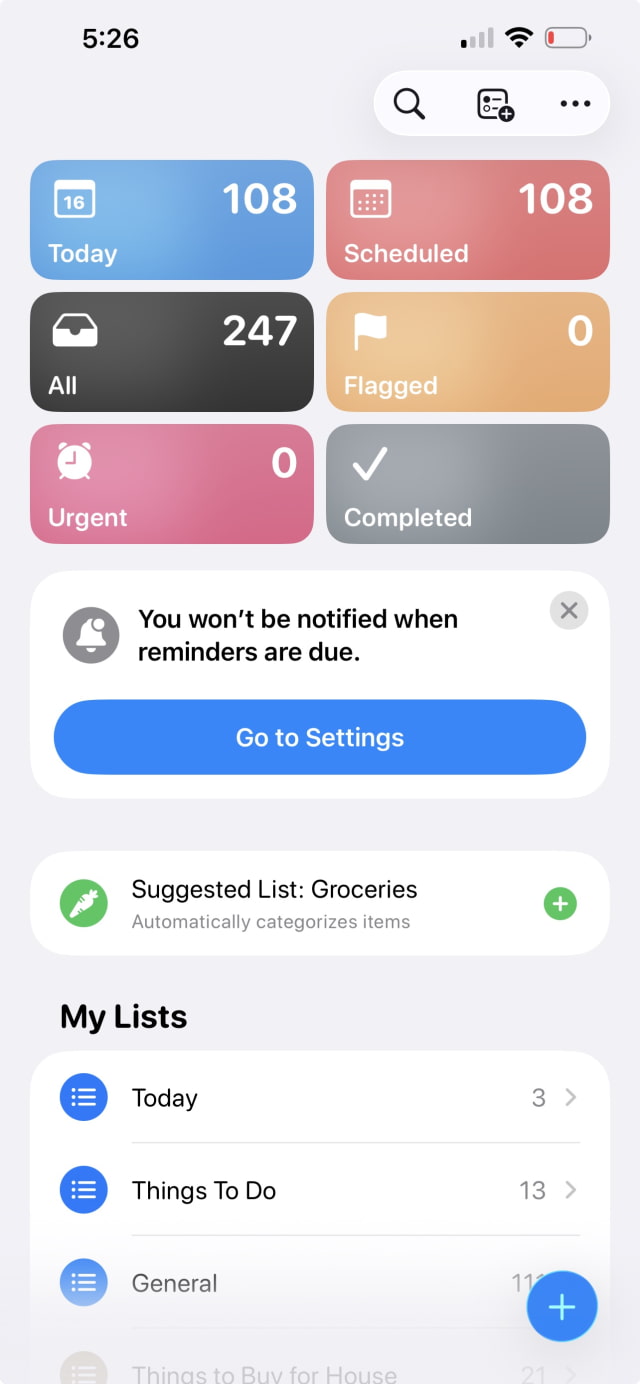
Reminders The app now includes a Smart List that automatically gathers tasks marked as "Urgent." This builds on the functionality introduced in iOS 26.2, giving users a dedicated view for high-priority items that trigger persistent alerts.
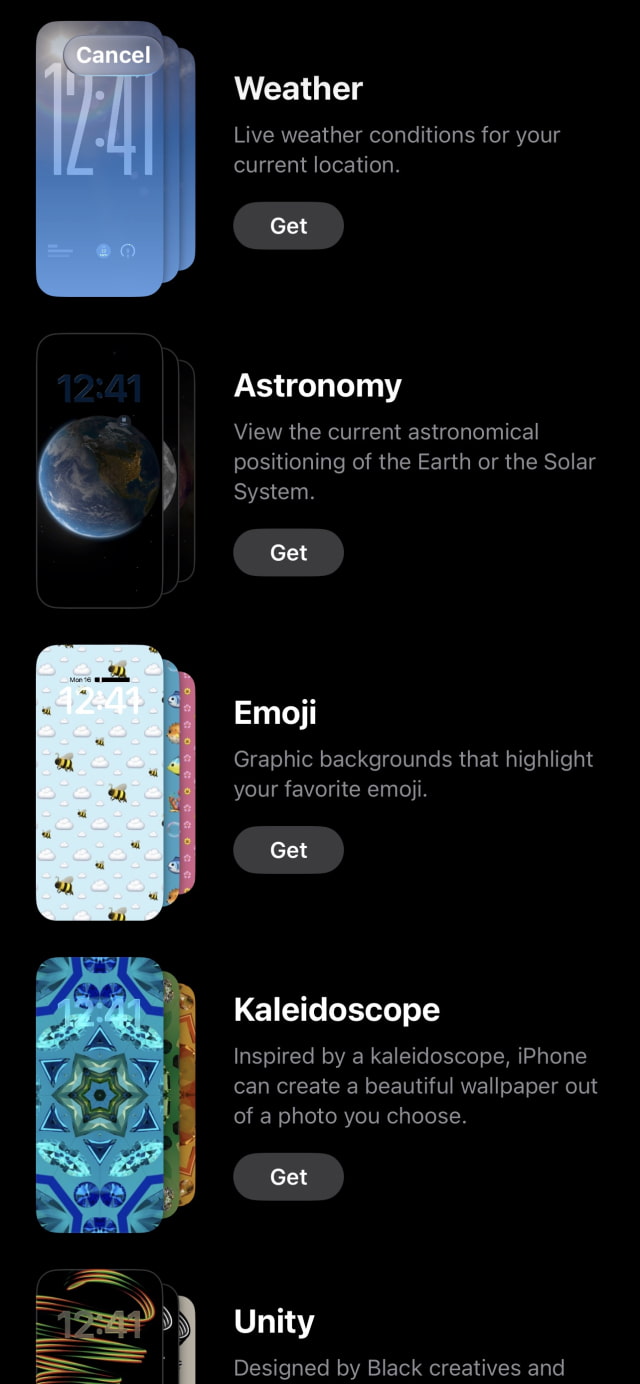
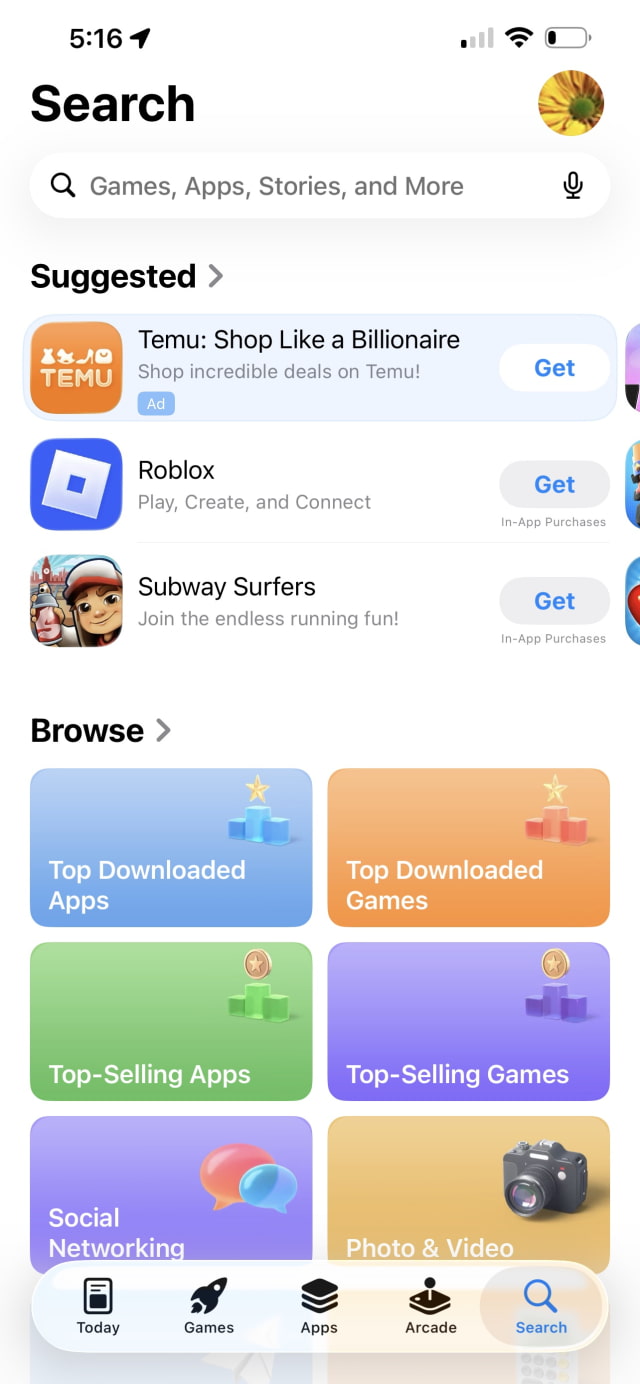
Interface Updates Apple has also made a few smaller interface adjustments in this beta. The Wallpaper Gallery is reorganized with categories separated more clearly. In the App Store, the search bar now sits at the top again, instead of floating lower in the tab. On iPad, Safari once again offers the Compact Tab Bar option, which had disappeared in earlier iPadOS 26 releases.
Siri The long-anticipated Siri overhaul isn't here. Apple had been expected to introduce broader AI upgrades around this cycle, but recent reports say internal testing exposed performance problems. Those features now appear to be slated for a later update.




![iFixit Investigates iPhone Duo Screen Failures, Points to Possible Hinge Issue [Video]](/images/news/103038/103038/103038-160.jpg "iFixit Investigates iPhone Duo Screen Failures, Points to Possible Hinge Issue [Video]")
![Apple's Touchscreen MacBook Pro to Cost 'Significantly' More [Gurman]](/images/news/103035/103035/103035-160.jpg "Apple's Touchscreen MacBook Pro to Cost 'Significantly' More [Gurman]")
![Apple Stores Get iPhone Scanner to Fight Return Fraud [Report]](/images/news/103029/103029/103029-160.jpg "Apple Stores Get iPhone Scanner to Fight Return Fraud [Report]")
![Apple TV Shares 'Full Throttle' With F1 Drivers and Vince Young Ahead of U.S. Grand Prix [Video]](/images/news/103023/103023/103023-160.jpg "Apple TV Shares 'Full Throttle' With F1 Drivers and Vince Young Ahead of U.S. Grand Prix [Video]")
![How To Turn Off iPhone [Video]](/images/tutorials/94999/94999/94999-160.jpg "How To Turn Off iPhone [Video]")
![How To Back Up Your iPhone to an External Drive on Mac [Video]](/images/tutorials/72786/72786/72786-160.jpg "How To Back Up Your iPhone to an External Drive on Mac [Video]")

![How To Find Your IP Address on iPhone [Video]](/images/tutorials/496/496/496-160.jpg "How To Find Your IP Address on iPhone [Video]")

![Beats Headphones, Earbuds, and Pill Speaker Are Up to 41% Off [Deal]](/images/news/103026/103026/103026-160.jpg "Beats Headphones, Earbuds, and Pill Speaker Are Up to 41% Off [Deal]")
![New Fire TV Stick 4K Drops to $29.99 (50% Off) [Deal]](/images/news/102984/102984/102984-160.jpg "New Fire TV Stick 4K Drops to $29.99 (50% Off) [Deal]")
![Apple's iPhone 18 Pro and Pro Max Cases Are Up to 37% Off [Deal]](/images/news/102978/102978/102978-160.jpg "Apple's iPhone 18 Pro and Pro Max Cases Are Up to 37% Off [Deal]")
![16-Inch MacBook Pro With M5 Pro Drops to $2,429 ($570 Off), Lowest Price We've Seen [Deal]](/images/news/102957/102957/102957-160.jpg "16-Inch MacBook Pro With M5 Pro Drops to $2,429 ($570 Off), Lowest Price We've Seen [Deal]")
